
These Projects are Keeping X11 Dream Alive on Linux

By now, you must know that mainstream Linux desktop environments, and by extension, distributions, are moving away from X11.
If you don’t know what an X11 session is, it is a desktop session that uses the X Window System, typically through the X.Org Server (Xorg). The server handles graphical output and input communication between applications and the display, while other components manage windows and compositing.
The newer, increasingly favored approach on Linux is a Wayland session.
Wayland is a display protocol, and its compositor acts as the display server, handling graphical output, input, window management, and compositing.
KDE has confirmed that Plasma 6.7 is the last release with a native X11 session, while GNOME has also removed its own X11 session. Of course, X11 applications can still run in Wayland sessions through the Xwayland compatibility layer.
Though not everything is lost for people who prefer X11. Several projects are emerging to keep the experience alive, with some maintaining or forking the existing X.Org Server, while others go as far as rewriting an X11 server from scratch.
This list covers eight of them, spread across desktops, X servers, and a layer that runs X11 apps on a Wayland compositor. Each one is open source and has shown development activity within the past few months.
1. SonicDE
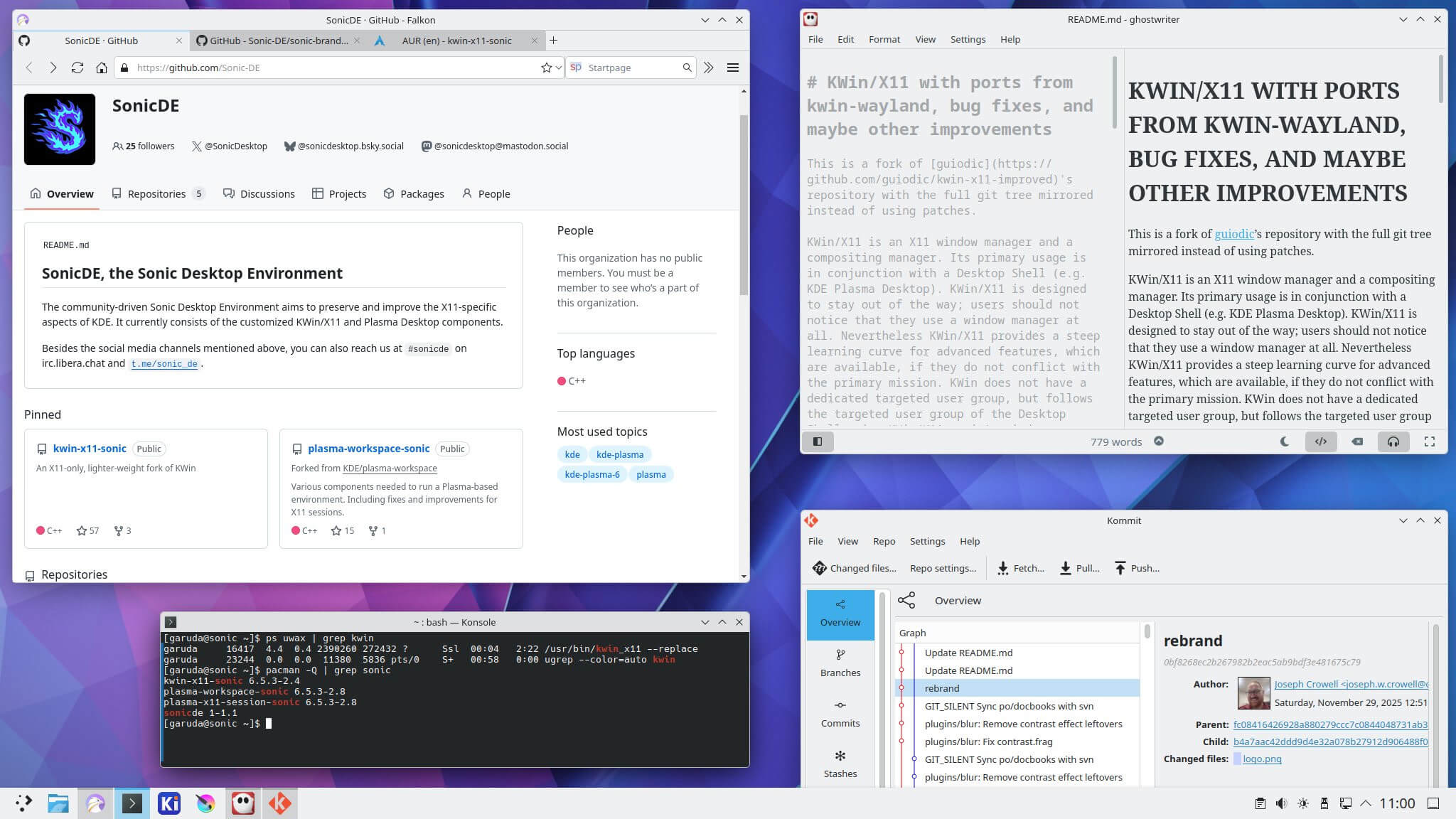
SonicDE is a desktop that branches off KDE Plasma 6 and puts X11 first. It began in 2025 as a patched KWin/X11 called kwin-x11-improved. That grew into sonic-win, a window manager and compositor that keeps KWin/X11 going with code borrowed from KWin/Wayland and its own fixes.
Beyond the window manager, SonicDE is forking the KDE pieces it builds on and stripping out Wayland-only code. A Vulkan backend is in progress, and the developers plan to keep X.Org Server compatibility going while that remains feasible.
There’s also conveniences, such as global hotkeys for push-to-talk and OBS recording toggles, and screen recording inside remote desktop apps like TeamViewer. Packages are available for Arch-based distributions, Artix, Manjaro, Gentoo, Void, and Slackware, among others.
Install instructions and links to each distribution’s packages are on the installation page.
2. Trinity Desktop Environment
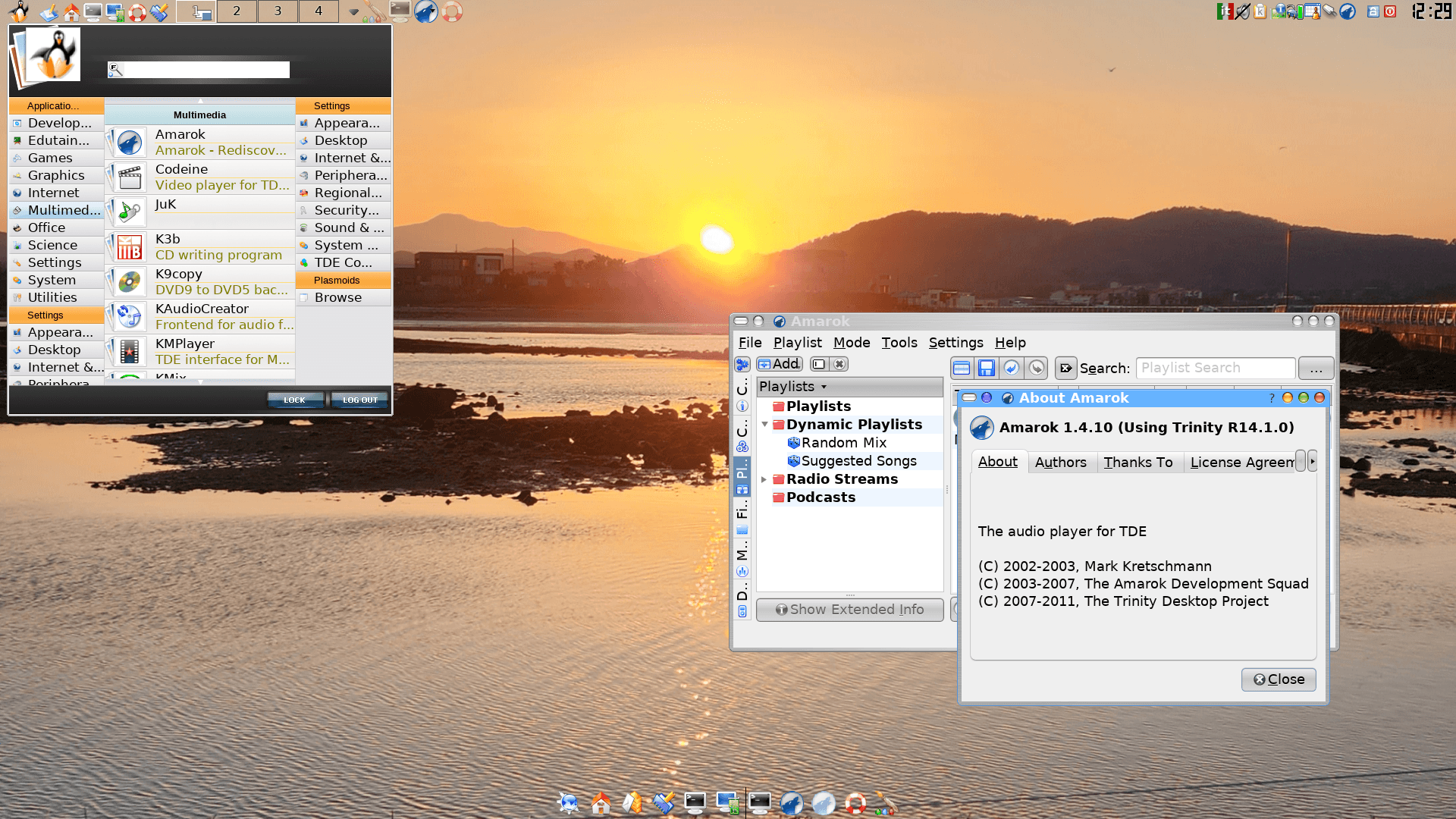
Trinity Desktop Environment, or TDE, keeps the KDE 3.5 codebase going as a desktop of its own. The project’s goal is to preserve the look and feel of a traditional desktop while being lean and requiring modest hardware to run.
Unlike KDE Plasma and GNOME, TDE continues to offer a traditional X11-based desktop environment rather than moving to Wayland. Its features include a built-in X11 compositor, with the project maintaining the components needed for its classic desktop experience.
The R14.1.6 release, the sixth maintenance update in the R14.1.x series, was announced in April. It fixed window tiling for maximized windows, improved branding, and addressed several transparency problems. It also added a 3D border option for the Kicker panel and a “Go to Desktop” action in Konqueror.
TDE can be installed on various Linux distributions and FreeBSD. You will find the latest packages on the official website.
3. Wayback
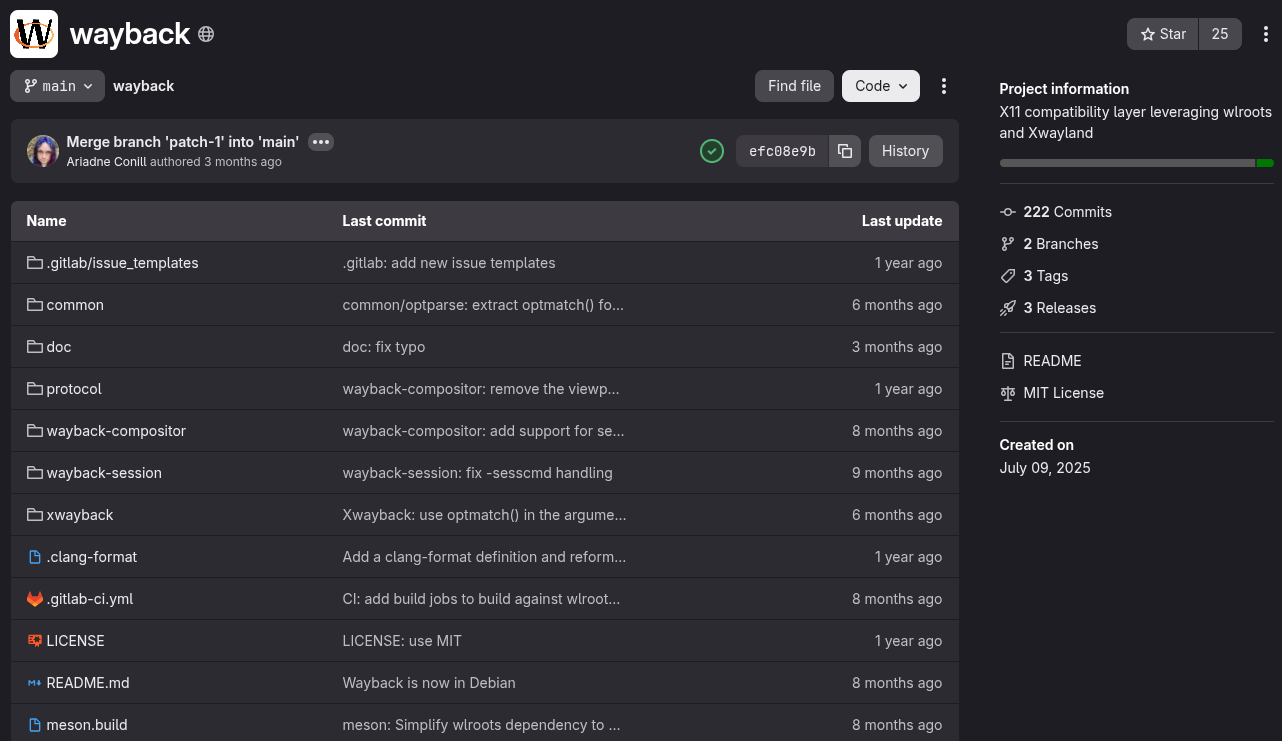
Wayback does not replace X11 clients or desktops. It replaces the layer underneath them.
The project is a small Wayland compositor built with wlroots. It carries just the required Wayland functionality to run Xwayland in rootful mode, allowing an entire X11 desktop environment to run inside it.
The aim is to make the traditional Xorg server binary unnecessary while retaining support for existing X11 desktops, particularly in Alpine Linux. The project is still experimental, so compatibility isn’t guaranteed.
Ariadne Conill of Alpine Linux started the project. It is MIT-licensed and hosted on freedesktop.org’s GitLab instance.
The remaining five entries are X servers or X server ports, ordered from the most mature to the least.
4. XLibre
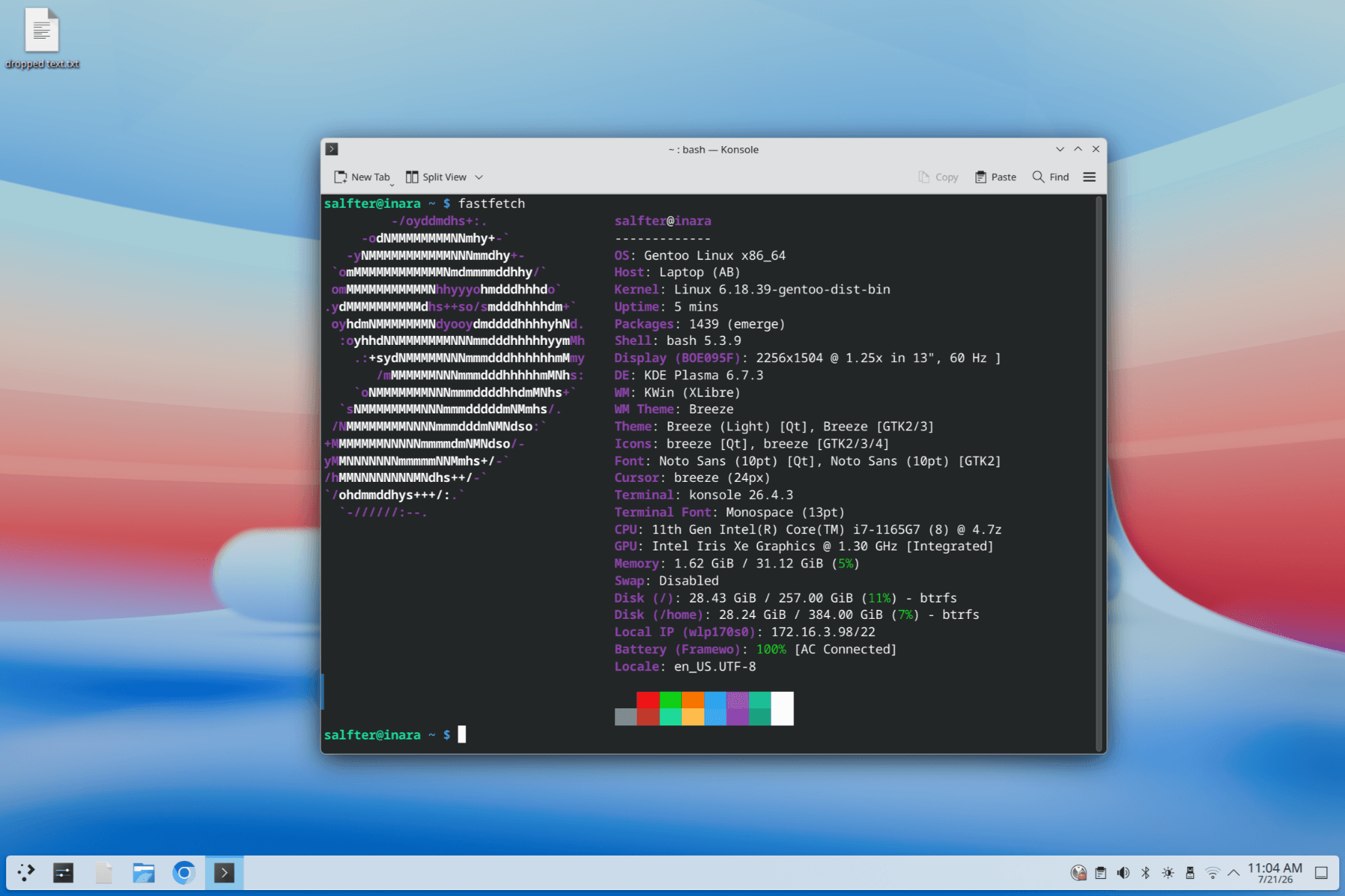
XLibre is a community-maintained fork of X.Org Server that aims to keep X11 viable while continuing to develop the existing codebase. It also carries forward improvements that were never released in X.Org Server, including some features previously available only in Xwayland.
The changes are practical. TearFree modesetting is enabled by default, while atomic modesetting is available as an option. XLibre also introduces Xnamespace, an extension designed to separate X clients, and supports seat management through seatd as an alternative to systemd-logind.
The project also maintains CI builds for Linux, the BSDs, macOS, and Windows, although build coverage does not necessarily imply equal support across all these platforms.
Suggested Read 📖: PeppermintOS is moving from Xorg to XLibre to avoid Wayland.
5. Yserver
0:00
yserver is Jos Dehaes’ ground-up X server rebuild in Rust, and the code is MIT-licensed.
It does not try to reproduce everything Xorg does. Indirect GLX, the DDX driver interface, non-TrueColor visuals, and clients with swapped byte order are among the things it leaves out.
Clients connect over Unix sockets by default, while TCP transport and XDMCP support are available as optional build features.
Despite its narrower scope, yserver can already run complete MATE, Xfce, and Cinnamon desktop sessions. It has also been tested with window managers such as FVWM3, Window Maker, Openbox, i3, and Enlightenment.
The project runs the X.Org X Test Suite to measure protocol compatibility, but development is ongoing and it is not intended to be a drop-in clone of Xorg.
You can find the code for it on GitHub.
6. XQuartz
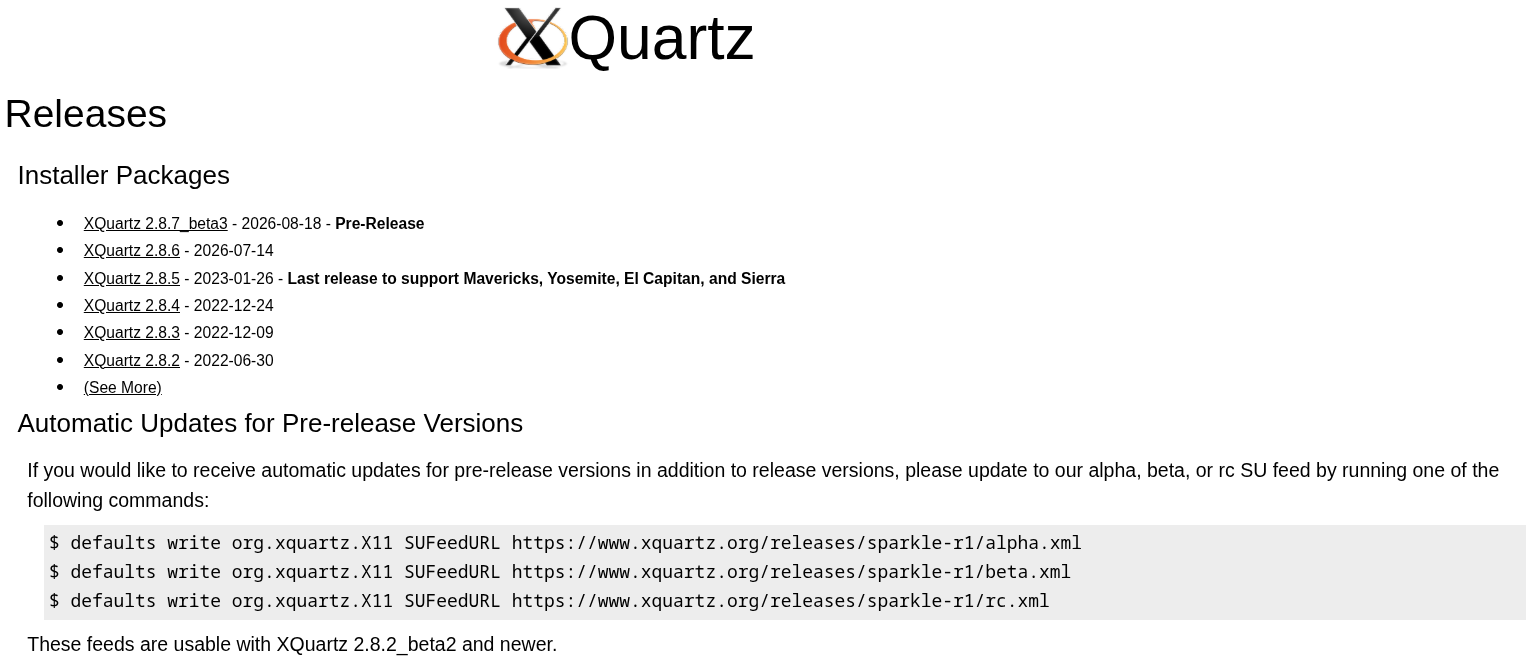
Unlike the other projects here, XQuartz is not trying to preserve an X11 desktop on Linux or replace the Xorg server with a new implementation. It builds on X.Org’s X Window System for macOS, allowing X11 apps to run alongside native Mac apps in the same desktop session.
The latest stable release, 2.8.6, arrived in July 2026. It updated several bundled components to address older security vulnerabilities and fixed rendering issues affecting Apple Silicon Macs.
It supports macOS 10.13 and later, and you can get it from the official website.
7. Phoenix
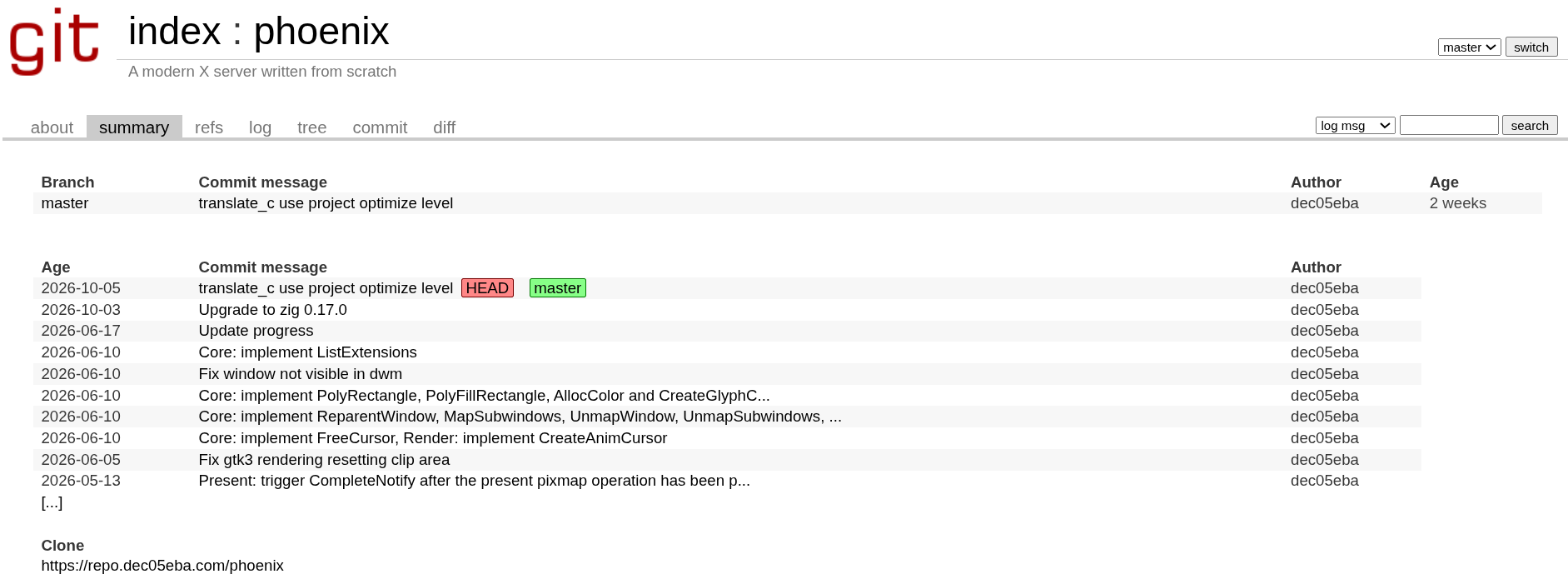
Phoenix is an X server built from scratch in Zig, not an Xorg fork, and it is licensed GPL-3.0-only. The idea is to build a simpler server than Xorg by supporting only a subset of the X11 protocol, with a focus on modern applications and graphics hardware.
Most of its planned improvements concern security and graphics.
Protocol messages are meant to be parsed automatically, applications are intended to be isolated from each other by default, and clipboard access is planned to be restricted to focused applications, with an option to restore Xorg-like behavior.
Other goals include tear-free rendering, a built-in compositor, better multi-monitor support with different refresh rates, and HDR. In cases where features such as HDR need more than the existing X11 protocol offers, the project says it may extend the protocol.
For now, Phoenix only runs nested inside an existing X server, where it can render GTK 3, GLX, EGL, and Vulkan applications with hardware acceleration. It remains under development and is not ready for everyday desktop use.
The code is available on dec05eba’s git server.
8. Frame
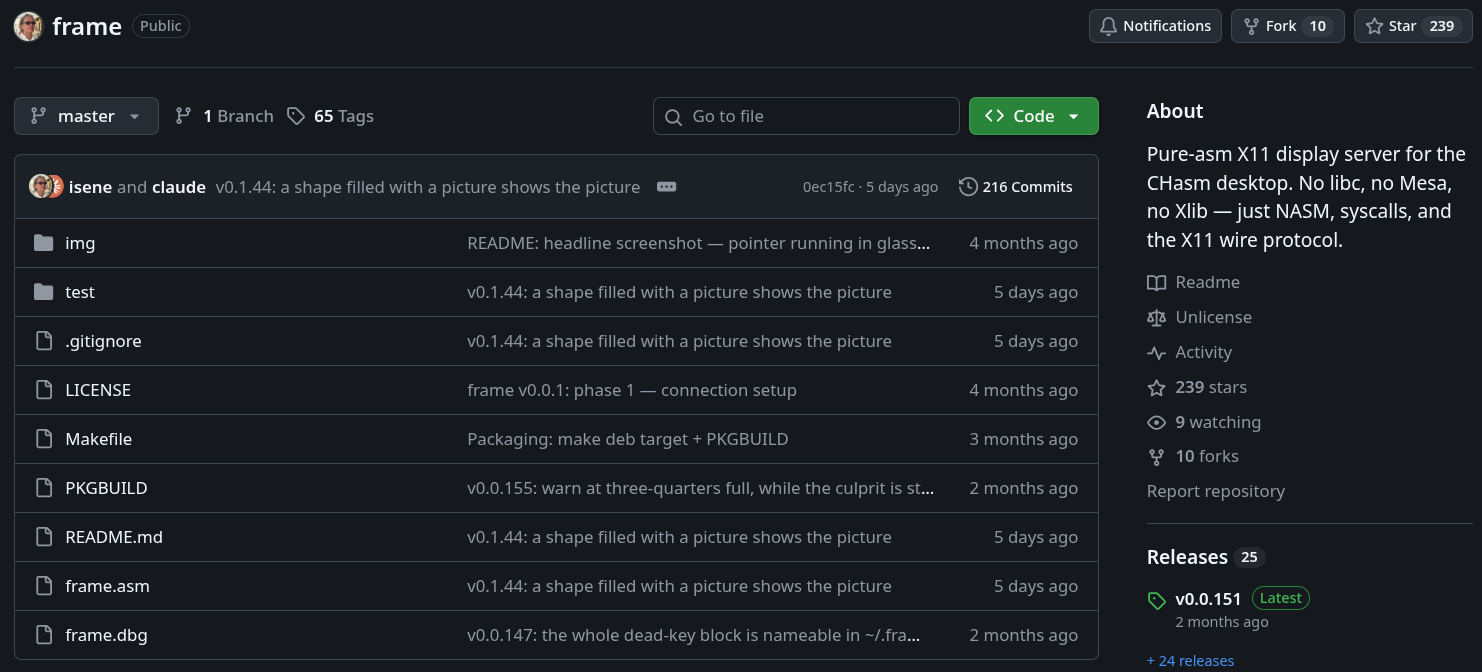
Frame is an X server for x86_64 Linux written entirely in NASM assembly. It skips libc, Xlib, and other typical user-space dependencies, speaking to the X11 protocol directly and communicating with the kernel through DRM/KMS and evdev.
Geir Isene created it for the CHasm desktop with the long-term goal of supporting the desktop alongside ordinary X11 clients. Right now, Frame can serve up to 128 clients at once and supports SHAPE, RANDR, XInput2, and MIT-SHM.
It is released under the Unlicense, and its README credits Claude Code.
The code is available on GitHub
💬 Know some other projects that can be added to this list? Share them in the comment section.
