
Learn Linux and Cybersecurity Skills With Hands-on Interactive Labs
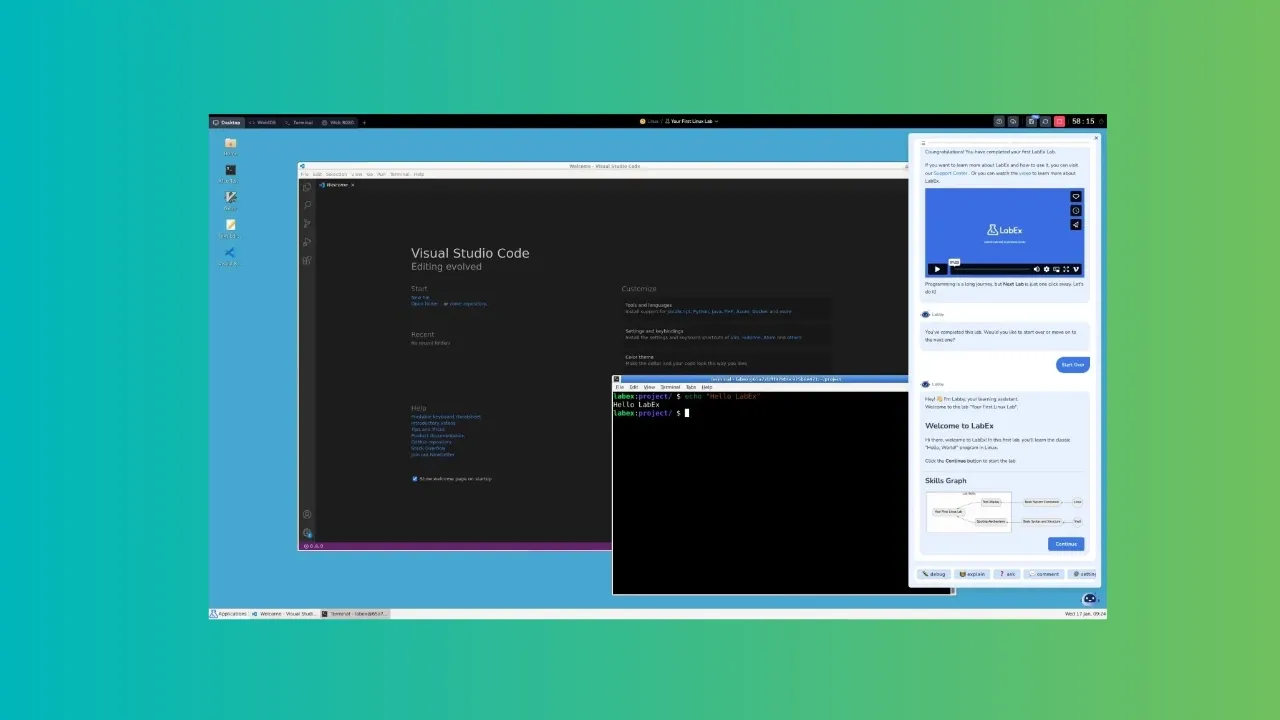
Till a few years ago, learning Linux was mainly through ebooks and videos. Those methods are still valid, but things have evolved.
Interactive learning makes it easier. Hands-on labs without setting them on your own give you the option to jump straight into the learning. Less intimidating for beginners as well because setting up servers and lab scenarios by hand could be too much when you are just learning the concepts.
Of course, doing things by hand teaches a lot but that could come up later when you have learned the concept, practiced some labs. You are better equipped then.
This is where a platform like LabEx comes in. It is an AI-assisted educational platform that focuses on learning-by-doing by providing you hands-on labs, flashcards, quizzes, and playgrounds to practice in simulated environment.
What can you learn at LabEx?
A lot actually. The platform offers lab-based learnings on a wide variety of tools and topics. Some of the main ones if I can categorize them are:
- Platforms: Linux, Kali Linux, RHEL, etc.
- Frameworks: Shell, Git, Docker, Kuberneter, MySQL, PostgreSQL, SQLite, MongoDB, etc.
- Certifications: CompTIA certificates, RHCSA, CKA, etc.
- Tools: Nmap, Hydra, Wireshark, etc.
- Cybersecurity courses
- Languages: Python, Rust, Java, C, C++, etc.
There are hundreds more, all of which are listed right on the home page.
Ways of learning
Of course, too much could be overwheling. That’s why LabEx has the concept of Skill Trees.
Skill Trees
Skill Tree are like roadmaps. Multiple courses are grouped under one umbrella and in a given order, too. Within each tree, there are a definite number of “skills” and courses, which helps keep track of progress.
Skills are basically an essential concept of a course topic. Let’s say you learned pipe redirection under Linux course. That pipe redirection is a ‘skill’.
Courses are made of skills (think of them as chapters on a mini concept) and skill trees are groups of courses.
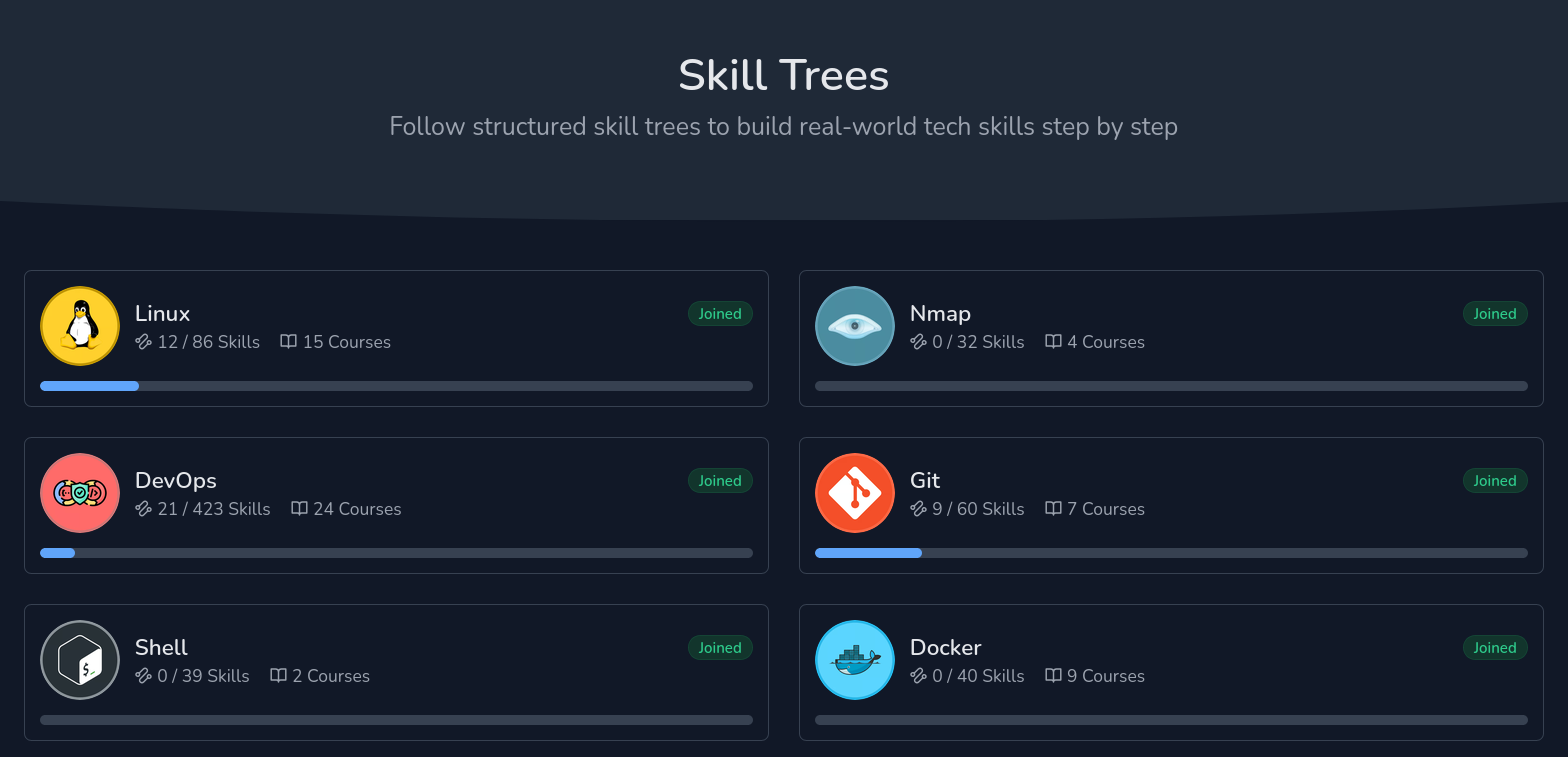
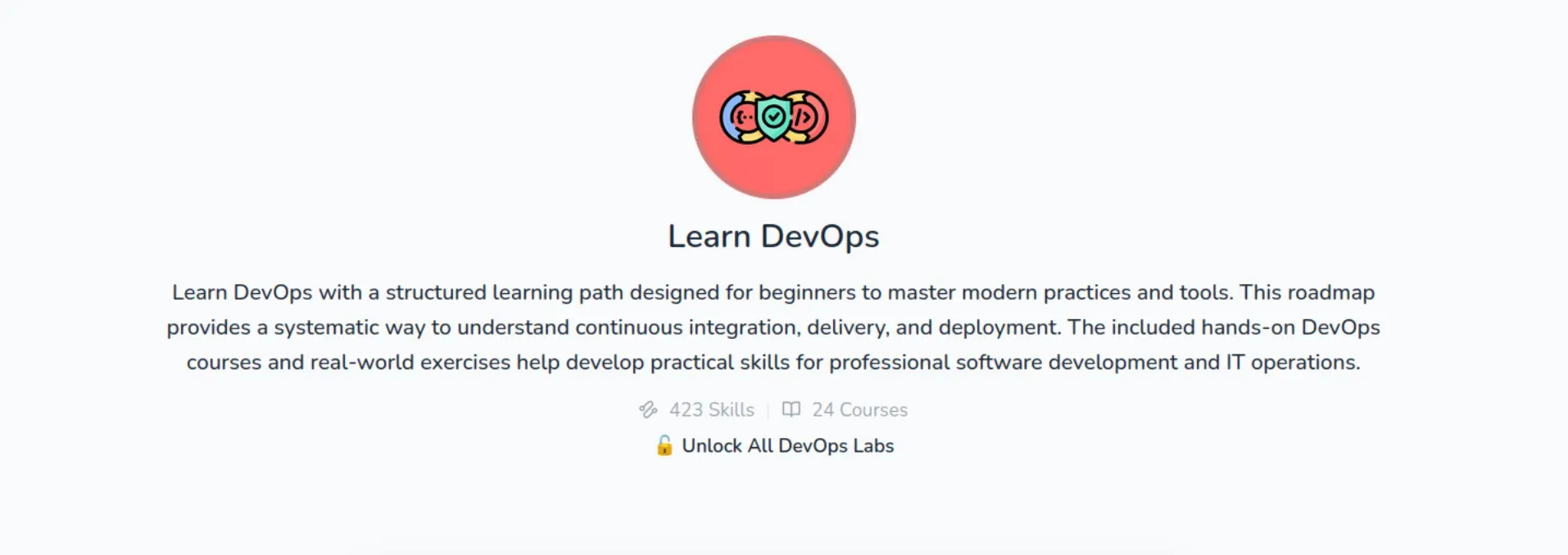
If you look at the DevOps skill tree, it has 24 courses. It covers everything from basic Linux to Kubernetes. You get comprehensive learning.
Practice Labs
And then there are practice labs, which take a more project-oriented approach to learning.
For example, “Searching for Specific Files” project makes you look for certain filenames within a directory, following the instructions given on the project page.
Playgrounds
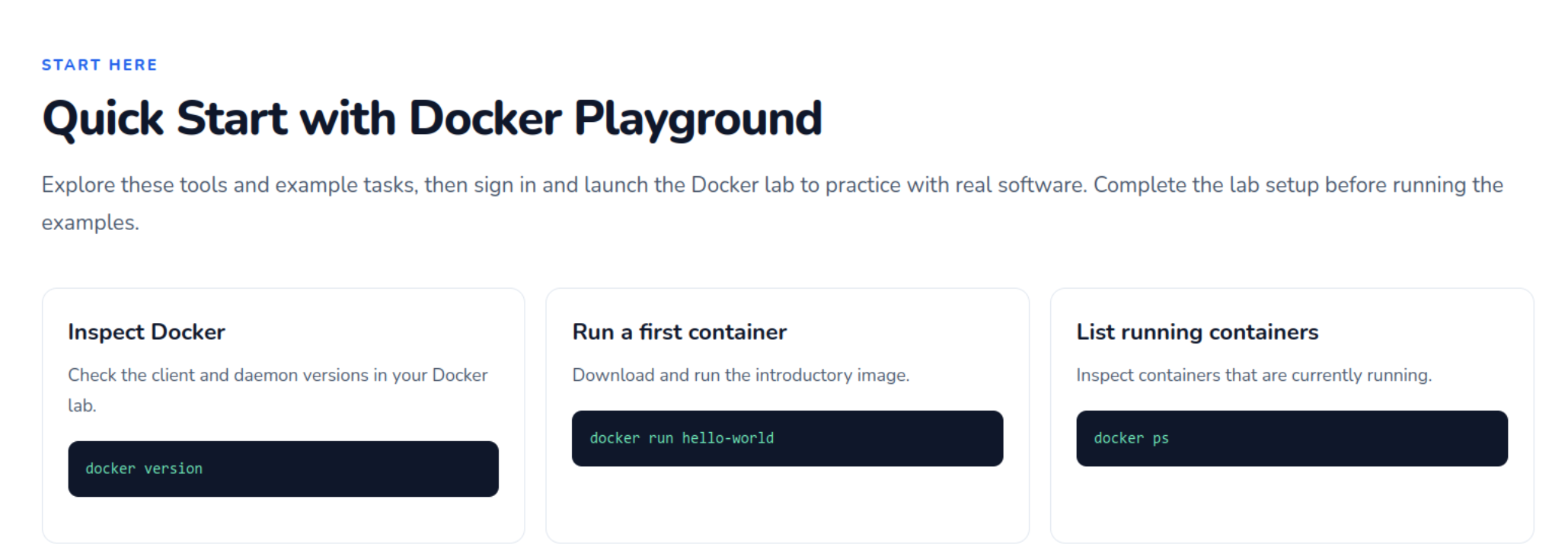
LabEx also has several “Playgrounds” where the concerned system starts up and guides you through the various aspects of the same. It is basically a virtual machine running on LabEx servers.
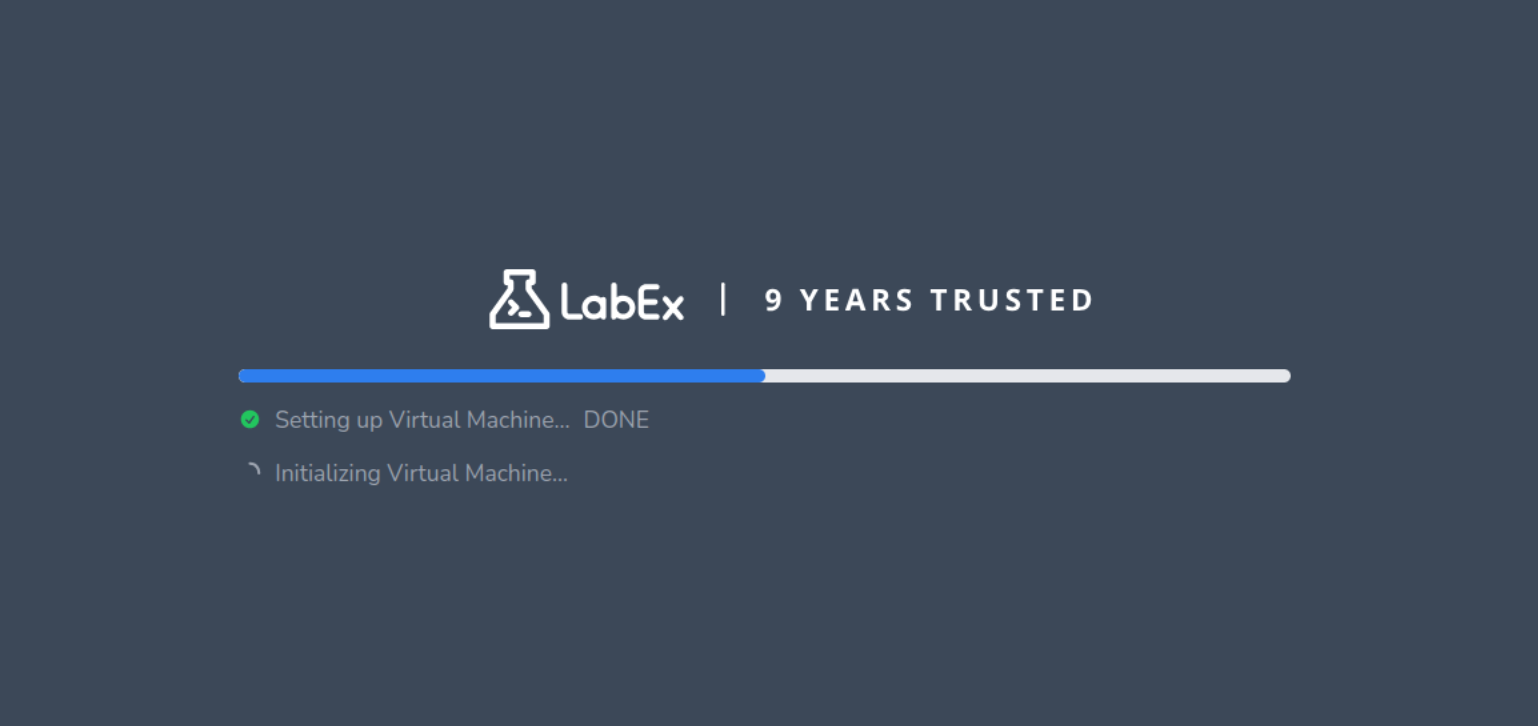
You would assume that a “playground” means it will let you roam around and explore whatever you might want to freely, but that isn’t quite the case.
While you can enter whatever commands you want to, it only lets you through to the next stage if you’ve completed the tasks on the page, making it pretty much the same as a regular tutorial but with hands-on practices.
Labby to guide you
There is an AI teacher to help you with guided learning. You will find it in the sidebar of the labs and playgrounds. It shows the supported text form of the concept you are learning.
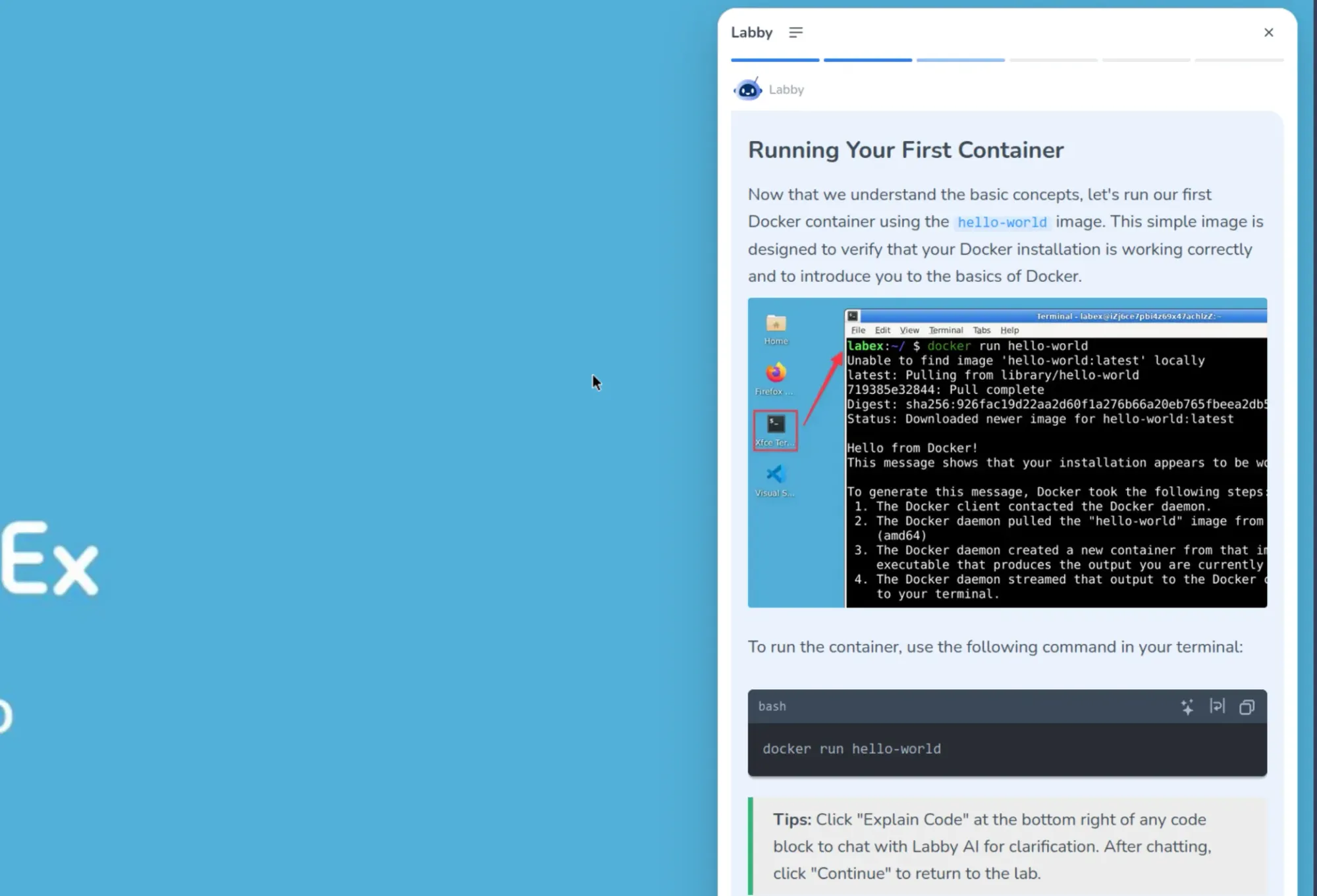
When you run the provided commands for hands on, it also validates your response. You can also ask it questions to clear your doubts.
Challenges
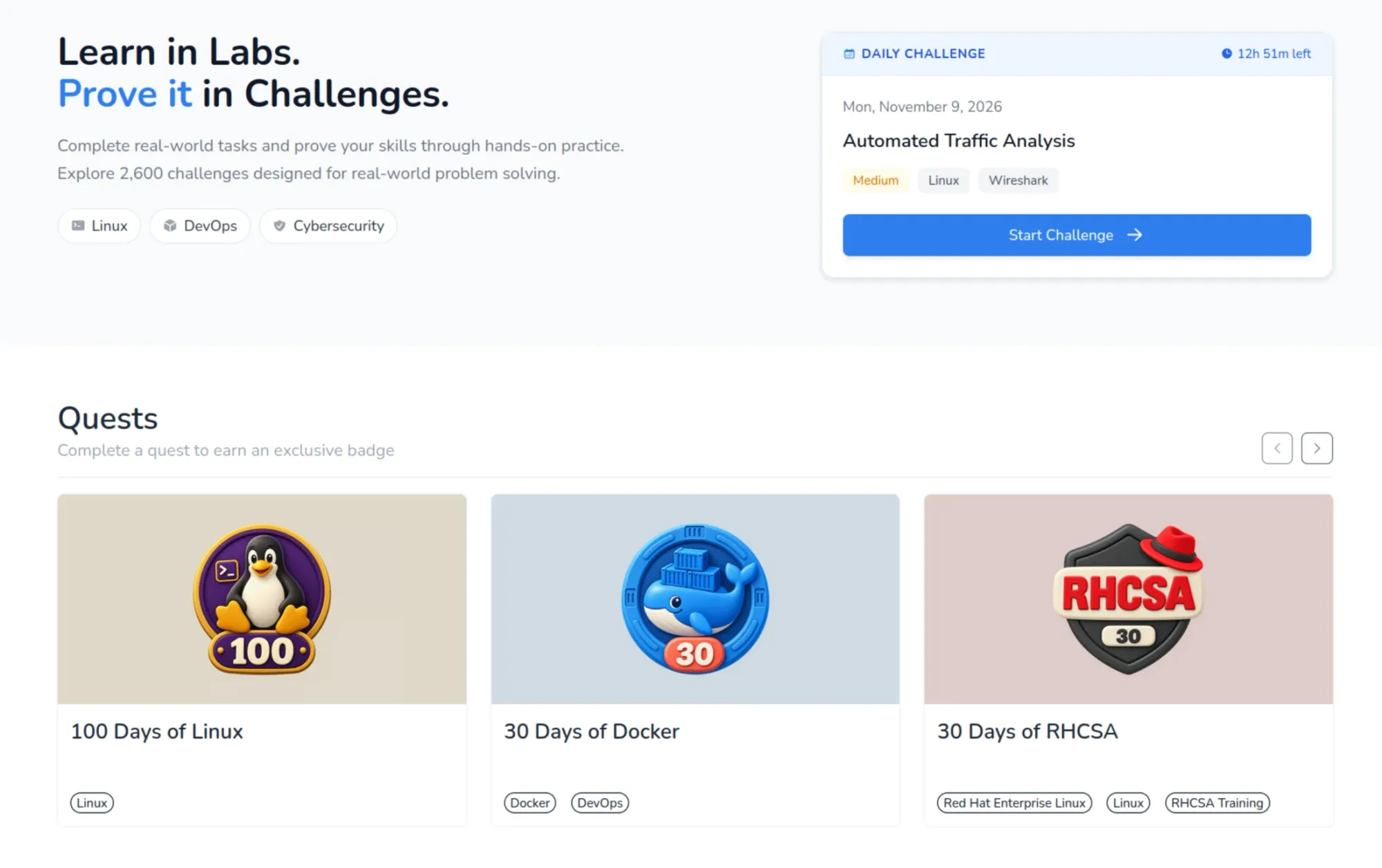
There are thousands of challenges on LabEx that test various skills that you have. These span over all the courses that are present, and add to your overall skill count if you finish them correctly. You can find all challenges here.
Keeps you motivated to continue learning
As any good educational service, LabEx paves your learning progress with tiny achievements. This game-ification of progress helps keep a steady track of progress.
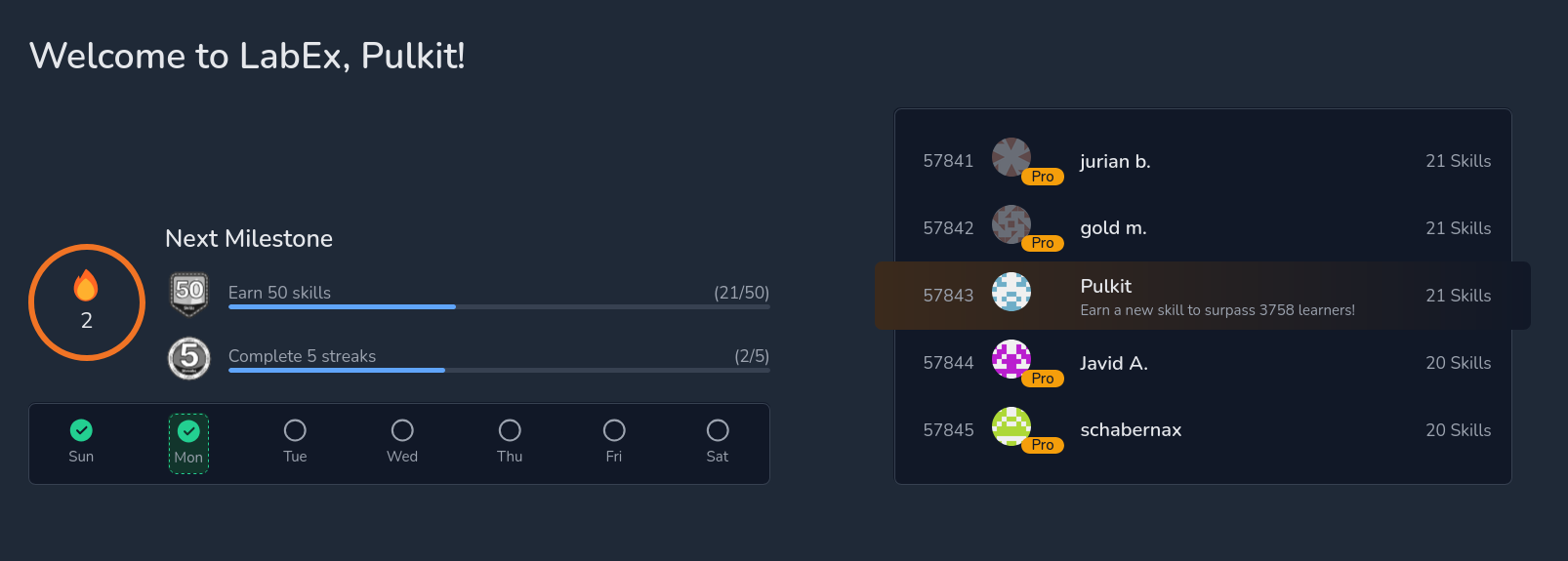
Firstly, on the front page itself, there’s a display of how many days in the week the lessons have been accessed. This is accompanied by milestones, which are measured by “skills earned” and “streaks completed”. There’s also a leaderboard right next to these, which shows a global ranking based on skills earned.
LabEx also gives you flashcards to revise whatever you’ve learned, which is a very well-proven method that helps retention. It also gives you badges, like “First Lab Conqueror” and “Rising Talent Badge”, which help with the feeling of progress, much like a game.
My learning experience with LabEx
The tutorials are all based in a virtual machine which run Ubuntu with Xfce with a minimum number of options present (unless you are working on the Kali Linux labs).
Most of the work will be done on the terminal, of course. Do note that you need good and stable internet connection so that there is no latency between typing in the command and it appearing on the screen of the VM. The execution of the commands is pretty jiffy.
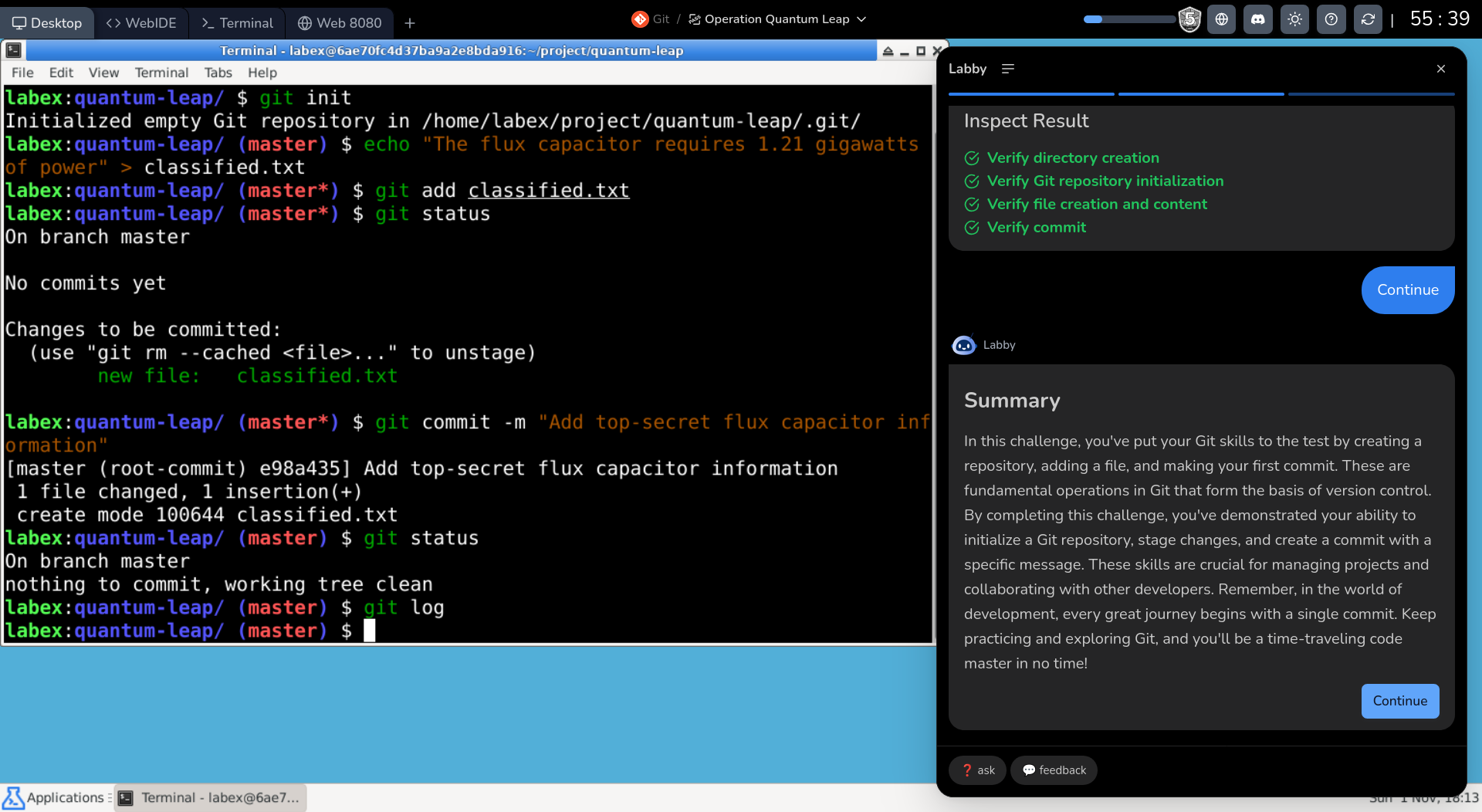
There are 4 tabs on the top, the first one being the desktop itself, as described. The second one gives you a web-based IDE for your programming needs. This is followed by a terminal, which you can imagine as an only-CLI desktop, and finally there’s Web 8080, which shows the localhost for any web-services you might host.
About the lessons, the entire structure is supported by the Labby AI, which checks your work at every step, and encourages you (a bit too much sometimes, as AI tends to do). This is aimed at beginners to guide them at every point.
As someone used to a little hardship in learning technical stuff with books, this was quite unusual for me. The tutorials are split into very easily digestible chunks, where Labby AI makes you use the learned commands after they’re taught, making sure you retain what you’ve learnt.
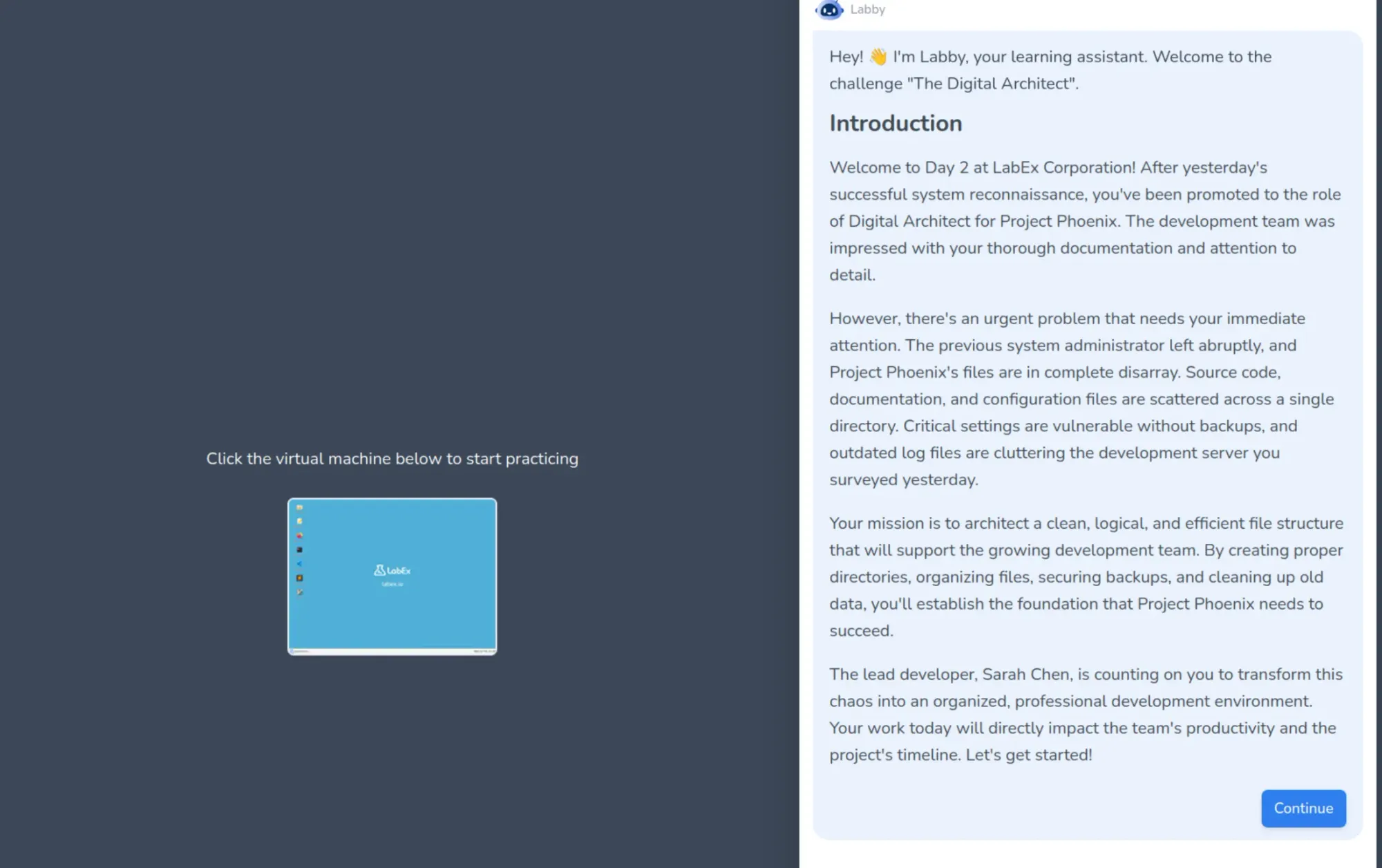
After completing the course, I tried the related playground. Playground gives you hands-on exercises but still in guided fashion. The main test of your learning is with the Challenges where you are given a scenario and you have to troubleshoot or provide a solution in the given playground/VM.
Getting LabEx
LabEx offers free and paid tiers.
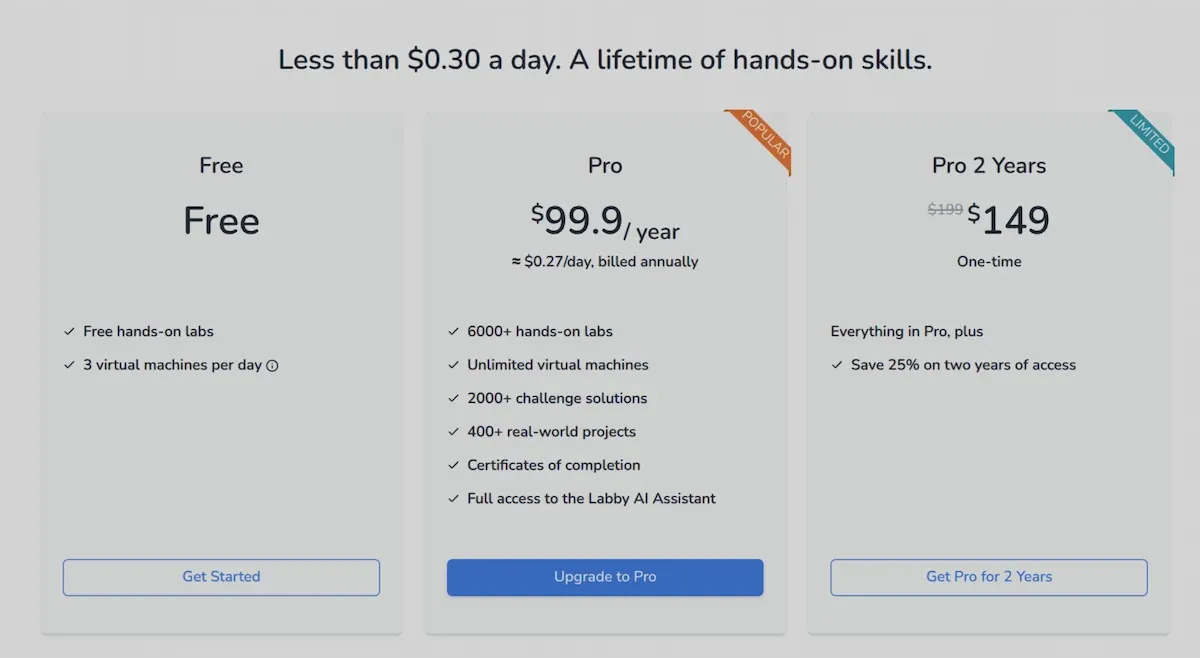
The free tier offers 3 virtual machines per day, and access to all hands-on labs. That’s a limitation because it means you can’t really exceed 3 tutorials in a day. This is good enough to explore the platform and see if it’s worth getting the paid subscription or not.
The paid subscription plan gives you everything LabEx has to offer. It gives you access to unlimited VMs, project labs, challenges and certificates of completion.
Annual subscription costs $99.9 and there is also an option to buy 2 year subscription for $149.
Is it worth trying LabEx?
LabEx offers a very wide variety of courses, covering pretty much every major software skill you might need. More than software, I am glad to see that their focus is on Linux, devops, and cyber security.
The interface is pretty smooth, and so are the tutorials.
The guided learning is helpful for beginners as it gives them the foundation of the topic. Combine it with labs, playgrounds and challenges, LabEx has pretty much everything a modern online tech education platform offers. So if you are a beginner, LabEx would suit you.
Experts or people who are accustomed to learning with books or even videos, might feel different because guided learning may feel like spoon feeding to some. But even an expert can benefit by practicing skills with LabEx Challenges here.
You would need a high speed, stable internet connection here to avoid lags with the VMs.
If you are looking for learning Linux and getting certifications, the hands-on learning by LabEx should help you for sure. Besides, $99.9 a year is one of the most inexpensive learning subscriptions you will get in this field.
Give it a try with the free tier and see if LabEx is worth it or not.
Of course, you’ll only know if it is for you if you try it out yourself. Let us know what you think of LabEx in the comments. Cheers!
