
On Time! GNOME 51 Arrives With a Set of Improvements You Shouldn’t Miss
GNOME is still the initial desktop environment for most people who step into the world of Linux, trying their first distribution. I say that because the mainstream picks like Ubuntu and Fedora Workstation both ship it by default, bringing new users directly into the GNOME ecosystem.
While we are seeing a rise in adoption for dynamic tiling window managers like Hyprland, conventional desktop environments like this one are still a daily driver pick for many.
Now, a fresh release, GNOME 51, has arrived, bringing with it many upgrades, such as a better-behaving shell, a new wallpaper that looks chic, and a host of updated pre-installed apps.
Continue reading to get the full details.
A Refined Shell
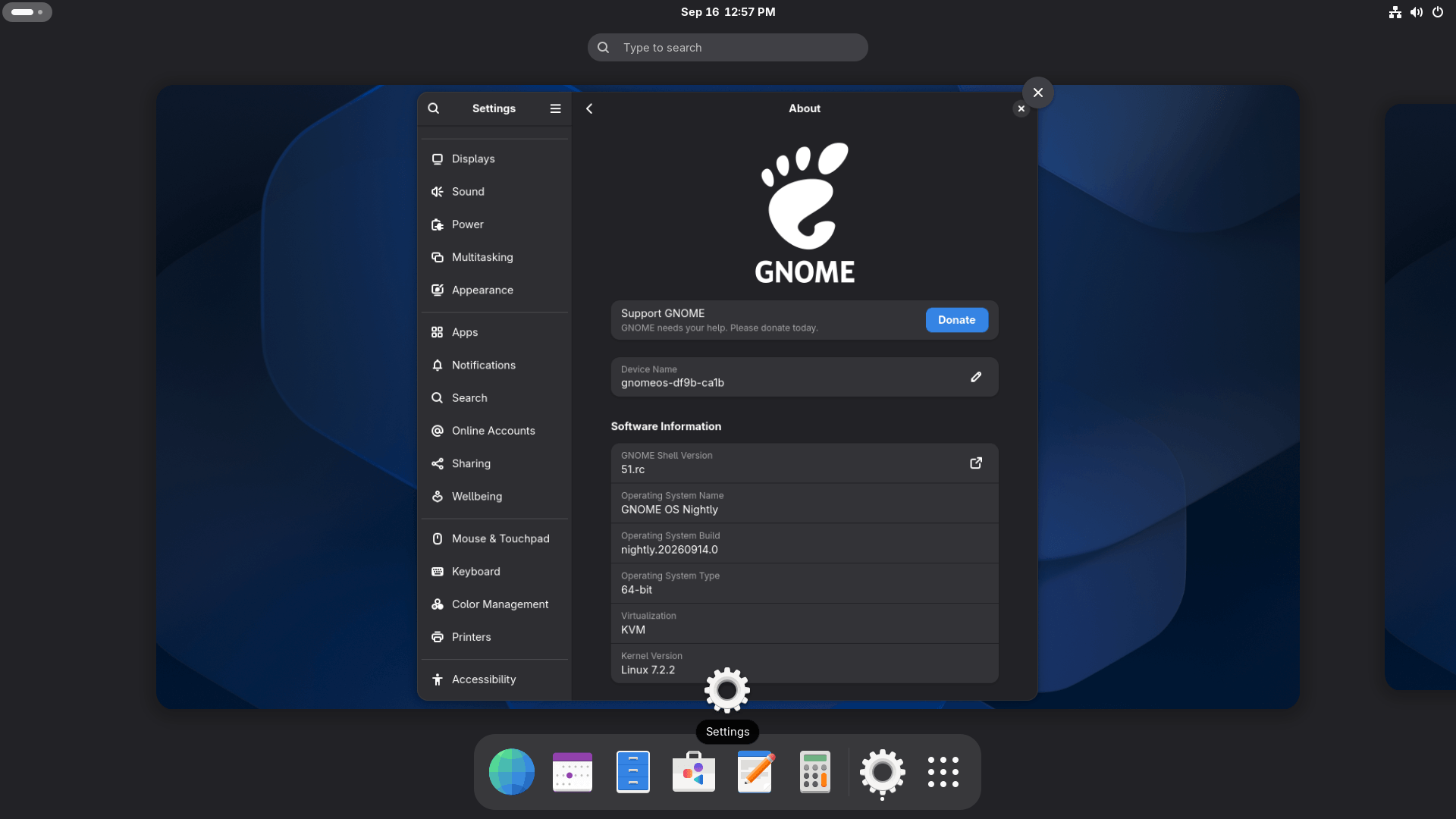
This is the part of GNOME that you directly interact with without realizing that it even exists. GNOME Shell represents the top bar, the overview, the app grid, notifications, the lock screen, and the way windows move between workspaces.
This release cleans up many of its rough edges, giving you perks like monitor brightness being saved and restored across sessions, and more refined screenshot framing that lets you drag a selection all the way to the edges of your monitor.
Screen reader navigation in the app grid was reworked as well, and two smaller annoyances, a bug with minimized windows on another workspace and broken German date formats, are fixed.
Similarly, the autorun prompt that shows up for connected USB drives was improved.
GDM & Mutter Tweaks
These two are also an important part of the GNOME stack. GDM is the display manager behind your login screen, and it starts a session once you authenticate. Mutter is the compositor that draws the windows, decides where they sit, and handles the input.
GDM picks up a setting for the fallback session. That is the session used when a user has no preferred one or when their preferred one will not start. Administrators can point accounts that have never logged in at a session of their choosing.
The autologin bypass is closed as well. Earlier, a compromised greeter could request autologin for any local account; fortunately, this no longer works.
In Mutter, support for legacy NVIDIA drivers is gone, and on HDR displays, SDR content doesn’t look desaturated (discolored) anymore. Window handling gets a few repairs of its own. Edge tiled windows fullscreen properly now, and a maximized window can be moved to another monitor from the keyboard without issues.
It has also stopped reporting several monitors as primary at once, and the mouse cursor hides itself while an input capture session is running—the kind a remote desktop tool opens.
The App Upgrades
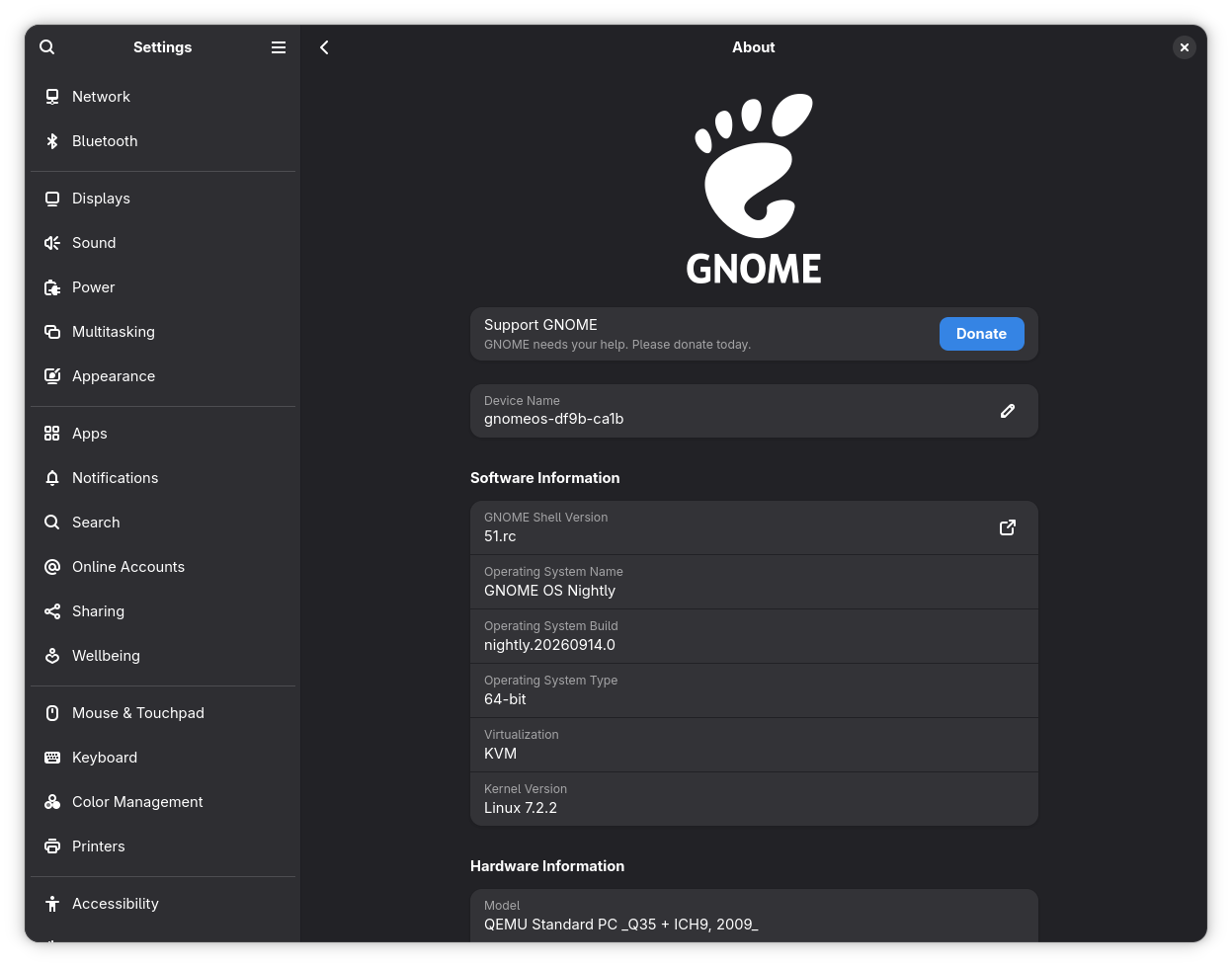
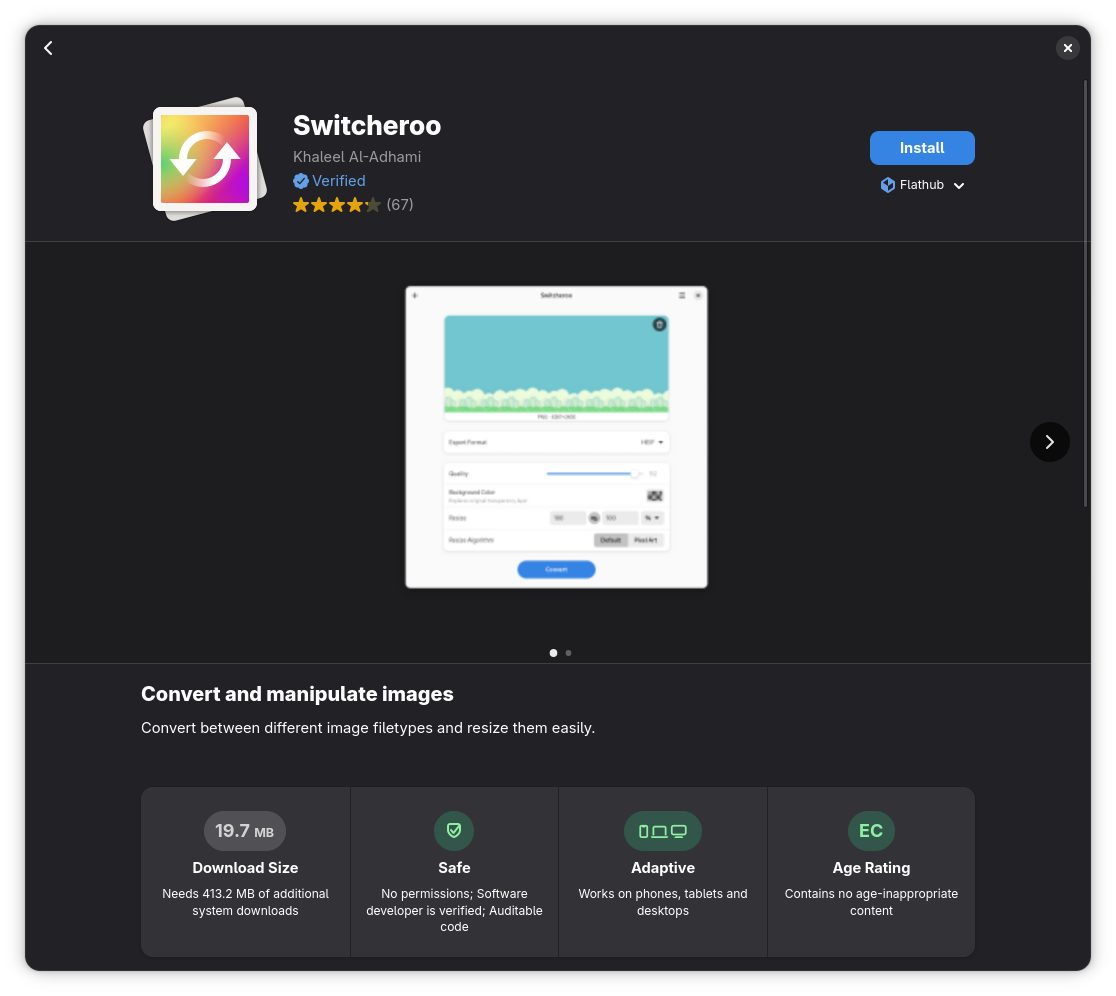
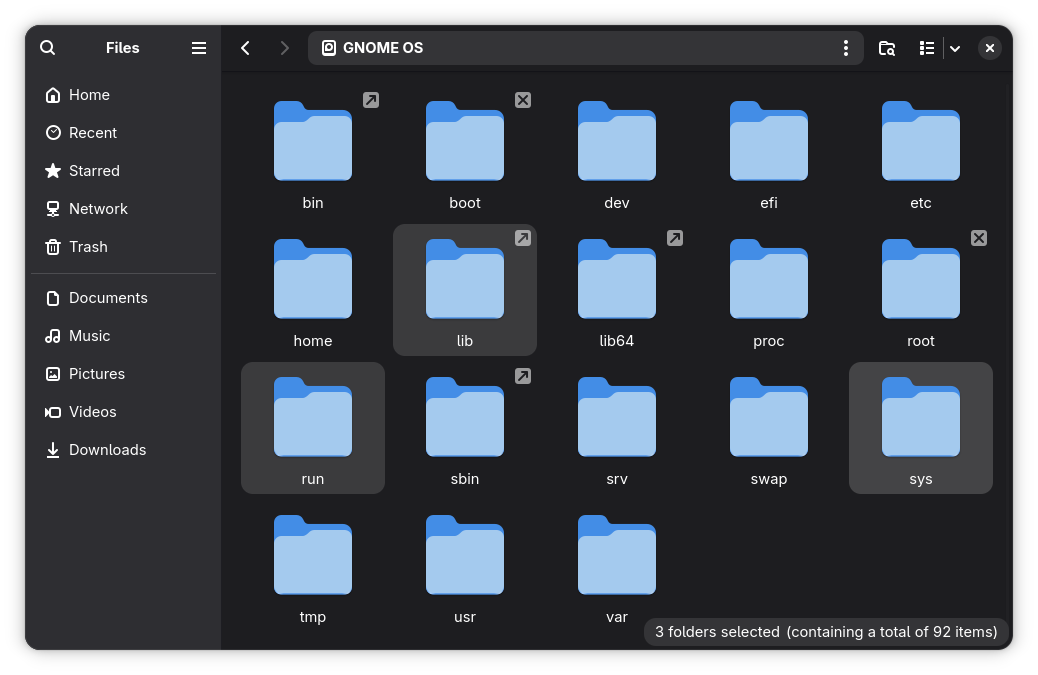
GNOME 51 Settings, Software, Files.
The bundled apps see their share of major upgrades. We first start with the Settings app, which has added DNS domain search options to the Network page, gets various translation updates, and handles Wi-Fi sharing through the GNOME QR code widget.
The About page was cleaned up, with the “Windowing System” field removed and the software and hardware info groups expanded to give users quick access to important system details.
Thanks to that, the dedicated “System Details” button is a thing of the past.
Software now warns you before installing an app that has reached end-of-life status, its Flatpak permission list has been expanded, and app ratings use a different measurement approach for showing you the average rating.
Files (Nautilus), the file manager, shows a count badge while you drag several items, and copied files stay selected once a copy operation finishes. Locations opened from another app are displayed in a new tab, while the previewer now supports rename and trash operations.
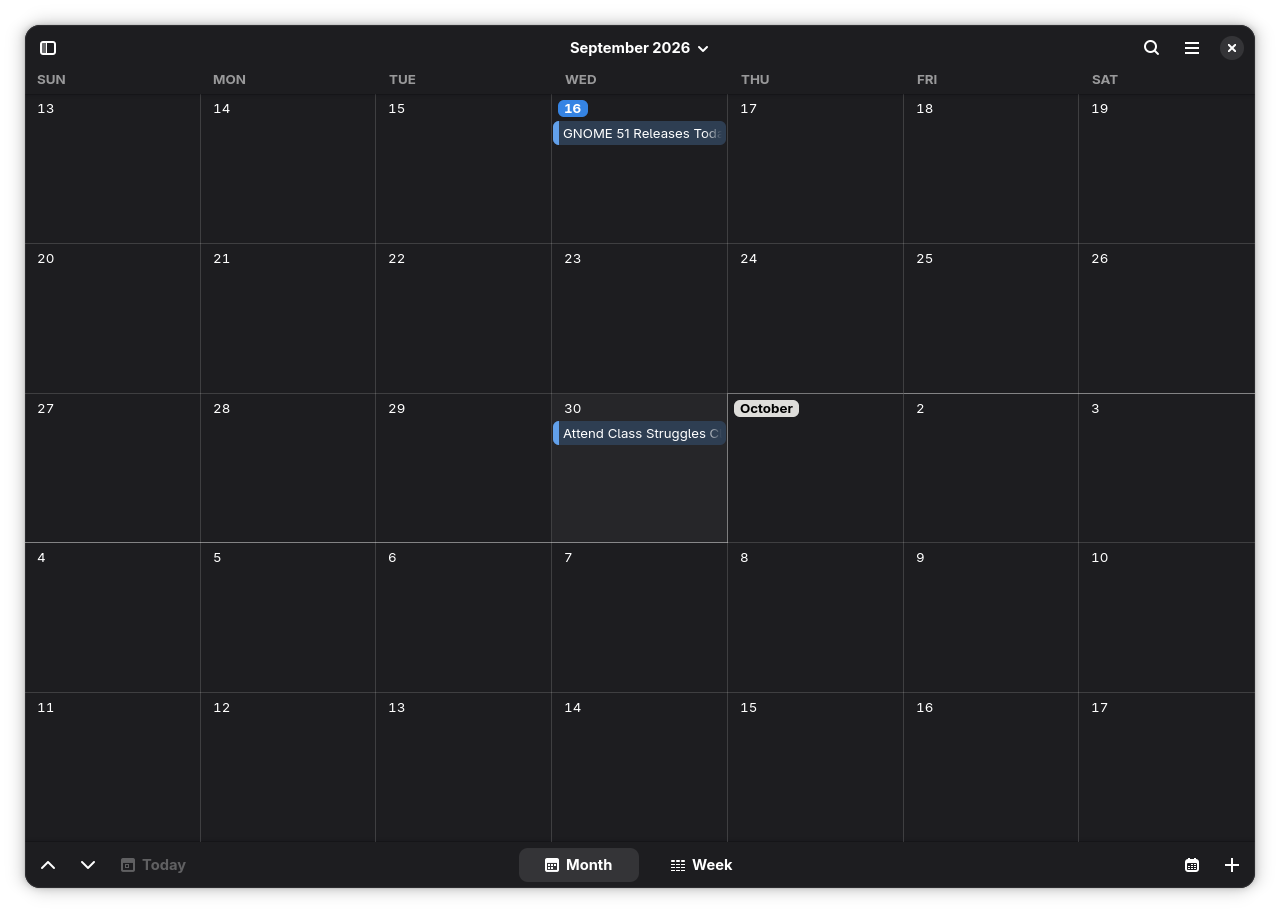
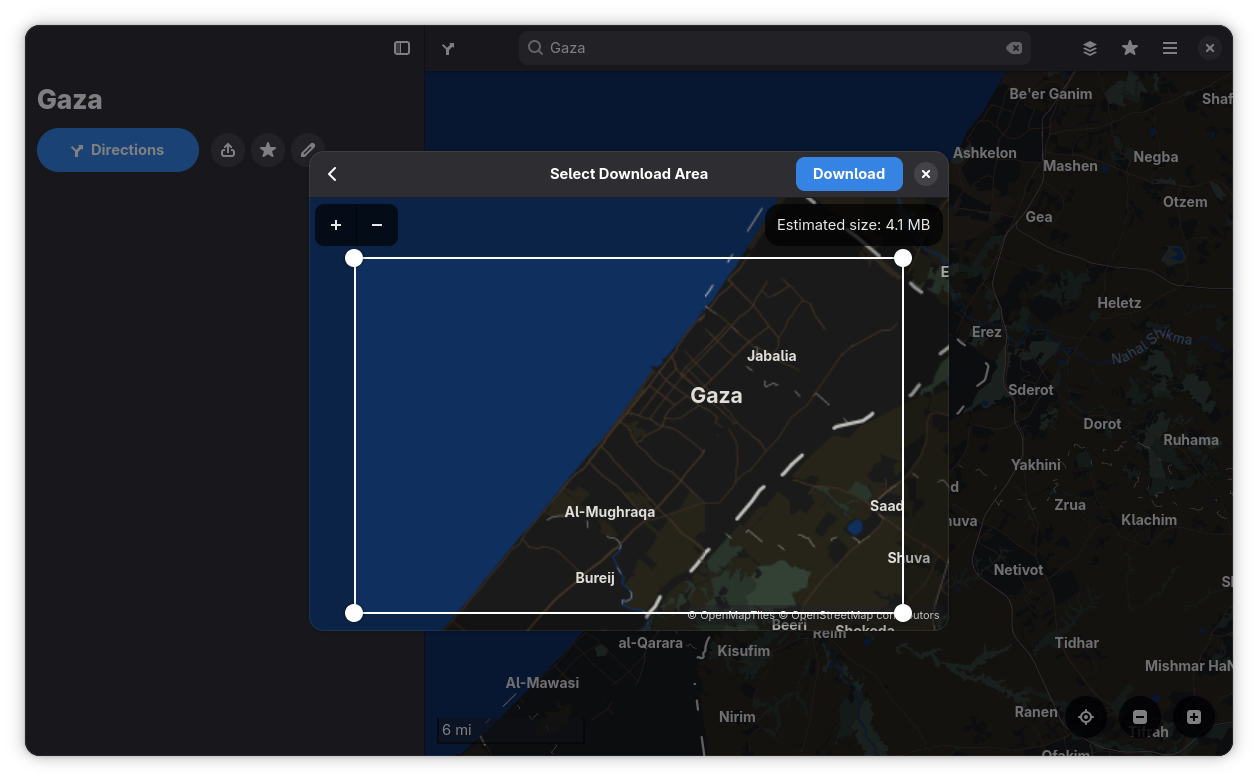
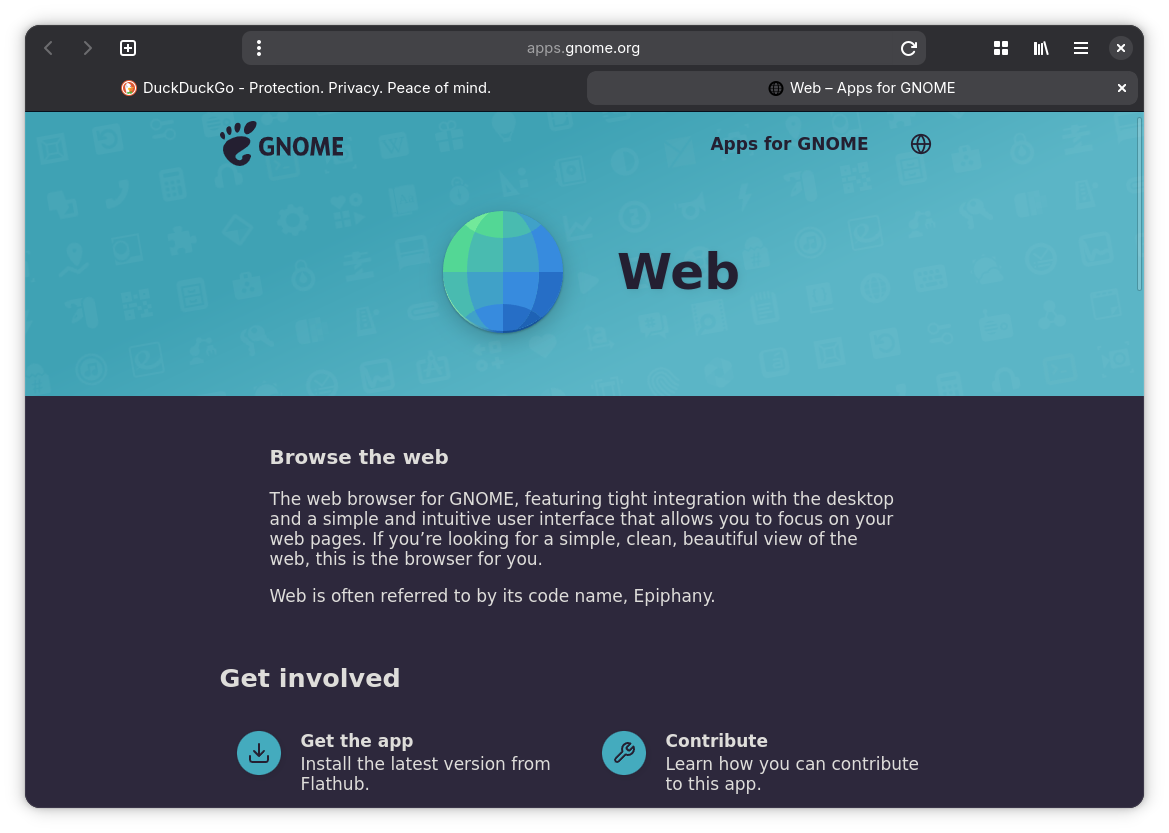
GNOME 51 Calendar, Maps, and Web.
The Calendar app’s internals were heavily reworked, and it is now based on GListModel.
The week, month, and agenda views run on that same model, and so do the objects behind its event timelines. Locations now open in Maps through the maps URI, and the “About” dialog shows a status indicator when the app is not running sandboxed inside Flatpak.
Similarly, users of Maps can now download maps for offline use by using the new download tool. To use it, first go to a specific region, then open the hamburger menu on the top-right and go into “Preferences.” In the “Downloads” section, click on “Add” to get started.
Then there’s Web (Epiphany), the default web browser, which comes with fixes for cases where deleting your default search engine or opening the preferences menu would cause a crash.
Other Changes
I skipped out on mentioning a few changes earlier, but these are still worth knowing:
- Roundhex is the new default wallpaper, with three more; Curvaturingster, Glass Stripes, and Tubes being the other additions.
- The gnome-desktop component ships with an API for generating QR codes; the Wi-Fi sharing widget we talked about earlier uses it.
- GNOME Bluetooth 47.2 adds mnemonics to a few buttons and fixes a couple of memory leaks.
- The pre-installed image viewer, Loupe, now shows the creator, copyright, camera lens, and software data stored in a photo’s metadata.
- Settings gains a new fingerprint manager in the “Users” panel.
For more details, you can give the release notes a read.
Getting Started with GNOME 51
People who are on a rolling release distro like Arch Linux, CachyOS, or EndeavourOS will be the first ones to get this GNOME release as soon as the maintainers push it to the repositories.
If you are on a mainstream distro like Ubuntu or Fedora, then you will also get GNOME 51 via the Ubuntu 26.10 and Fedora 45 (error 404 for now) releases.
Of course there’s also GNOME OS, which is the project’s testbed for new software. You can install it on a spare machine or virtual machine to see what GNOME 51 has to offer.
