
NextCloud Has Launched an Office Suite for Desktop Users
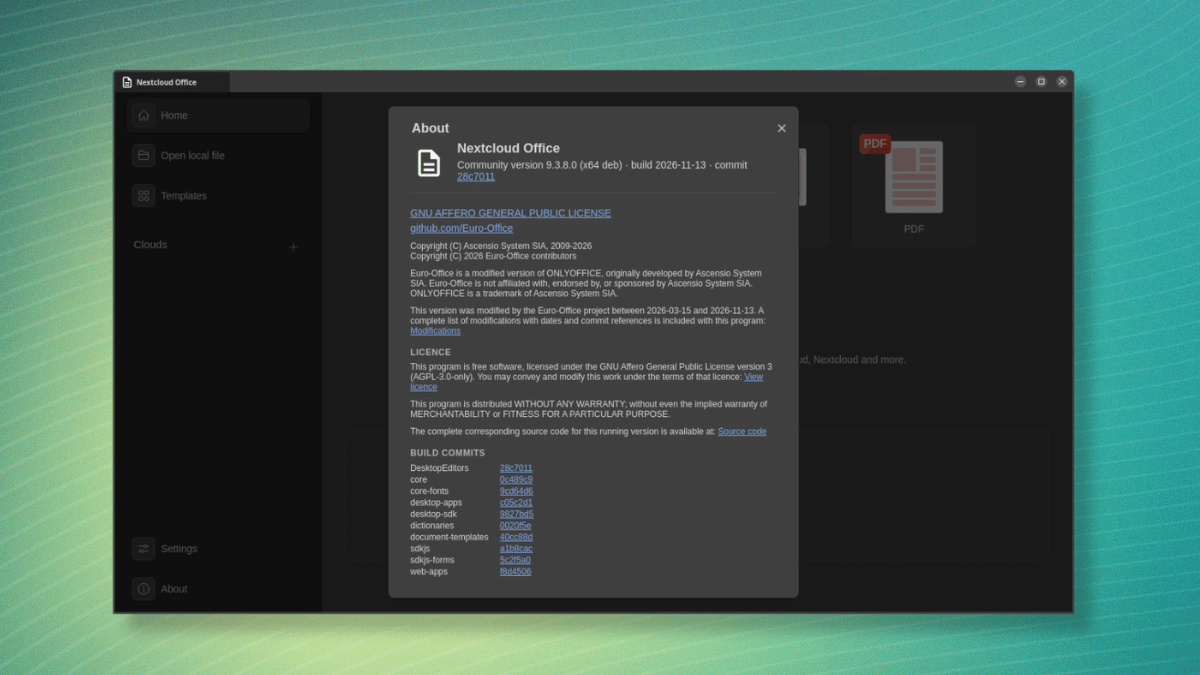
Nextcloud’s office editors already work in the browser, and as of a few days ago, there is an open source desktop app that should appeal to a wider userbase that prefers doing their document work locally.
The app is based on the DesktopEditors code of Euro-Office, which, as you might remember, is a coalition of European companies that includes Nextcloud, IONOS, Proton, Open-Xchange, and Tuta.
Its primary aim is to offer open and sovereign document editing, with its first production-ready version coming out back in June. Also, the code is a modified version of ONLYOFFICE, which has its own lore behind it.
Now, let’s look at what Nextcloud’s app has to offer.
Nextcloud Office: Is it for you?
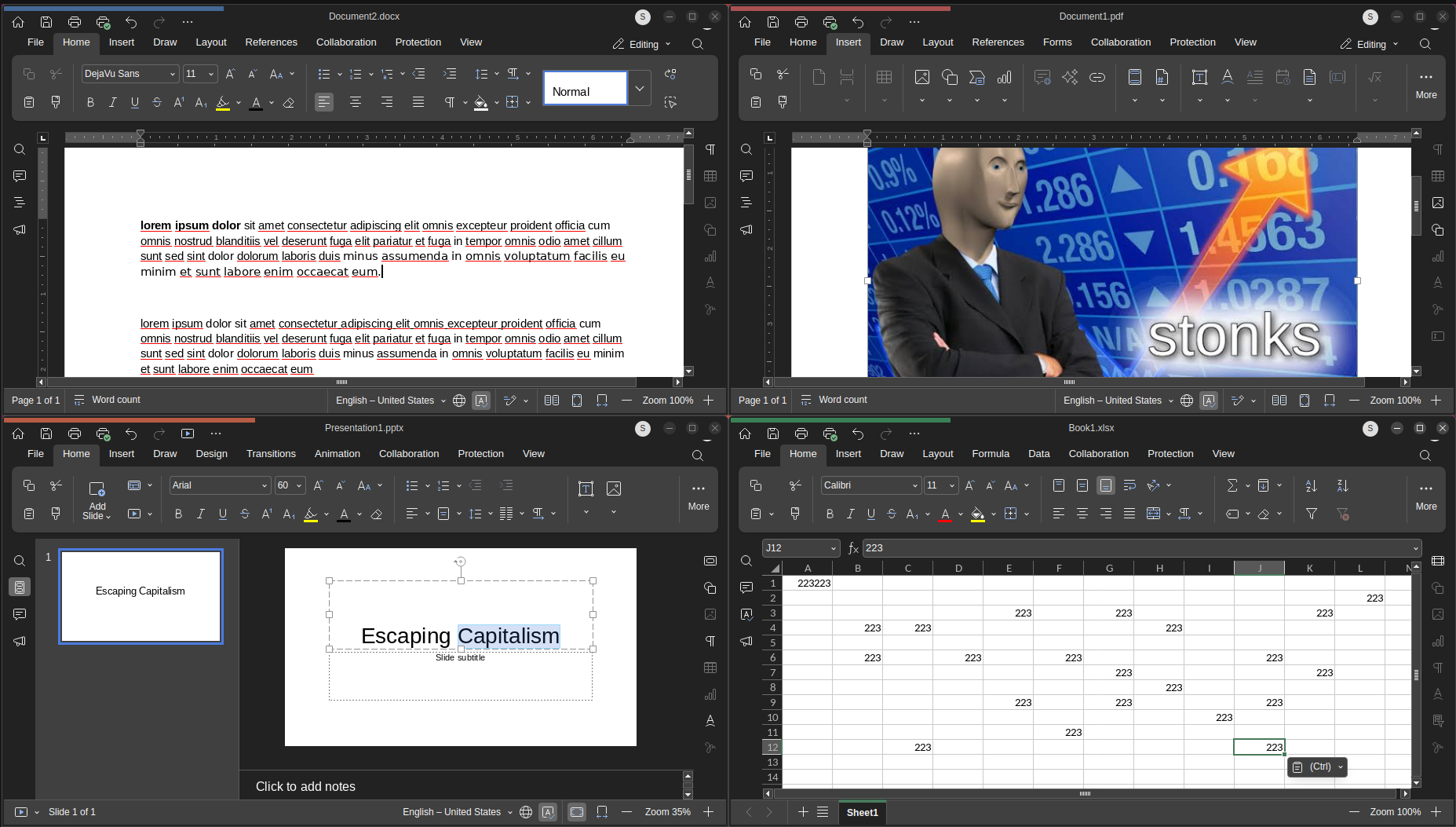
It comes with four separate editors. The Document editor is for text files like reports and letters, the Spreadsheet editor handles tables and calculations, the Presentation editor is for slides, and the PDF editor is there for opening and working with PDFs.
Between them, they support Microsoft Office and OpenDocument files. That covers formats like DOCX and ODT, XLSX and ODS, and PPTX and ODP.
Your files can live in two places. You choose which ones stay on your machine and which go to the cloud, with the local ones staying editable even when you are offline.
Connecting to Nextcloud works from the “Home” page, where the “Clouds” entry in the sidebar lets you add an instance by URL and log into it. An important thing to know here is the fact that you are not limited to one instance; several can be added.
Euro-Office, but different
Nextcloud Office is not an entirely different app from the desktop editors Euro-Office builds. It is Nextcloud’s signed distribution of that same DesktopEditors source code, but one that’s more geared towards production use.
On Linux, Nextcloud hosts signed APT and DNF repositories. Once you add one, the app gets updated along with the rest of your system.
On Windows and macOS, the packages are signed, which means they are verified for integrity and suitable for managed device rollouts.
The Euro-Office community builds come from the same source but are unsigned, and the project advertises them as meant for testing and contributing. They are only available as GitHub releases, and there are no package repositories for them.
The project advises against using them in regulated environments or for managed device rollouts, and the Nextcloud integration is also only provided on a best effort basis there.
On the flip side, Nextcloud Office gets tested integration and additional testing against Nextcloud releases.
Support breaks down the same way. Nextcloud Office has a dedicated Enterprise subscription for providing both community and dedicated support, while the community builds only get community support.
A brief test
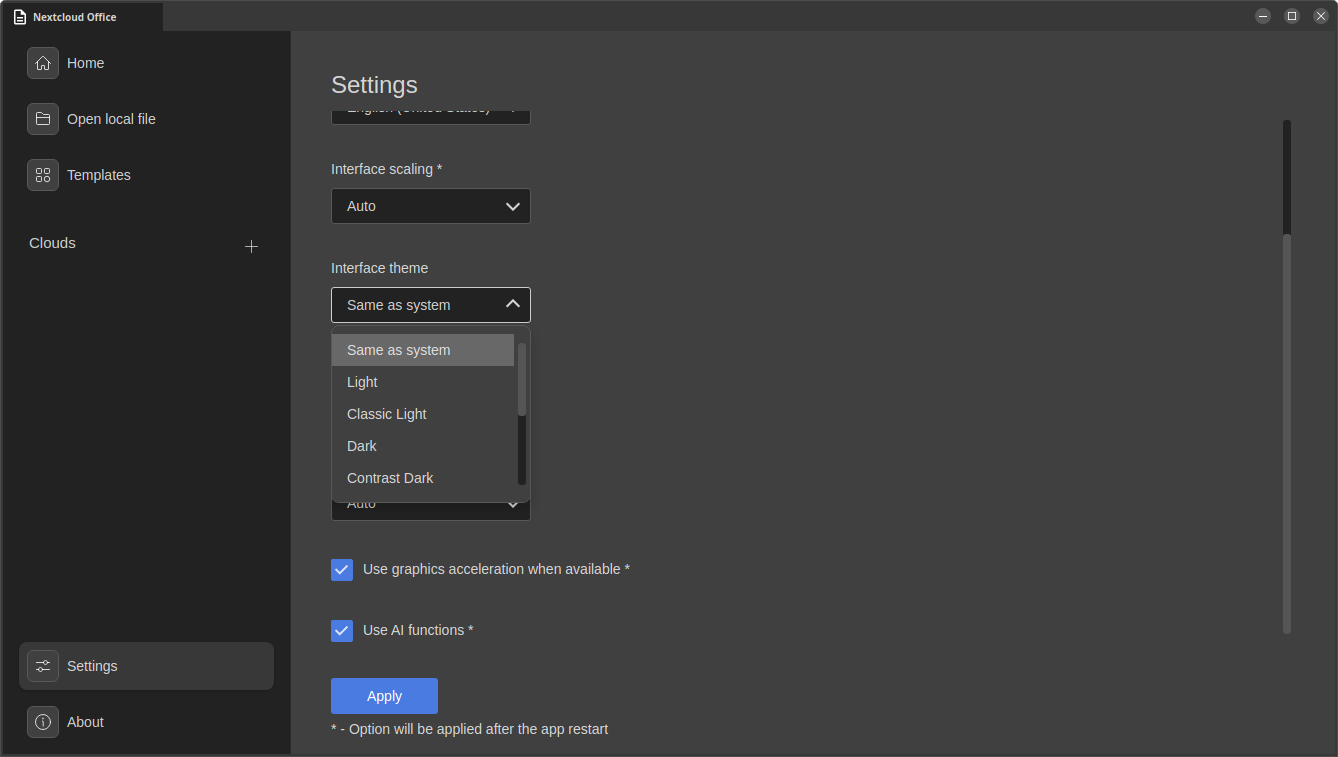
I took the office suite for a short spin, and I found out that it had support for several interface themes, including Dark, Contrast Dark, and Modern Dark, along with support for interface scaling and graphics acceleration.
The app also managed to make use of the installed fonts on my Ubuntu system and had turned AI functions on by default. That last one is something people who don’t prefer AI should take note of; it can be found in: Settings > Scroll Down > Use AI functions
Use it now
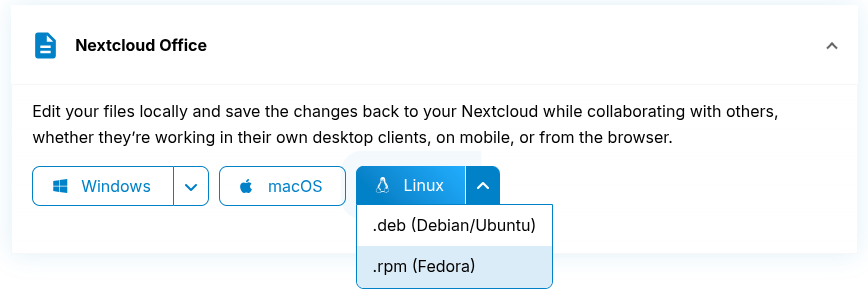
Nextcloud is offering binaries for the desktop app across the three major platforms, Linux, Windows, and macOS.
