
Owl OS is a New Kali Linux Competitor
Penetration testing, where a security professional probes a system for weaknesses before an attacker finds them, has become a routine part of defending anything that runs online.
There are several security-focused Linux distributions, such as Kali Linux, Parrot, and Athena OS, and each of them ships with a ready-made set of security tools.
Now another one is looking to join that list. The creator of Owl OS reached out to us about its 1.0 release, codenamed “Athena,” and I tried it out in a virtual machine.
Owl OS: Overview 🦉
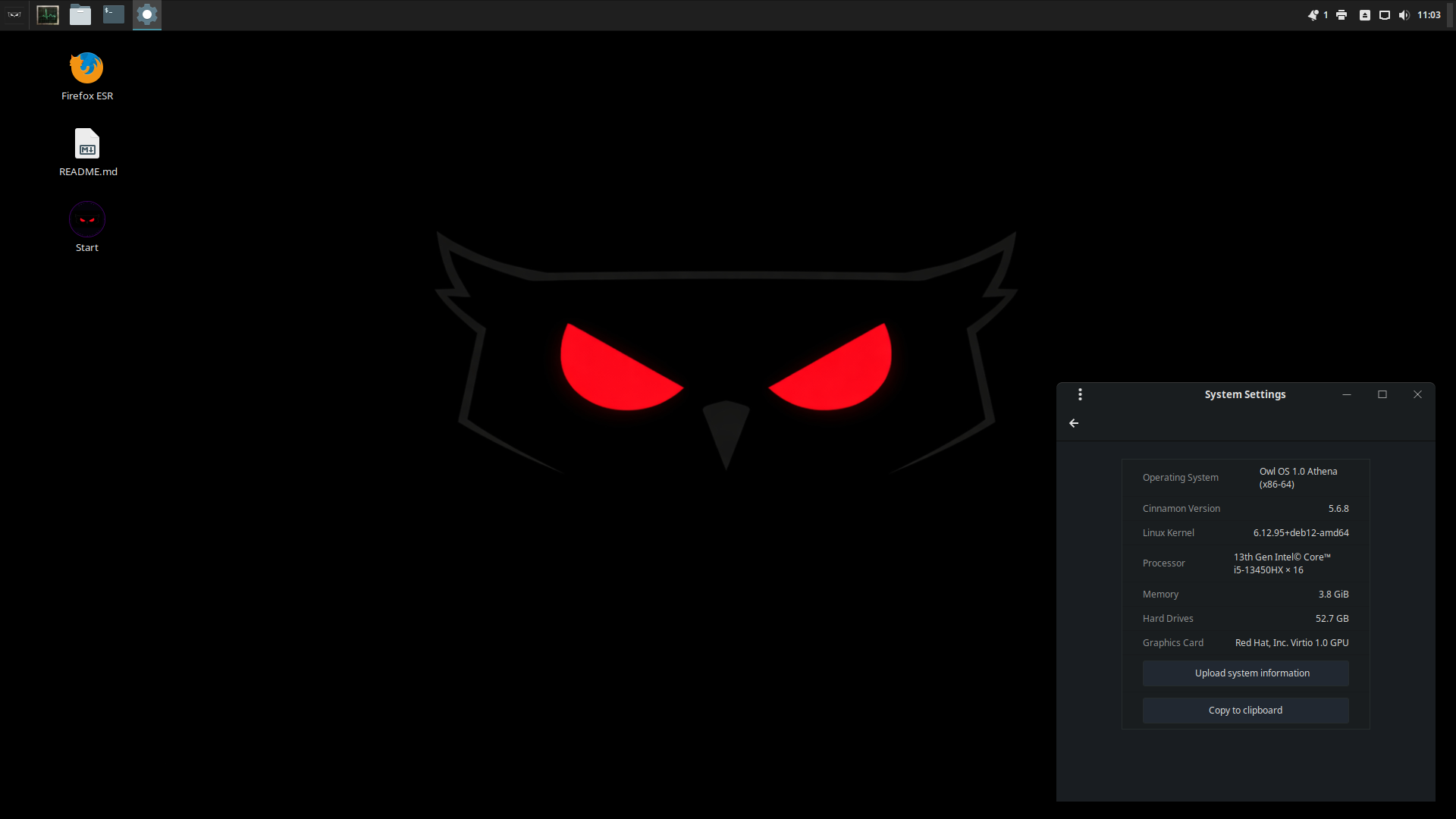
Owl OS is a Debian 12-based distro that pairs the Cinnamon desktop with a large set of tools for pentesting, forensics, and defensive security work. I don’t understand why the dev did not go with the more recent version of Debian 13.
The project says it wrote more than 275 of the included tools itself and added over 100 well-known ones from external sources, with the same toolkit being available to Debian and Ubuntu systems through an Owl apt repository.
Owl OS is the work of Khaled S. Haddad, a developer out of Jordan who says that the tools took about three years to write by hand and that AI helped with parts of the documentation (a work-in-progress).
But there’s a catch. 🧐
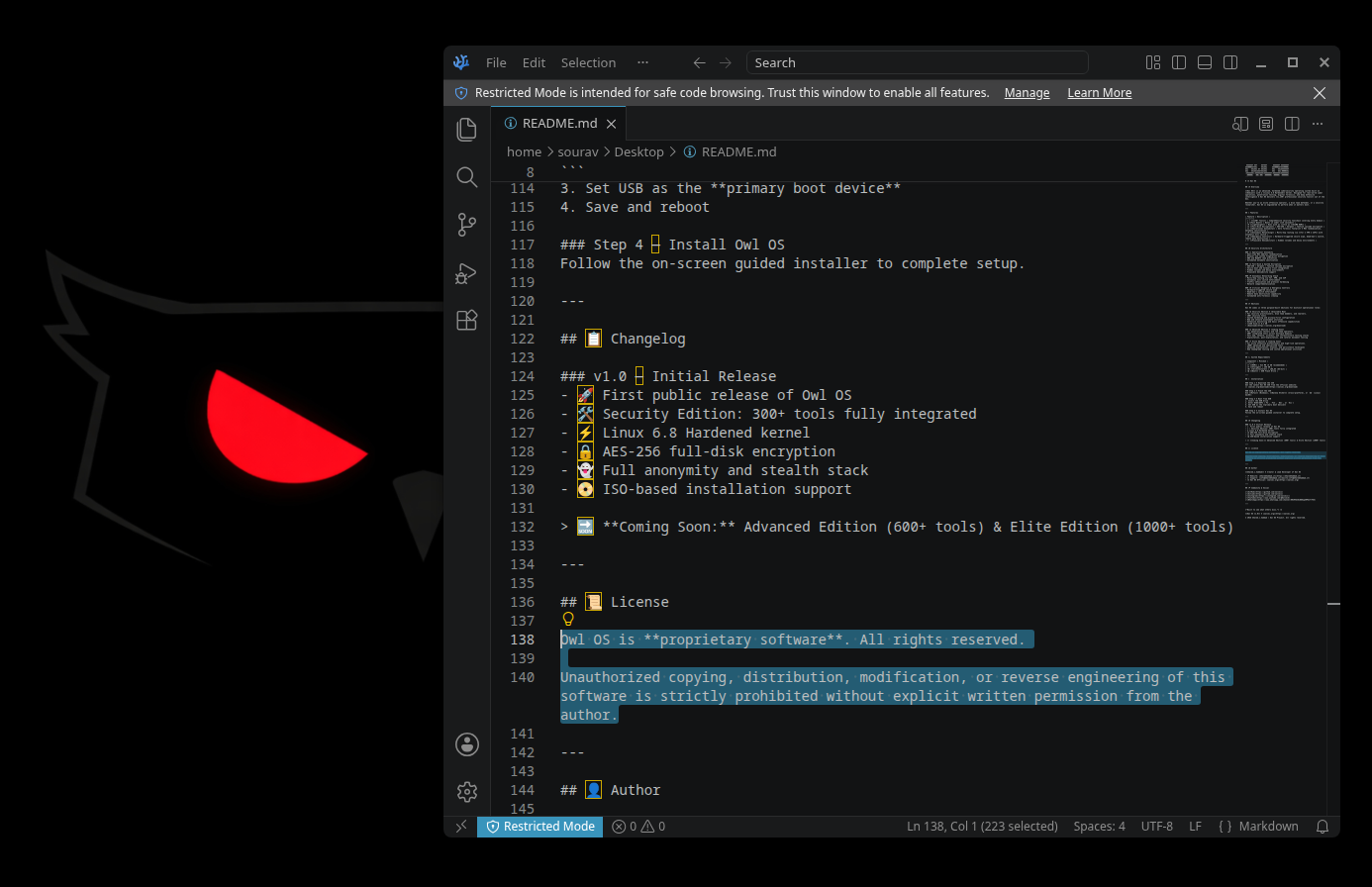
The README included in the ISO describes Owl OS as proprietary software with all rights reserved. It bars copying, distribution, modification, and reverse engineering without written permission.
A brief test
I tested Owl OS in a virtual machine with 4 GB of RAM and 40 GB of storage, using the Live System/Security Core/AMD64 ISO.
Installation happens via the familiar Calamares installer, taking you through the usual timezone, keyboard layout, storage, and user steps before finishing.
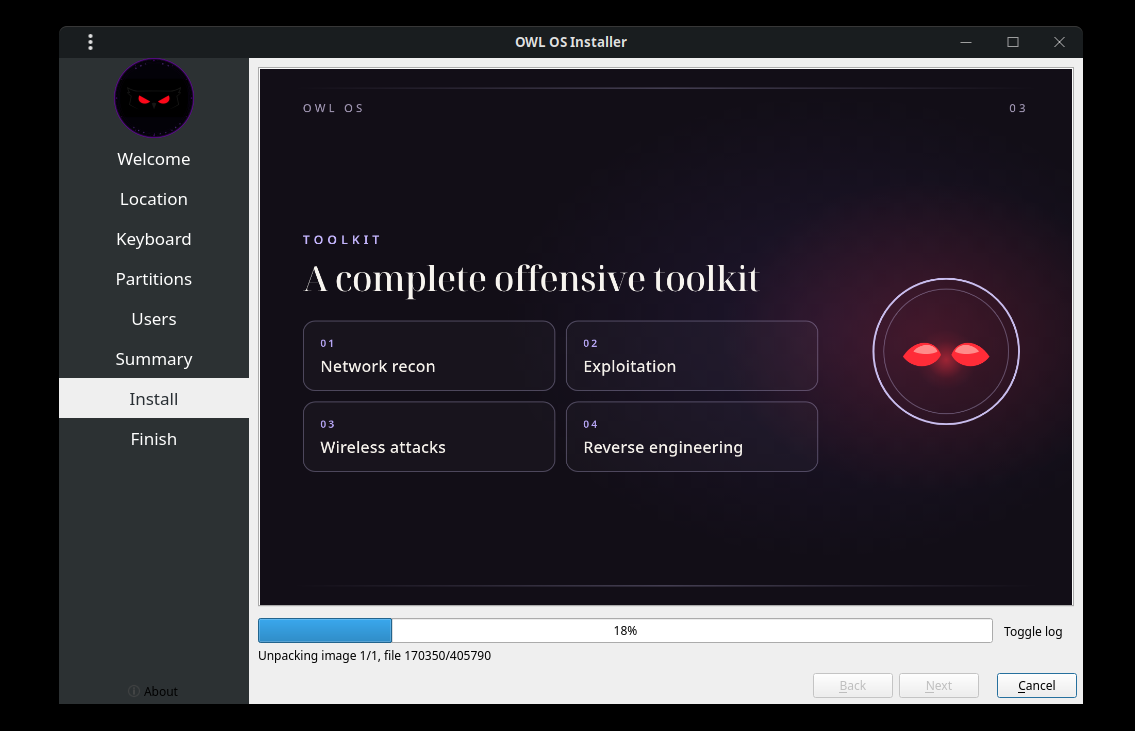
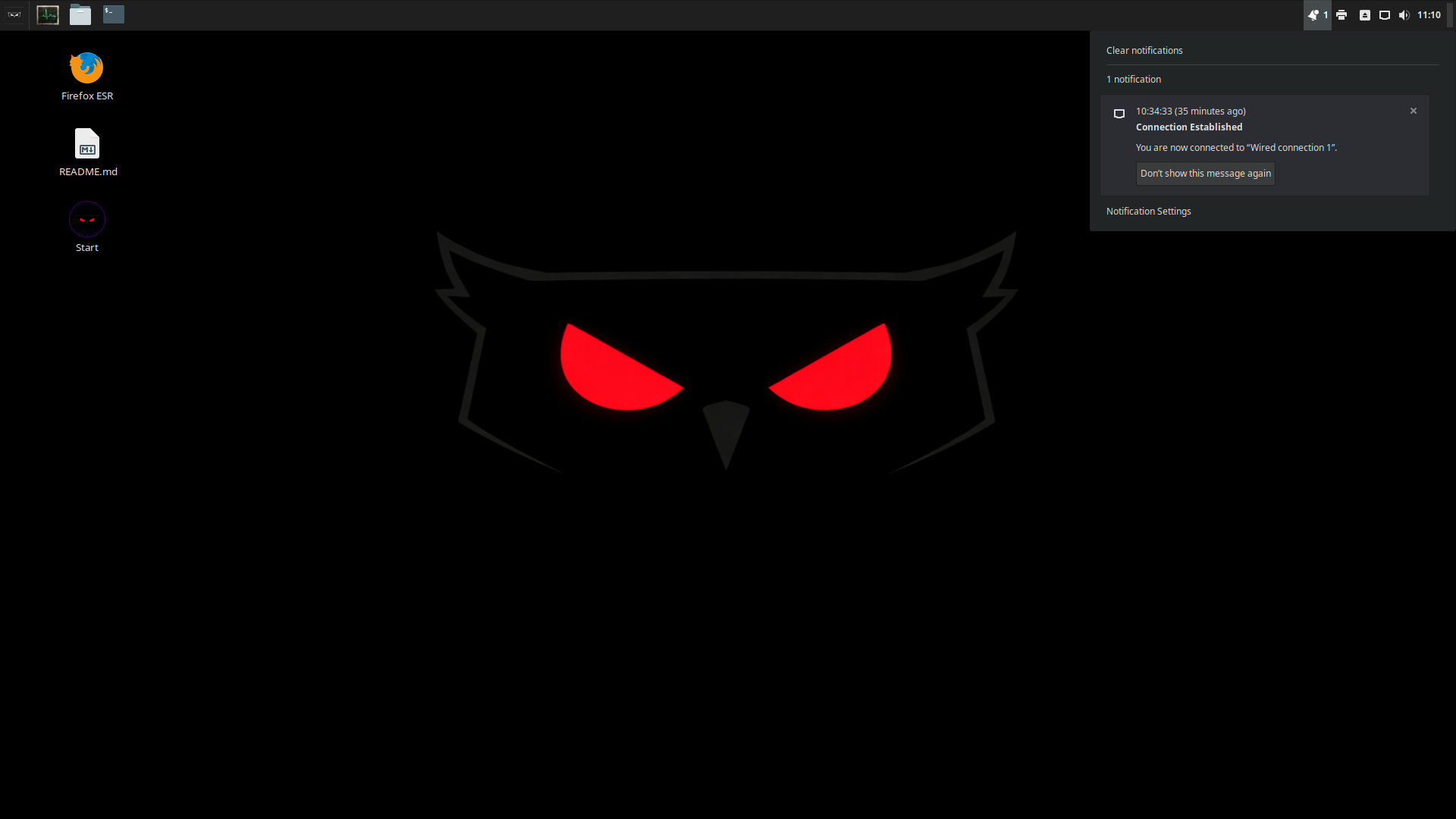
Once installed, you will boot into a neat Cinnamon desktop with a cool-looking Owl OS-branded wallpaper and a few desktop shortcuts for Firefox ESR, the README file, and the optional Tor-based hidden mode feature.
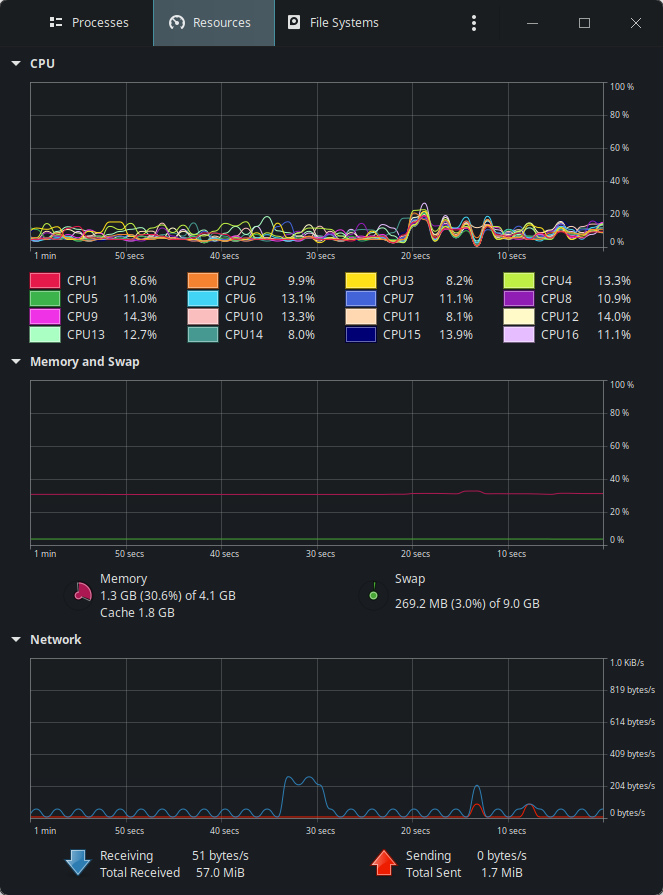
Moving around was quite simple too, with app windows and menus opening quickly without any glitches. I even checked how much memory Owl OS was consuming at idle using System Monitor, and the results ranged from 1.2 to 1.3 GB without any additional apps running.
The tool library is huge. The launcher sorts it into categories like Exploit, Forensics, Network, Passwords, Web, and Wireless, with options like the Burp Suite, Ghidra, Hashcat, Metasploit Framework, Wireshark, and the Aircrack-ng suite being included.
The project’s own collection uses names that start with an O, like OBeacon, OAttack, OChronyX, OCipher, and more.
I would have tested the pentest tools if I had the skills to do so, but alas, that is not my cup of tea. I leave it to the cybersecurity professionals in the house to gauge whether Owl OS is worth installing.
Download it
Owl OS comes in three editions. Security Core is available now for x86_64 (AMD64) systems, while Security Advanced and Security Elite are marked as coming soon on the official website.
There’s an active thread on our It’s FOSS Community forum if you would like to join other FOSSers in the conversation.
And if you are interested, we have a few hands-on beginner friendly pen-testing lab exercises on Linux Handbook.
