
Garuda Linux Begins Nixification By Promoting Its Sybsystem
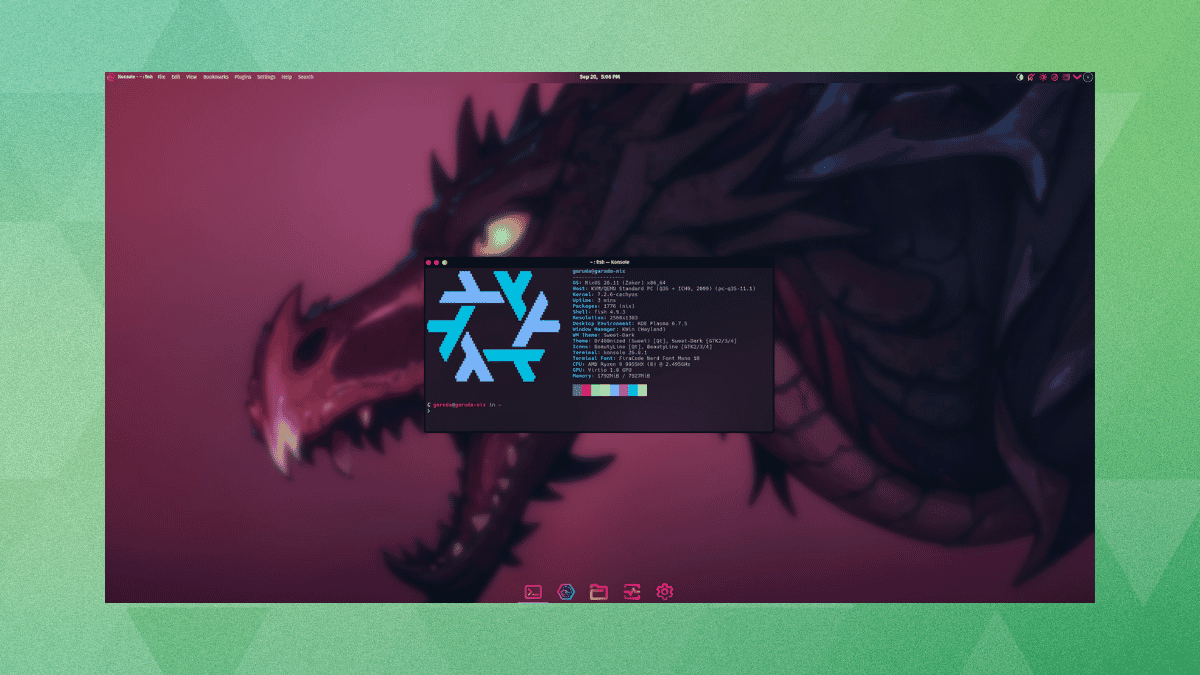
Garuda Linux has started nudging its userbase toward Nix. The distro’s maintainers have just renamed the Garuda Nix Subsystem to Garuda Nix, and you will find that the move is more nuanced than something purely cosmetic.
What used to be a side project for dual-booting NixOS is now also its own bootable installer. The flake ships a dedicated ISO with a Calamares GUI, alongside a command-line install-garuda-nix tool for scripted setups.
This isn’t something new. As a subsystem, it has offered a way to run NixOS alongside Garuda on the same drive, keeping both separate through a BTRFS subvolume rather than a dedicated partition.
So what does it offer?
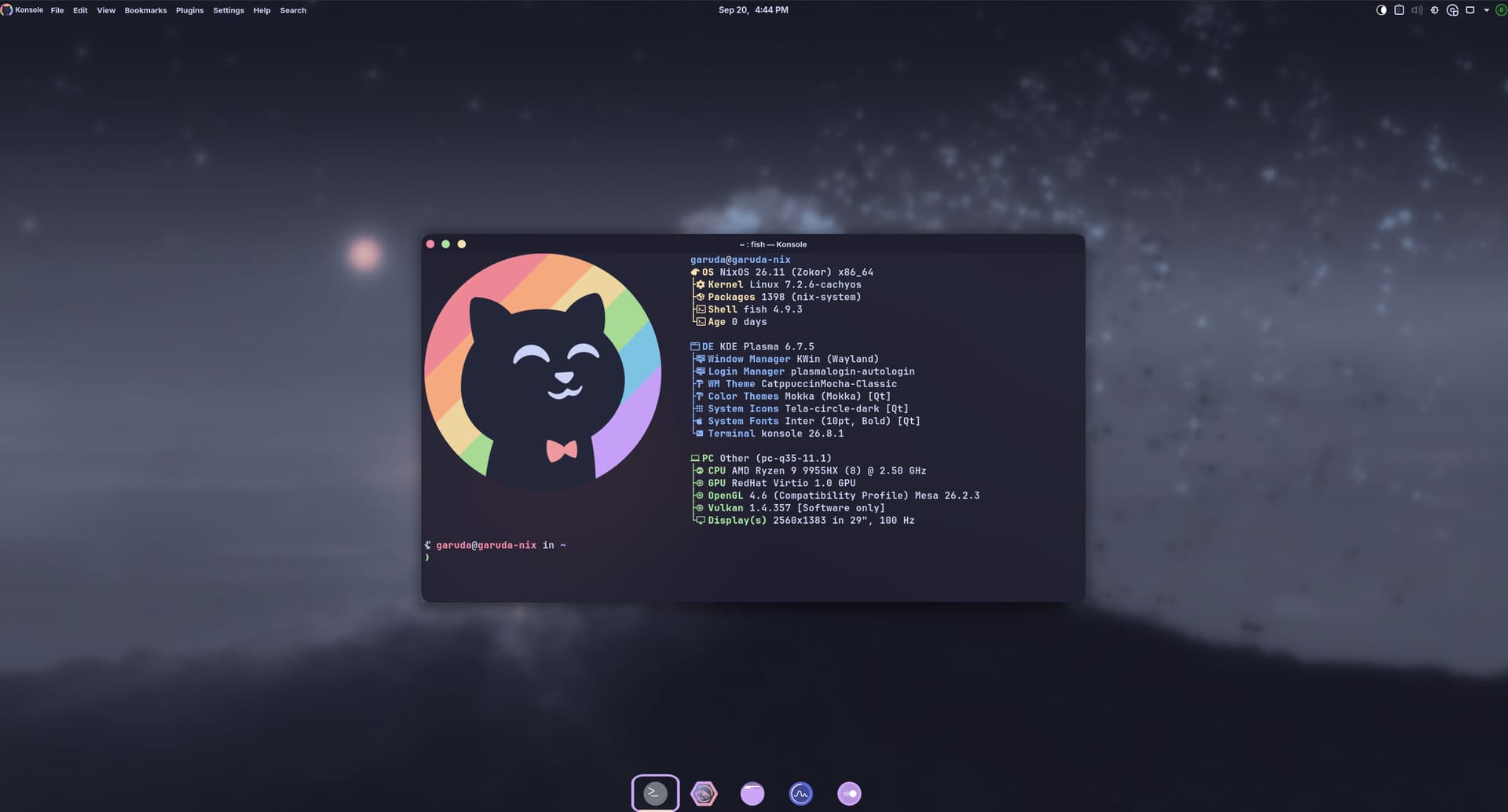
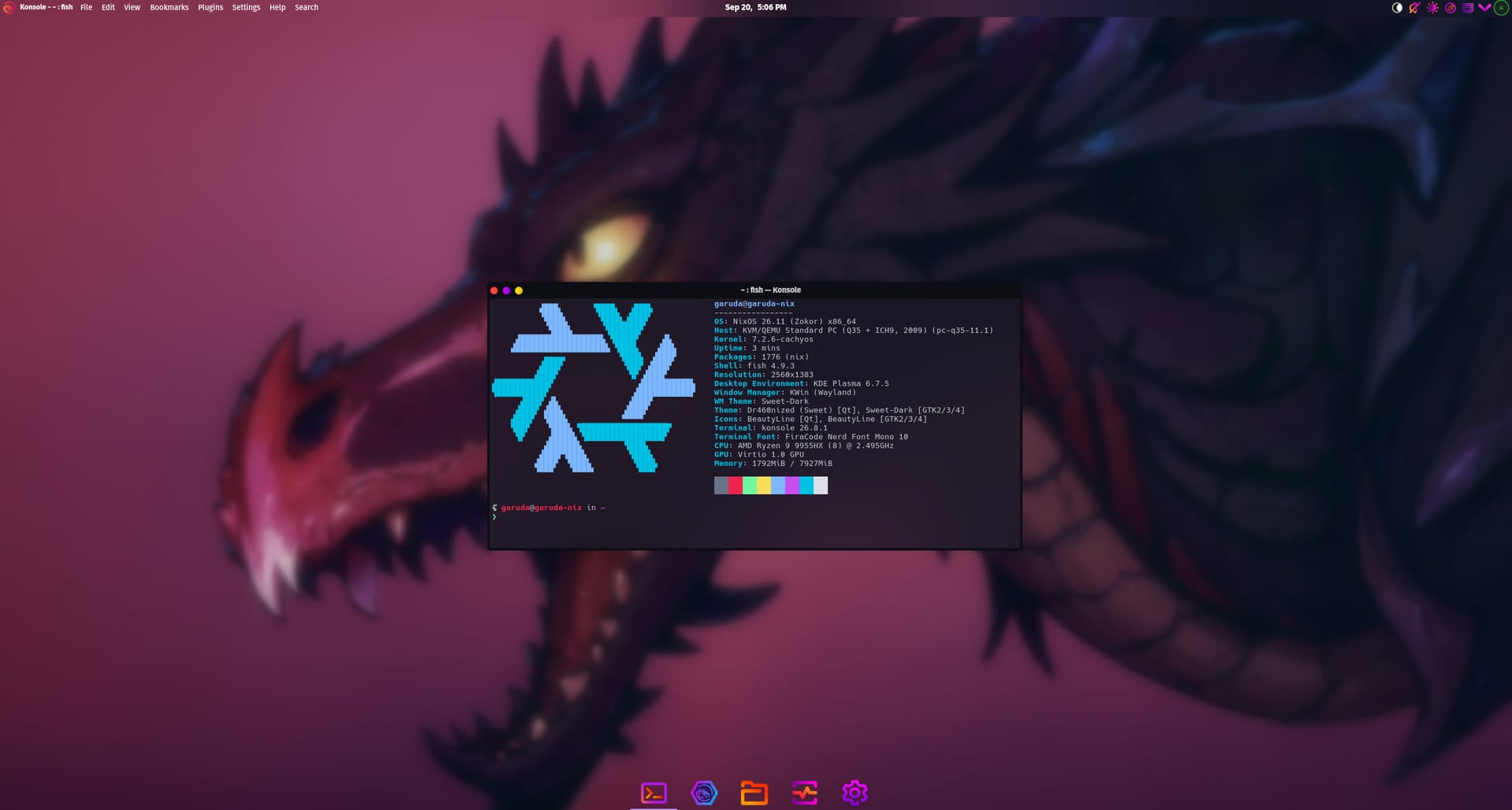
Garuda Nix ‘Mokka’ and ‘Dr460nized’ flavors (Source: dr460nf1r3).
Suggested Read 📖: Get started using NixOS with us.
If you set out to install this, you will find that Calamares handles most of it, asking you to select an edition, Dr460nized or Mokka, and letting you opt for extras to gain better gaming and printing support along the way.
The CLI tool is where it gets interesting; it covers the basics of installing a Linux distro such as this one, while also providing presets for desktop, laptop, server, and handheld setups, plus eight partition layouts spanning ext4 and BTRFS, encrypted and unencrypted alike.
Impermanence, though, is the real draw. Switch it on, and the root filesystem gets wiped clean each time the machine restarts, either through a BTRFS rollback to a saved snapshot or by running root out of tmpfs on ext4 systems.
Don’t worry, those wipes don’t touch login credentials. Both the user and root passwords go through yescrypt hashing before landing in the generated config, which is what lets them persist across a rollback.
Garuda Nix also keeps a handful of essentials persistent by default, so things like your Wi-Fi credentials and per-user config folders stay safe. Anything outside that short list needs to be declared manually, or Impermanence deletes it along with everything else on the next restart.
It’s already live
Both editions are available now as daily ISO builds. Anyone already running NixOS can skip the download entirely and pull the installer straight from the published flake with a single nix run command.
That flake reference points at the same stable branch by default, irrespective of the installation method you used to set things up. Keeping a system current from there is nothing exotic, just the usual nixos-rebuild switch command NixOS users already know.
On the other hand, if you are new to NixOS, then you will have to take some time out to learn your way around, since nearly everything here gets configured through text files rather than a settings panel.
Also, this isn’t the first time the Garuda Linux team has done something of this magnitude. Their FireDragon offering is a web browser that was rewritten from scratch to deliver an improved browsing experience.
