
CachyOS is Laying Groundwork for The Server Edition
Love them or hate them, rolling release distros have managed to take a slice out of the Linux desktop market share. They provide a bleeding-edge experience that stays quite stable if cared for and bites a user’s a** if handled poorly.
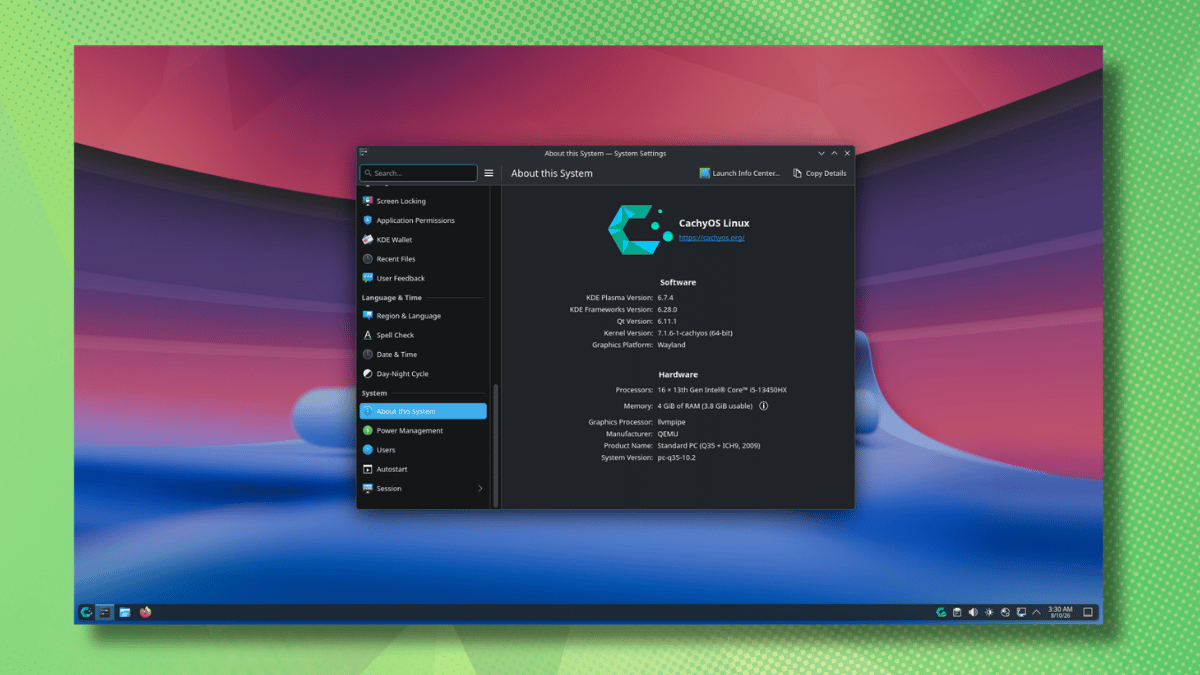
CachyOS is one of those options that has been only getting more popular as the days go by. Offering a rebuilt Arch package stack with CPU-specific optimizations and a custom kernel tuned for responsiveness, it is a distro that delivers some good performance.
You might remember late last year, the developers had teased plans for a dedicated Server Edition aimed at NAS setups and hosting providers. Their newest release shows us where some of the work is happening, along with the typical distro-focused improvements.
What’s fresh?
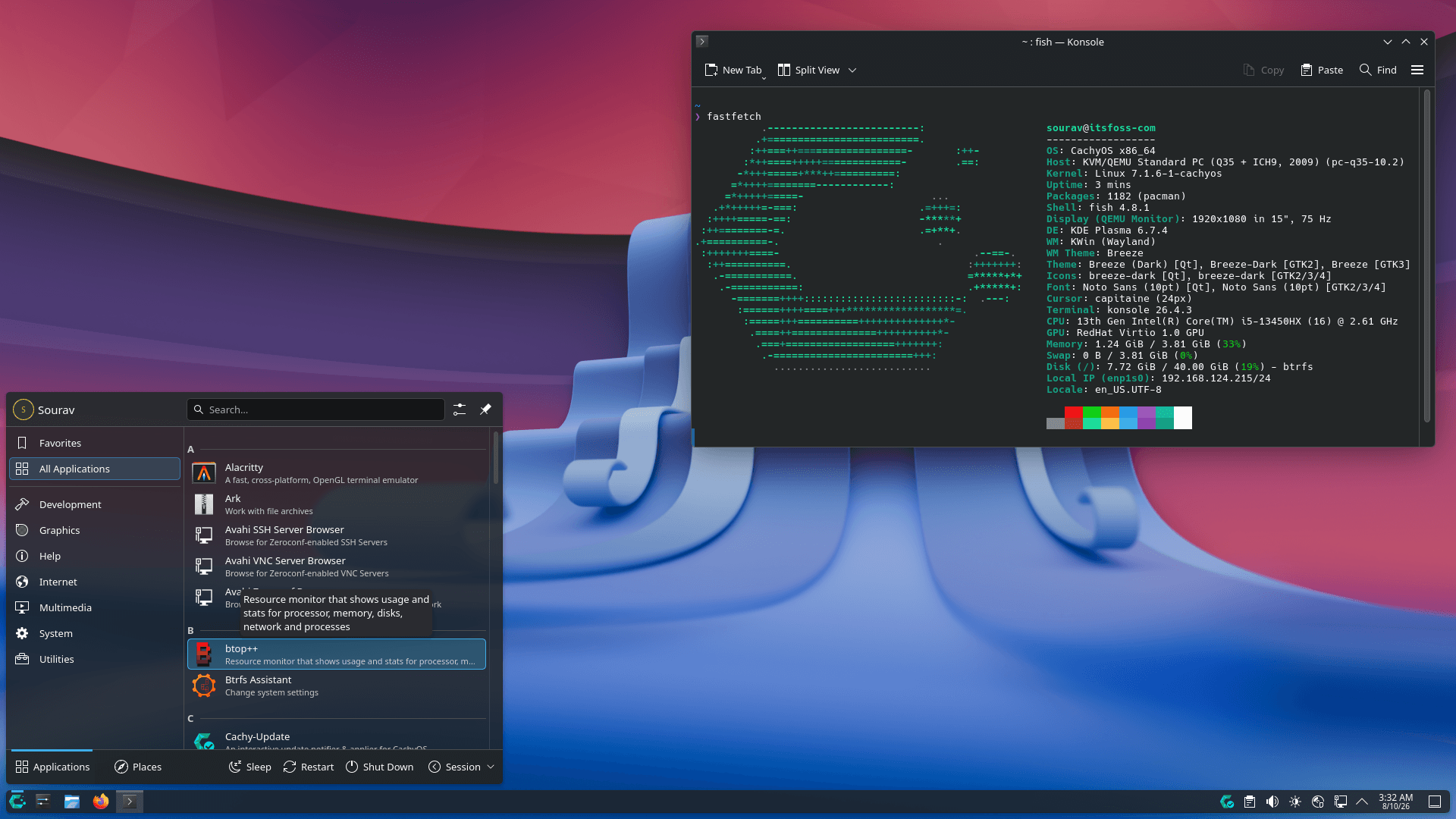
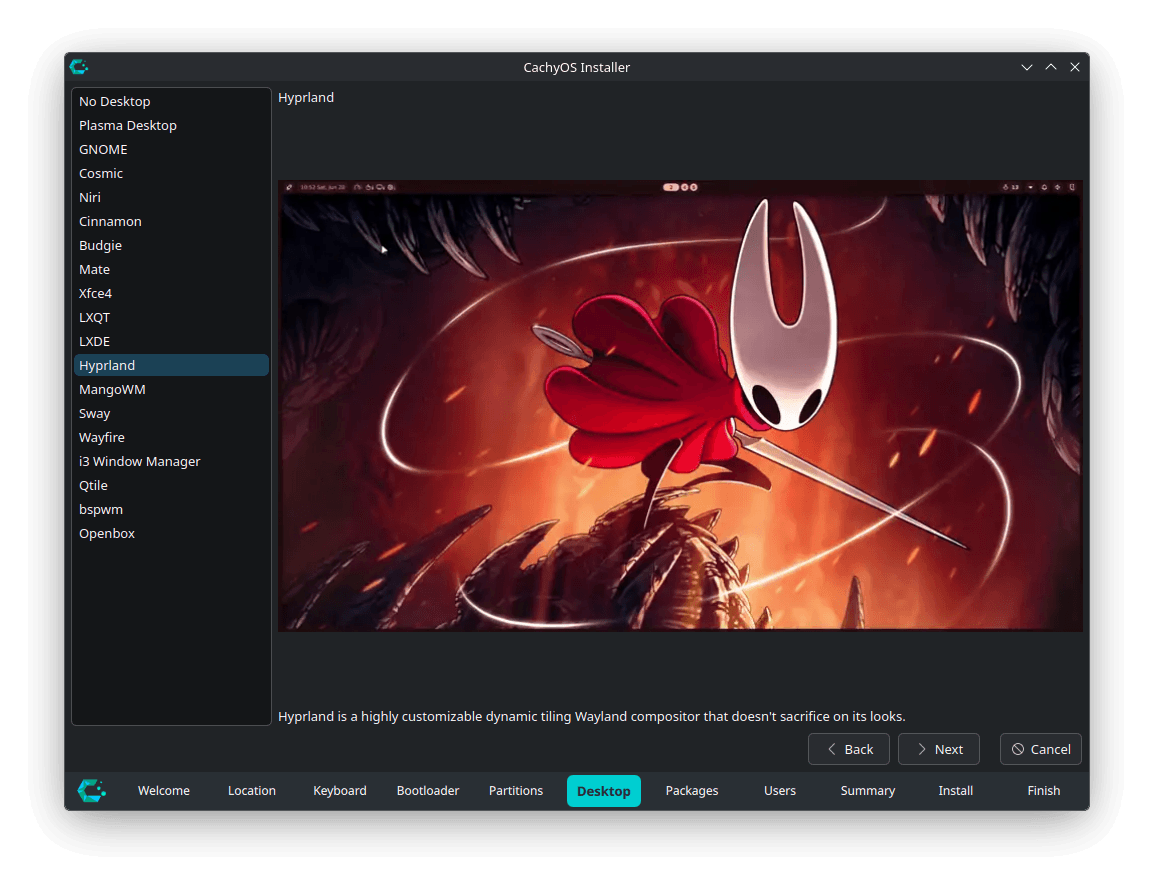
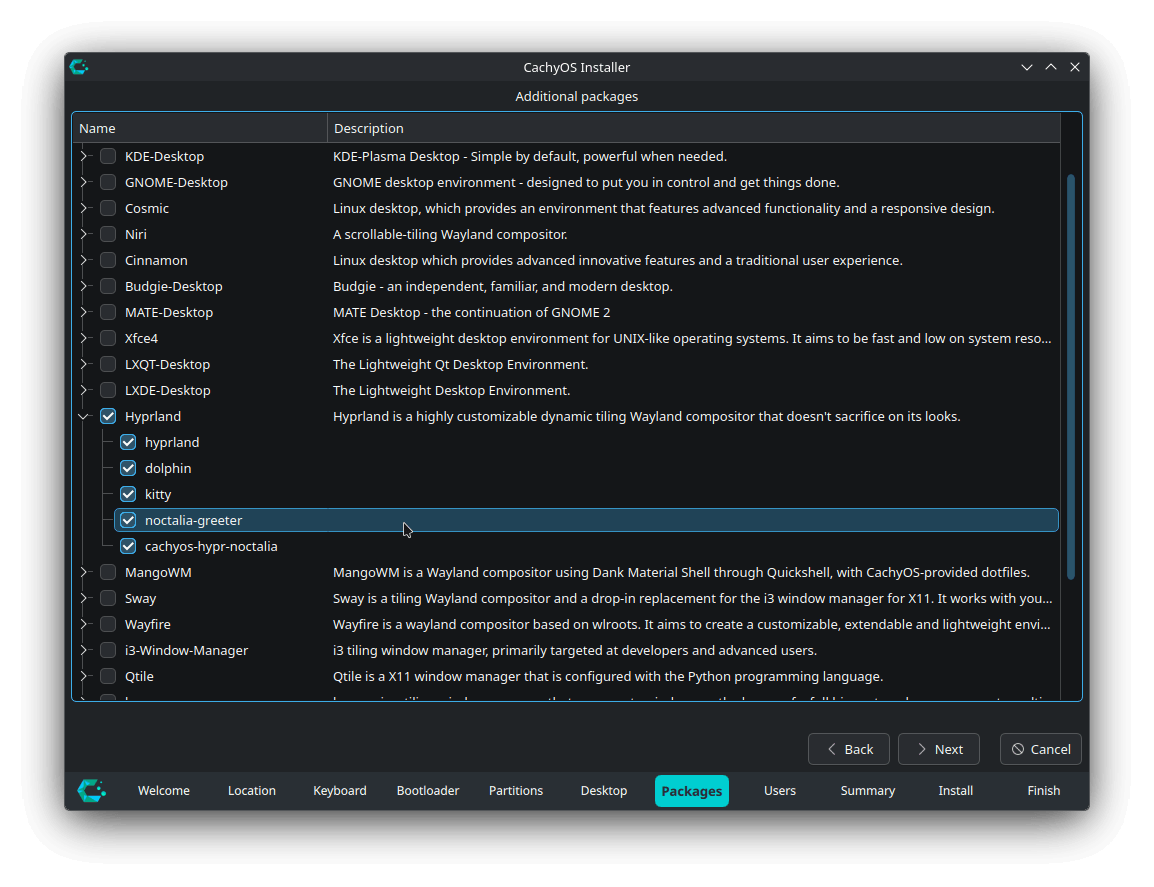
The graphical installer sees many new additions, such as Hyprland’s Noctalia option swapping SDDM for noctalia-greeter, Cinnamon moving to lightdm-slick-greeter, GNOME gaining gvfs-dnssd, and COSMIC picking up cosmic-monitor.
For the CLI installer, other than the usual housekeeping work of addressing bugs and refactoring the code, there’s experimental support for Server Edition installation profiles, marking a key milestone in the new variant’s development.
Shelly became CachyOS’s default GUI package manager back in April, replacing Octopi, and we found it a promising switch once we spent time with it. With this CachyOS release, Shelly has got its most significant change yet with its v3 iteration.
It has gone from being written in C# to Zig, replacing the managed runtime with native binaries that start faster and use less memory.
Coupled with that is the new onboarding screen that shows up at first run, along with list and grid views for browsing packages, and AUR PKGBUILD previews with build output.
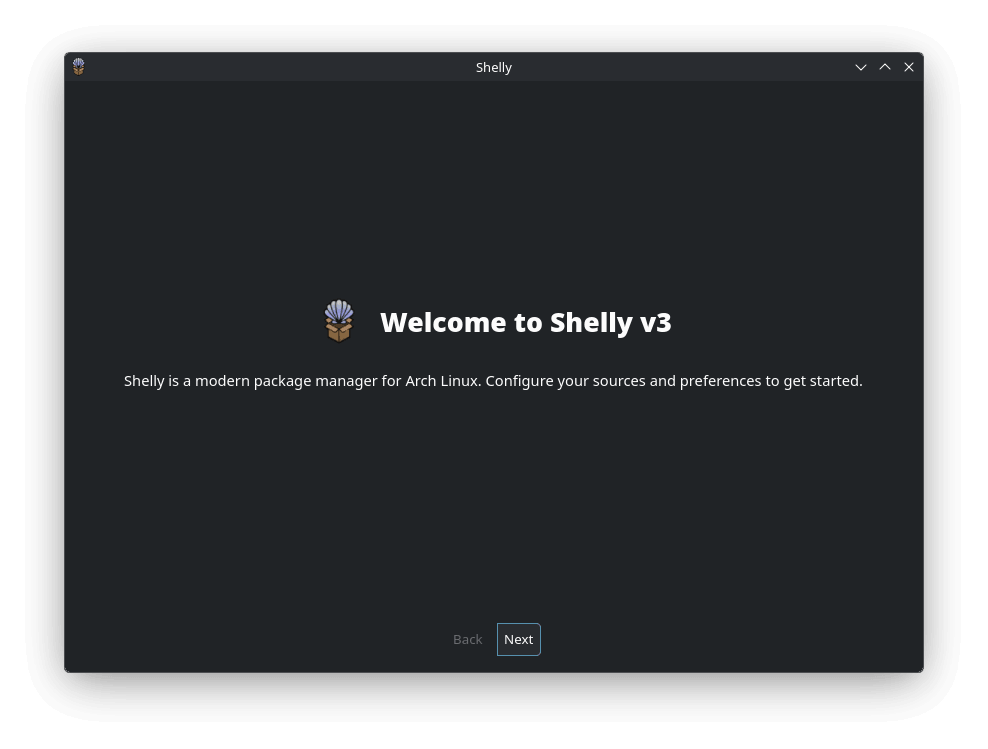
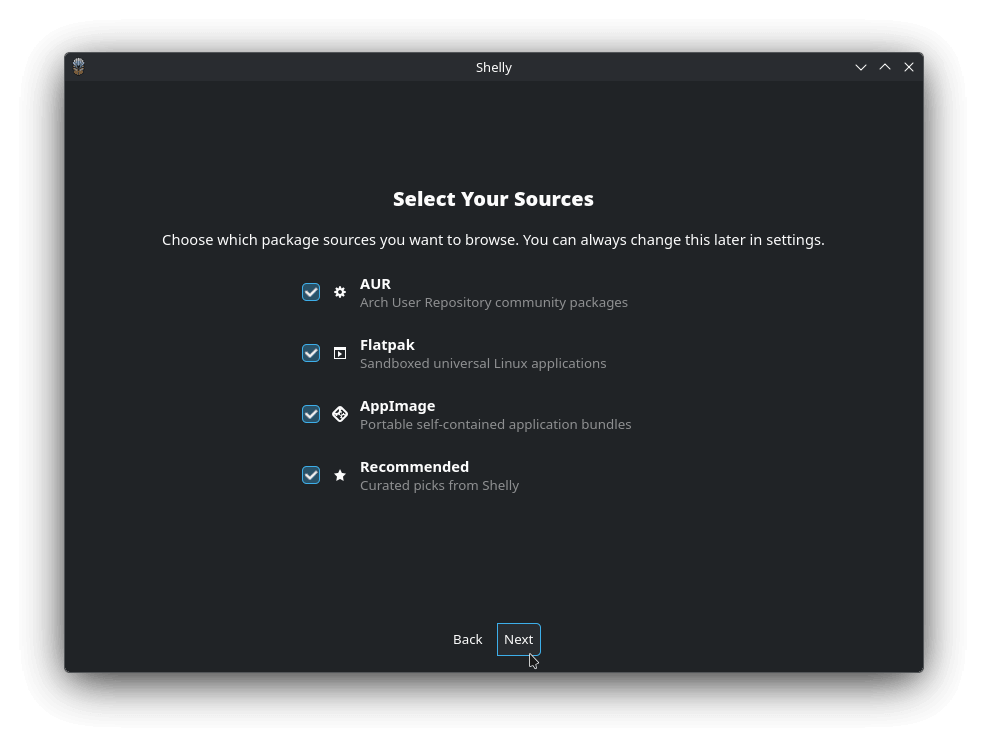
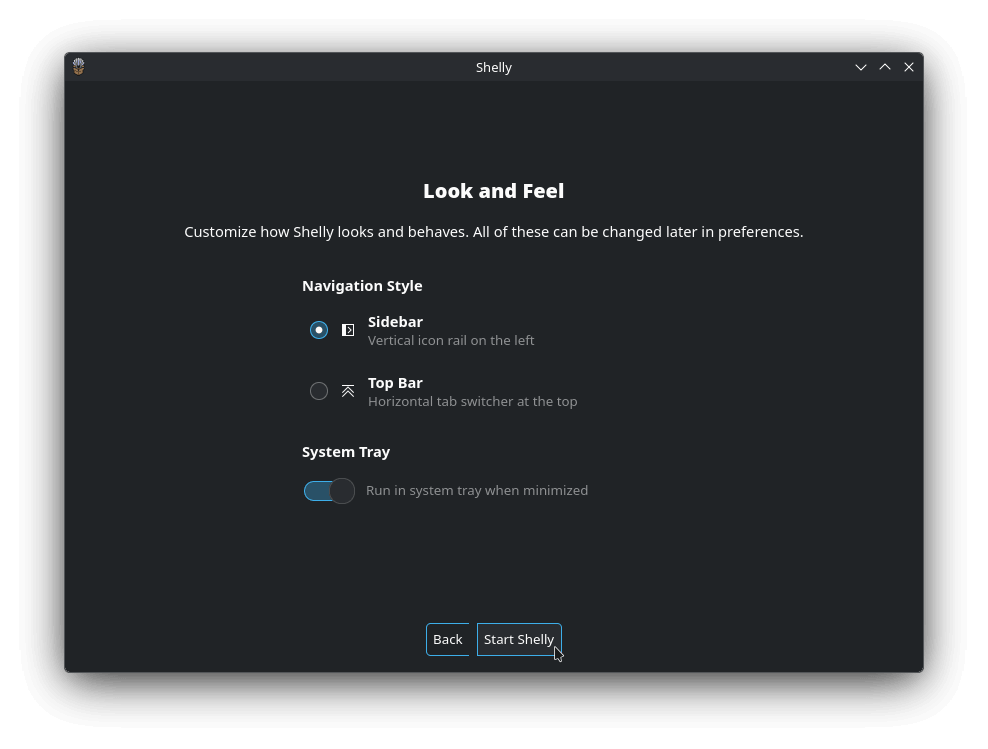
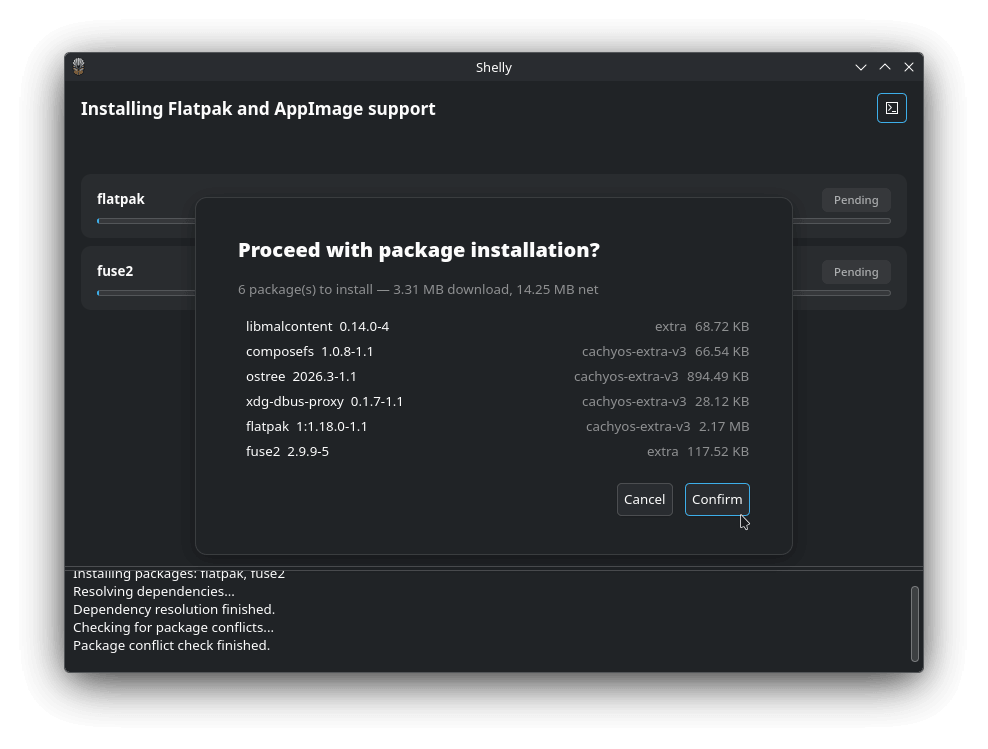
You also get a new Utilities page for syncing the database, cleaning up the cache, and orphaned package removal. Similarly, its CLI version can now search repositories and the AUR from one place, running update checks across the repos, AUR, AppImage, and Flatpak.
Cachy-Update now runs on top of Arch-Update v4.x, with the systray applet ported to Rust. The new --check --enable flag combines two previously separate steps, turning on automated update checks and launching the tray icon together.
Then there’s the handheld detection with chwd, which currently works off board name pattern matching, picking up Bulgarian localization, and no longer tripping up when the board_name DMI file is missing.
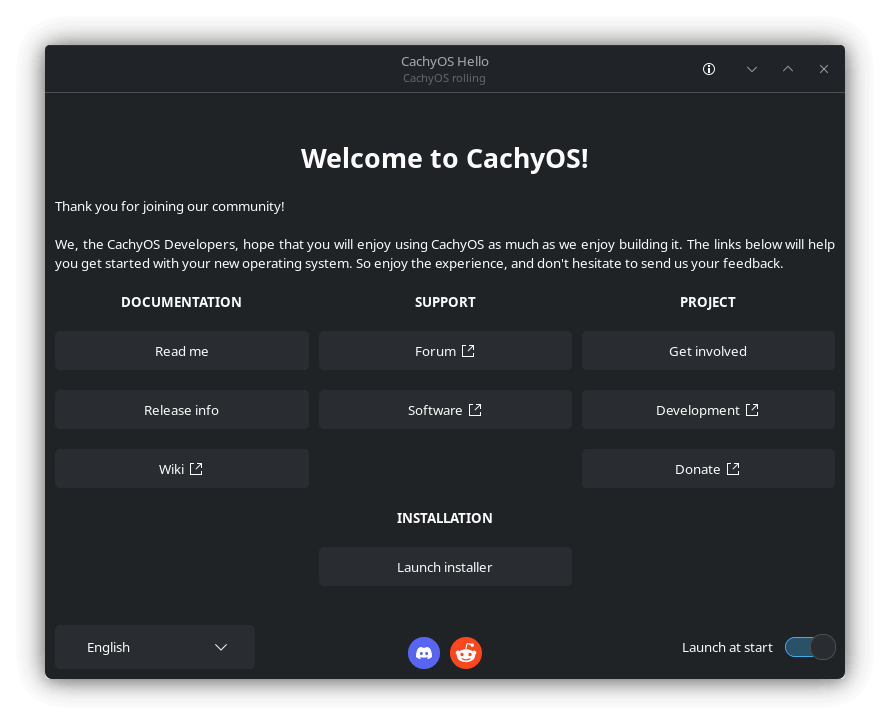
And finally, we have the Welcome app that had its DNS handling reworked, resolving an issue that kept the speed-test based ranking from actually picking the fastest server.
You can refer to the release announcement blog to know about the smaller changes that we have skipped here.
Get this now
Fresh ISOs for both editions are live now. Grab the “Desktop Edition” for the full CPU-optimized desktop experience, or the “Handheld Edition” if you’re running a Steam Deck, ROG Ally, Legion Go, or Legion Go S.
Existing users don’t need to reinstall anything to get this release. Just open Shelly from the app launcher and go into the “Update” page. Here, wait a bit for the sync to complete, or click on “Check Again” to pull in updates from the official repositories, AUR, and Flatpak in one go.
If you prefer the terminal, Shelly’s CLI can handle the same job with a single command:
shelly