
GNOME 50 is Here, and X11 is Finally Gone
GNOME has had quite a journey so far, consistently evolving according to the community’s needs, gaining both loyal users and ardent haters. Each release has brought steadier foundations, a more coherent design language, and a growing set of applications built around the same visual identity.
What it offers is fairly compelling. GNOME is built around a Wayland-first approach, with a consistent design system through Libadwaita, a decent attempt at accessibility, and a core app suite that handles most everyday tasks without much additional configuration.
Its latest release, GNOME 50, continues on that path with some major changes.
GNOME 50: What’s New?
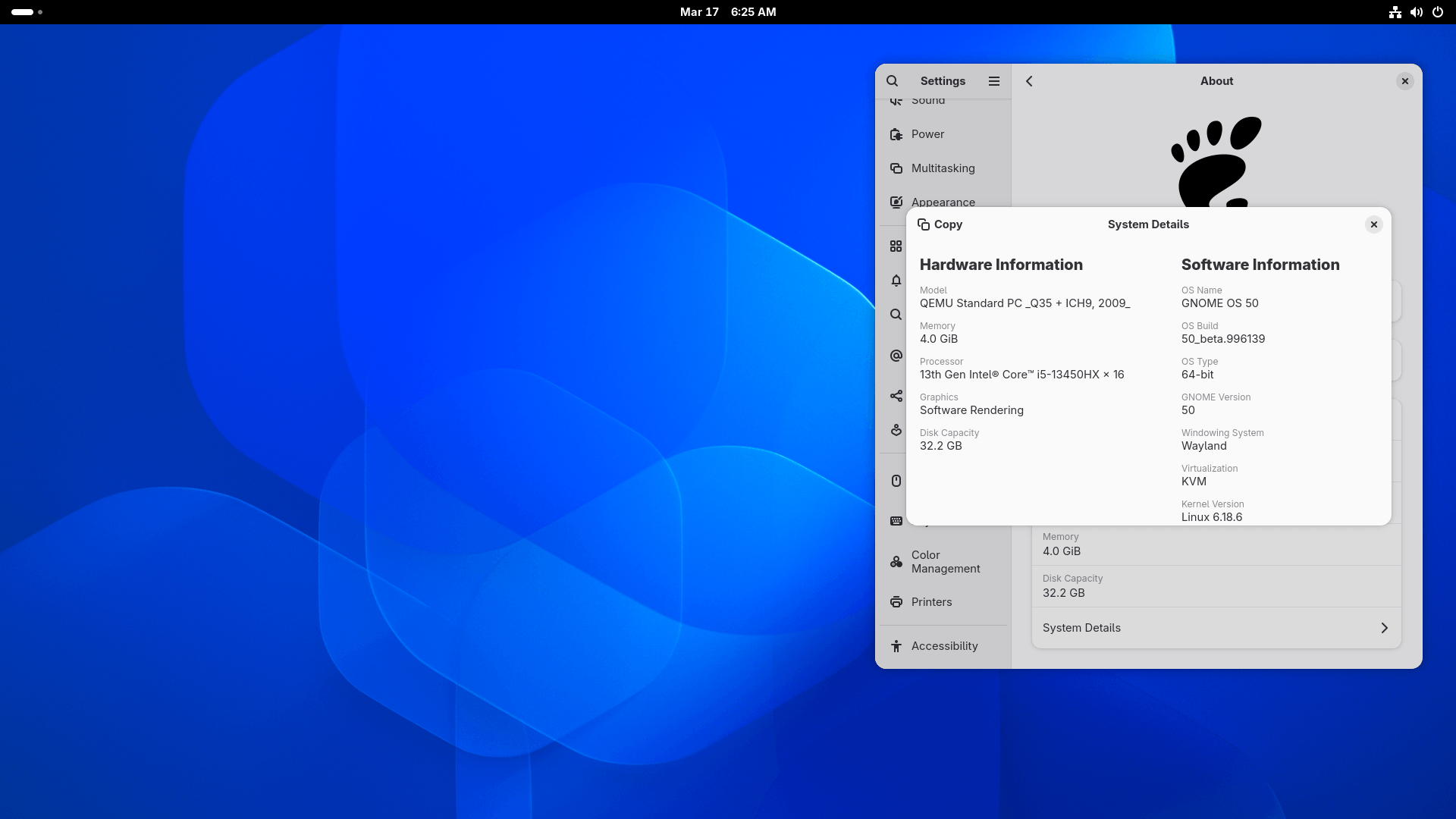
There is a decent amount packed into this release. On the shell side, there is more control over screen time limits, the top bar now shows a power mode indicator when you are not on the default profile, and a few annoyances around keyboard layouts and folder handling have been addressed.
The removal of X11 from GDM is the change most people will have an opinion about. It was supposed to happen in GNOME 49 but got pulled back at the last minute due to a bug. GNOME 50 sees it through, and this time it is not coming back.
Accessibility also sees some attention, specifically around Orca. The screen reader gets a redesigned preferences window, global settings that no longer need to be saved on a per-app basis, and a new option for reading chat room messages.
There is more to this release than that of course, and we will get into the details further below.
X11 is Gone
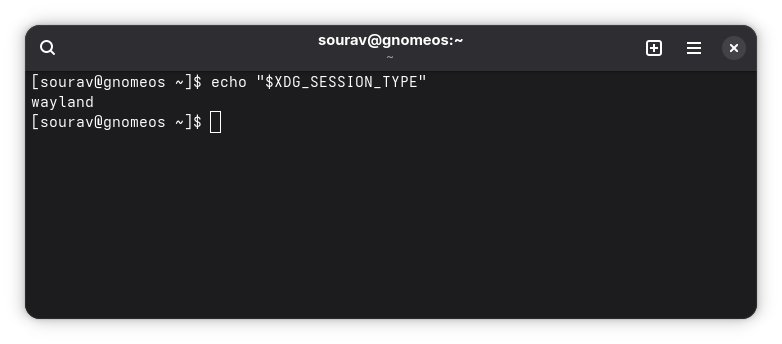
If you followed the GNOME 49 release, you may remember that X11 briefly came back. The plan had been to disable X11 sessions in GDM by default, but a bug caused GDM to stop detecting /usr/share/xsessions, which meant other desktops’ X11 sessions would not appear at login.
The change was rolled back temporarily with an explicit assurance that GNOME 50 would finish the job. GDM now runs entirely on Wayland for its own sessions. X11 support has been removed outright, along with the ability to compile GDM without Wayland support.
Features that depended on X11, including XDCMP and the system-wide X server, are also gone. Desktop environments that ship their own X11 sessions can still be launched via a per-user X server, so Plasma, Xfce, and the others are not caught out by this.
Shell Refinements
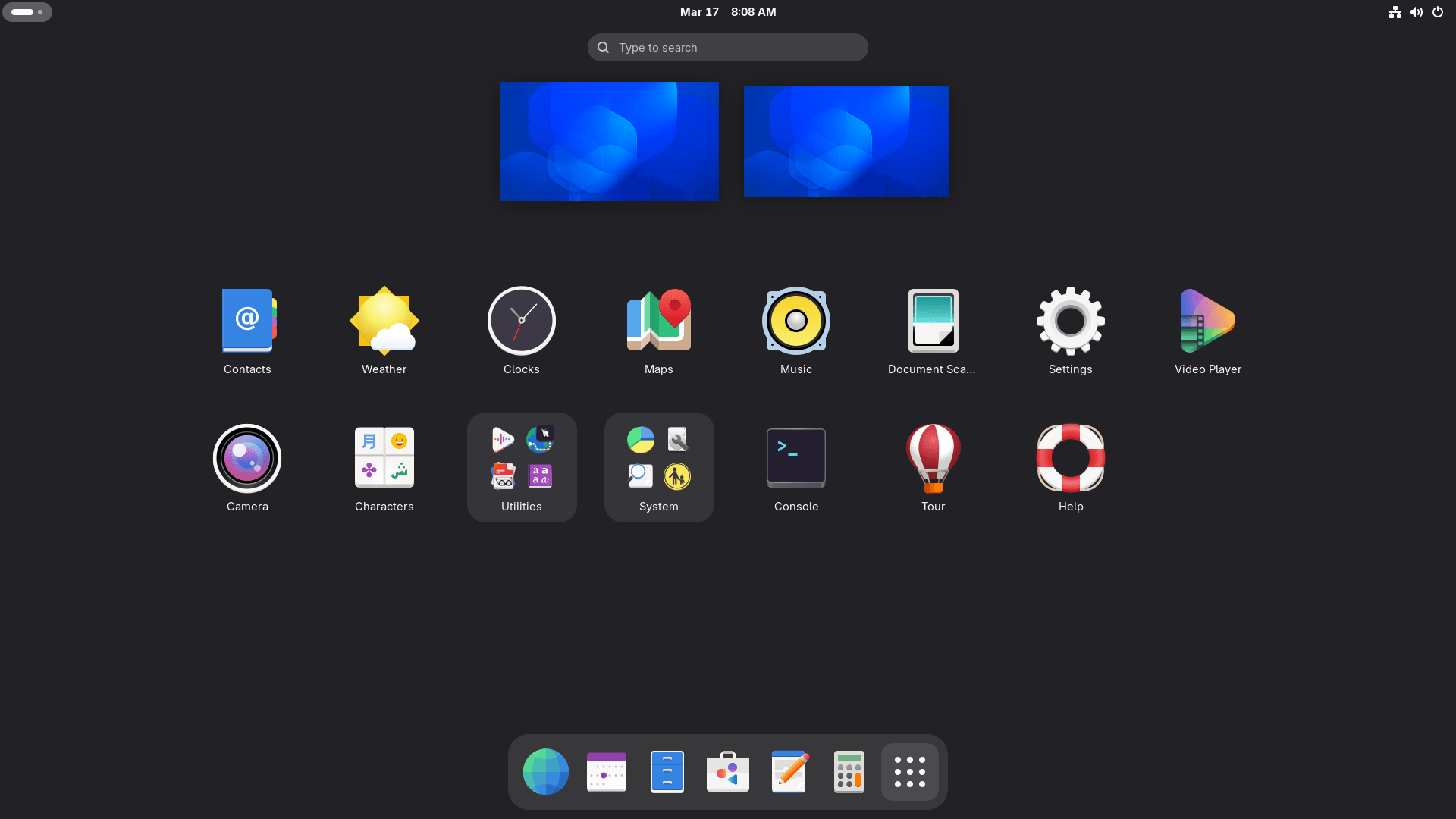
The Shell picks up a mix of new features and reliability fixes. Parents can now extend screen time limits directly from the interface, and screen time tracking has been corrected to work properly when idle inhibitors are active (i.e. when apps are preventing the system from going idle).
This release also introduces a non-default power mode indicator in the top bar, so it is visible at a glance if the system is running in a performance or power-saving mode. The volume slider snaps to 100% when over-amplification is enabled. This should clear up any confusion about where the recommended volume ceiling actually sits during adjustment.
A couple of smaller but welcome fixes include default folders that were manually deleted no longer reappearing after a reboot, and password text is no longer exposed in IM pre-edit fields, which was a privacy concern.
Better Display Handling
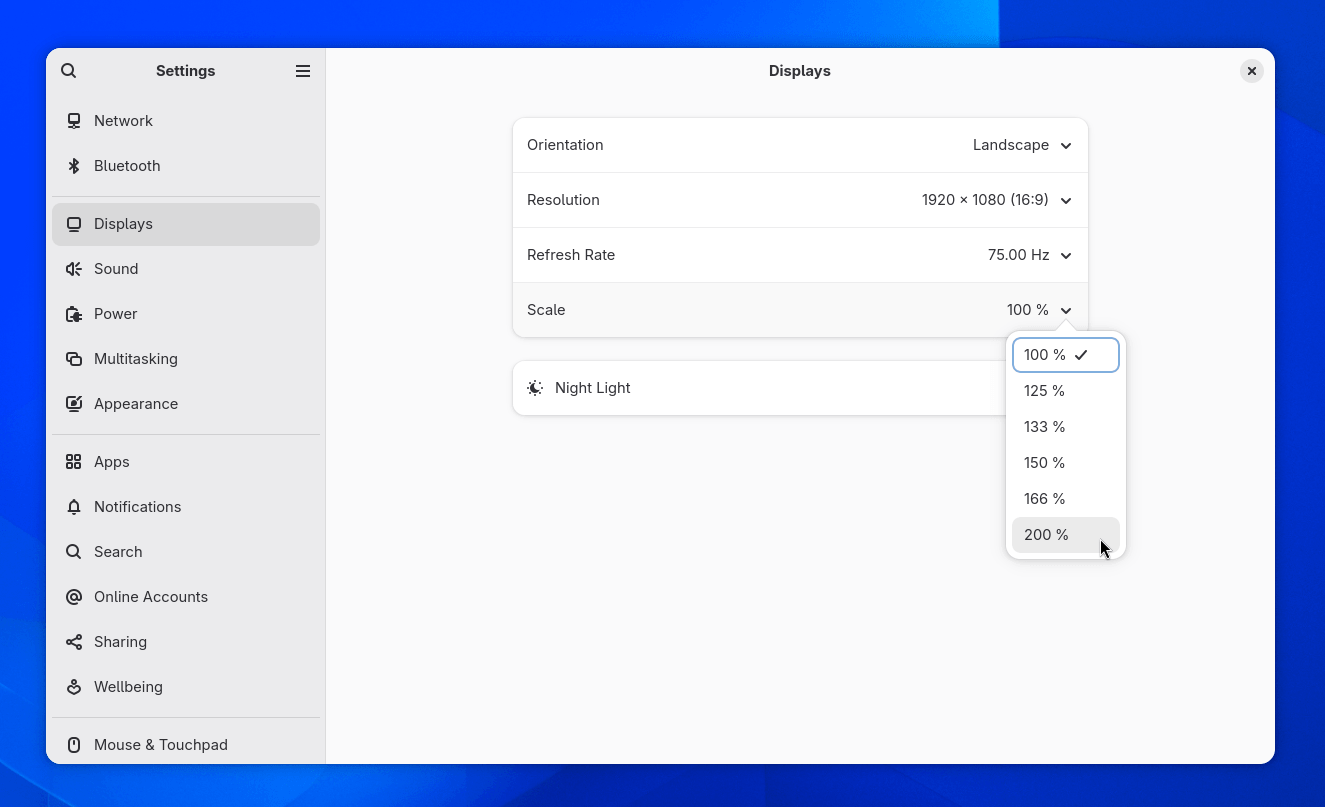
Variable refresh rate and fractional scaling are two settings that have been sitting behind an experimental flag for so long that many users have either forgotten about them or given up on them.
Both are now stable features in Mutter, and if you have a high refresh rate display and skipped enabling these before, this is the release to try them properly.
HiDPI support has been extended to remote desktop and color management sees meaningful additions too with HDR screen sharing, a new SDR-native color mode, and wp-color-management v2 protocol support.
Discrete GPU detection has been improved which should help multi-GPU setups behave more predictably. For NVIDIA, Mutter has some fixes to handle driver quirks to improve performance on those GPUs.
Nautilus Buffs
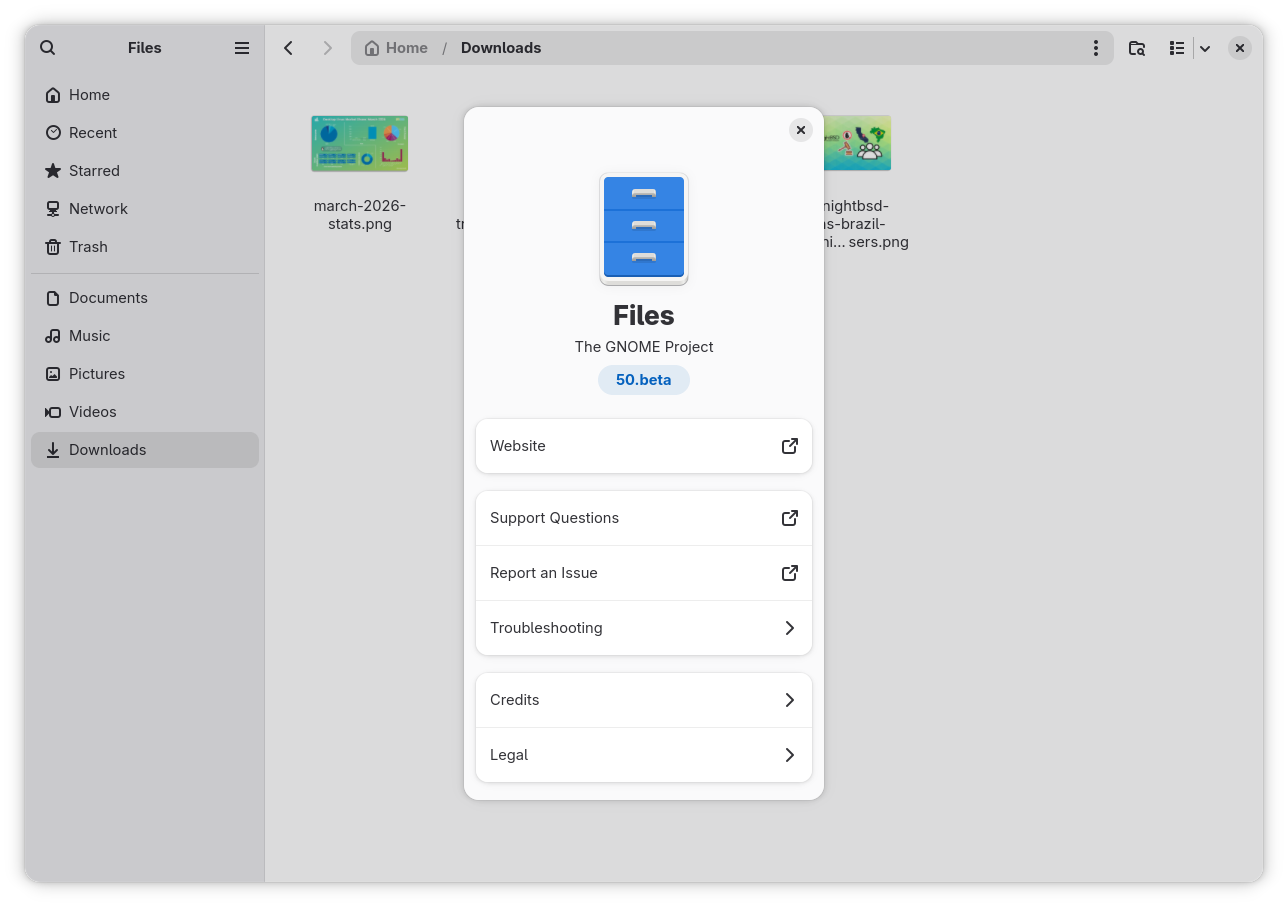
The Files (aka Nautilus) app sees a significant round of improvements with this release. Path completion in the location bar is now case-insensitive, which is a small change that makes the experience noticeably smoother when you are typing quickly and not thinking about capitalization.
Thumbnails are now loaded through Glycin, GNOME’s sandboxed image loading library, completing a change that caused missing image thumbnails for some users (including myself).
Icon caching has been reworked alongside this, and the multi-file properties dialog has been improved. Similarly, image thumbnails in the properties view now display against a checkerboard background, making it easier to see transparency at a glance.
Accessibility Upgrades
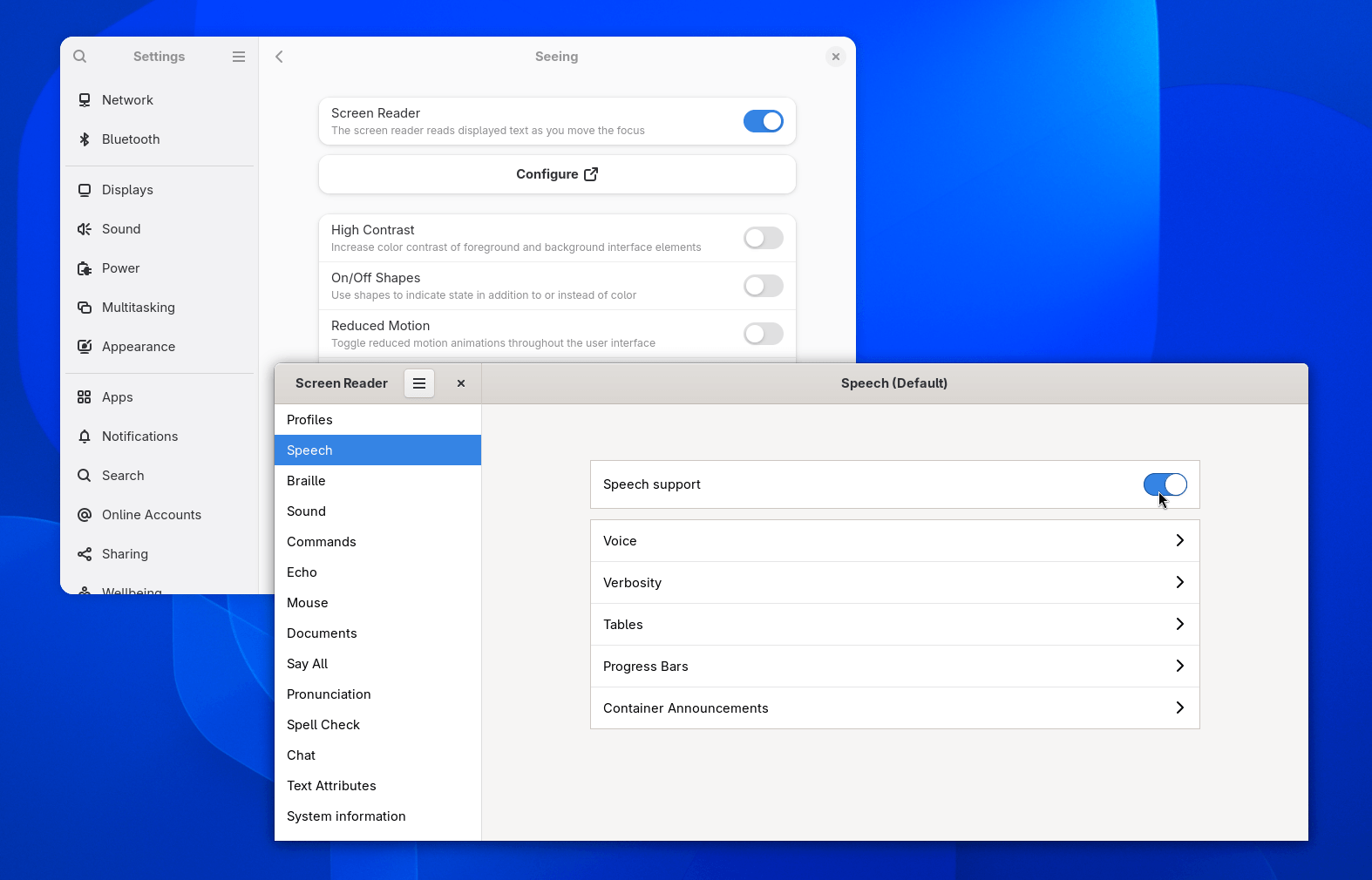
Orca gets a substantial overhaul, where the screen reader gets a redesigned preferences window that is more visually consistent with the rest of the GNOME ecosystem (it is still GTK3 tho).
More practically, all settings and commands are now global by default, meaning that you don’t need to manually save settings on a per-application basis, though doing so is still possible.
Additionally, automatic language switching has been added for both web and interface content, and Browse mode now works across all document content rather than being limited to web pages.
On the platform side, at-spi2-core gains the pointer-moved, key-pressed, and key-released signals. These give assistive technologies a cleaner way to track pointer and keyboard input, with the pointer-moved signal supported on both X11 and on Wayland when the compositor implements the org.freedesktop.a11y.PointerLocator interface.
Other Changes and Improvements
We conclude this article with a few other notable refinements that include:
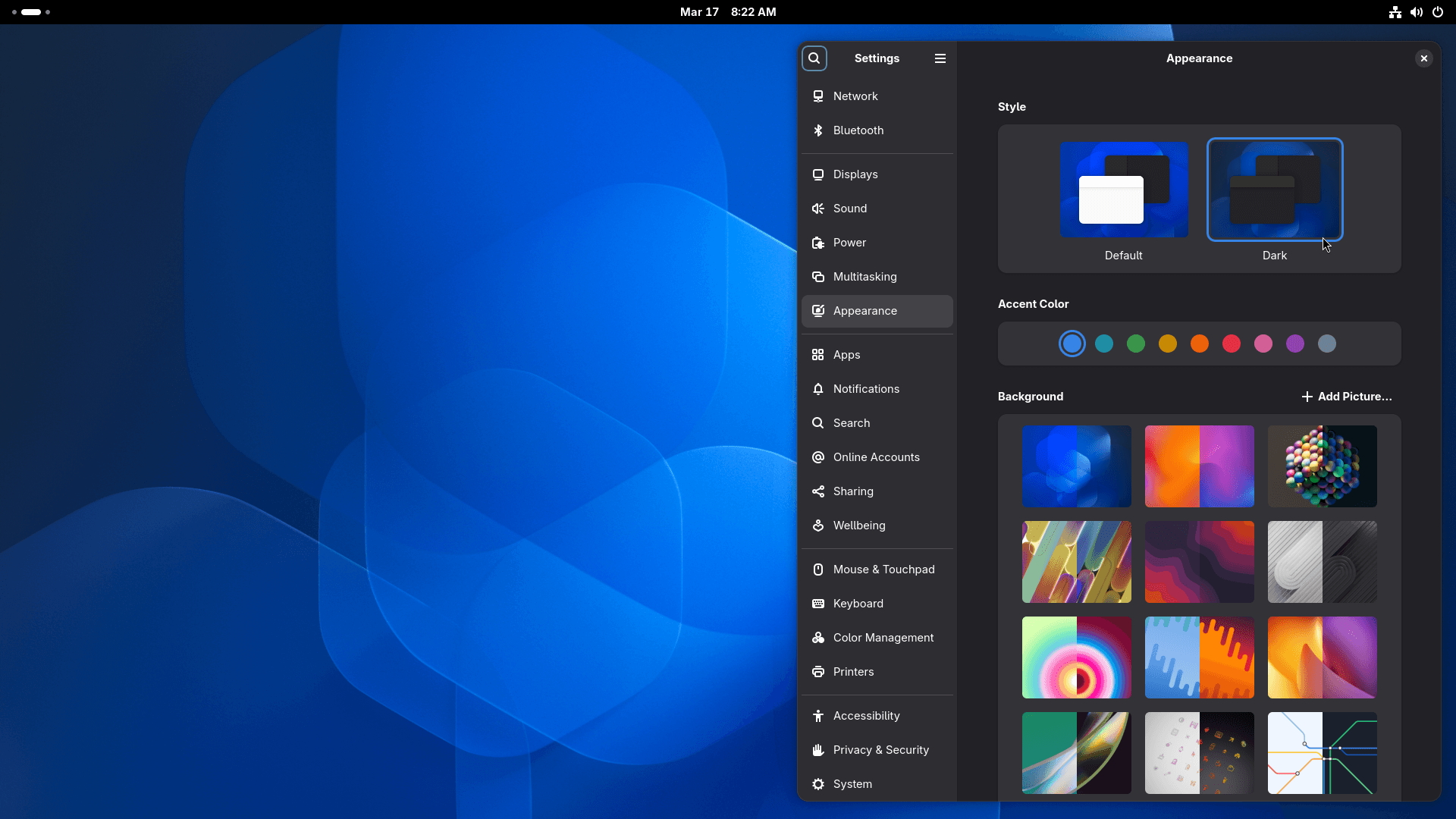
- As usual, a set of fresh wallpapers is included.
- Loupe (the image viewer) adds support for XPM and JPEG 2000 formats.
- The new session save and restore feature has been postponed to a future release.
- GTK 4 has dropped its Librsvg dependency as it can now render SVGs natively.
- Calendar now shows event attendees in the event editor dialog and supports arrow key navigation in the Month view.
The release notes contain all the useful information you will need about this release.
How to Get GNOME 50?
If you run a rolling release distribution like Arch Linux, EndeavourOS, and CachyOS, GNOME 50 will arrive as an upgrade as soon as the maintainers are done pushing it to the repos.
The upcoming Ubuntu 26.04 LTS and Fedora Workstation 44 releases will also feature this GNOME release, so be sure to keep an eye out for those.
If you are an impatient one, then GNOME OS is the most straightforward way to get GNOME 50, though it is not yet a full-fledged Linux distribution.
Suggested Read 📖: What the Ubuntu 26.04 LTS release offers
