
Jadens JD-166 Review: Portable, Inkless Thermal Printer on Linux
For Linux veterans, printers can induce nightmares. Although, lately, printer support has vastly improved on Linux, at least for the newer models.
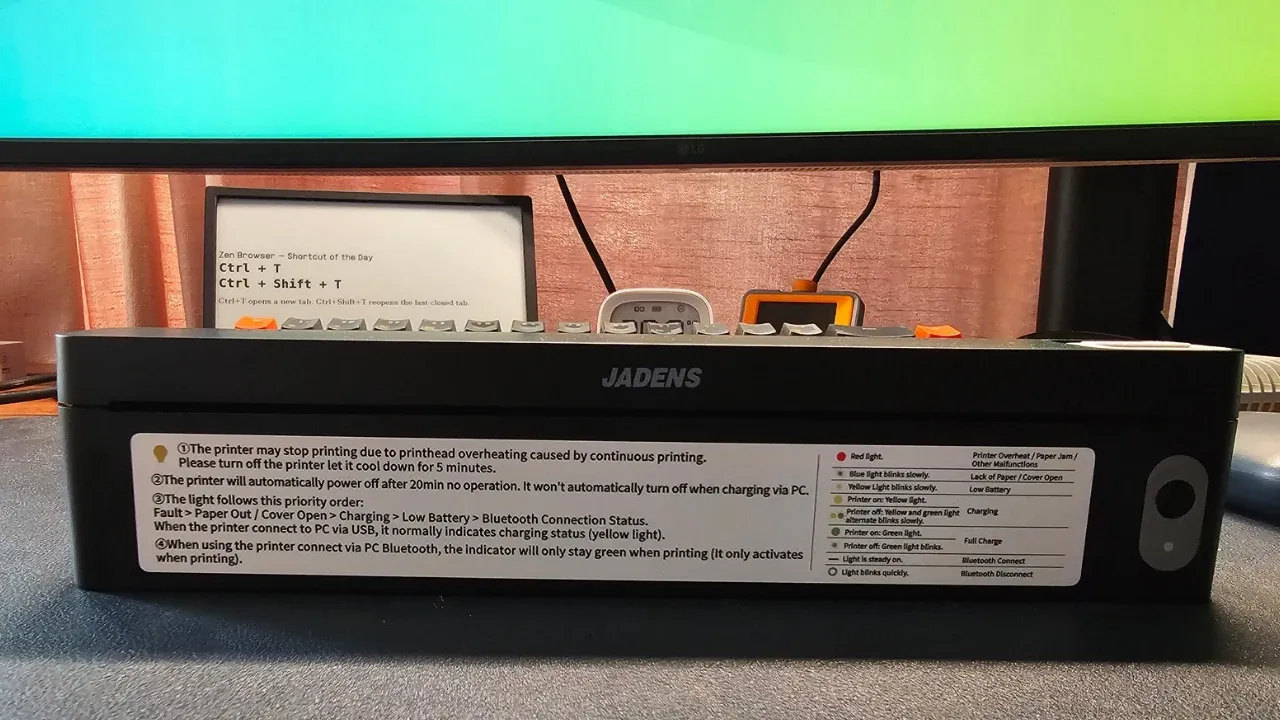
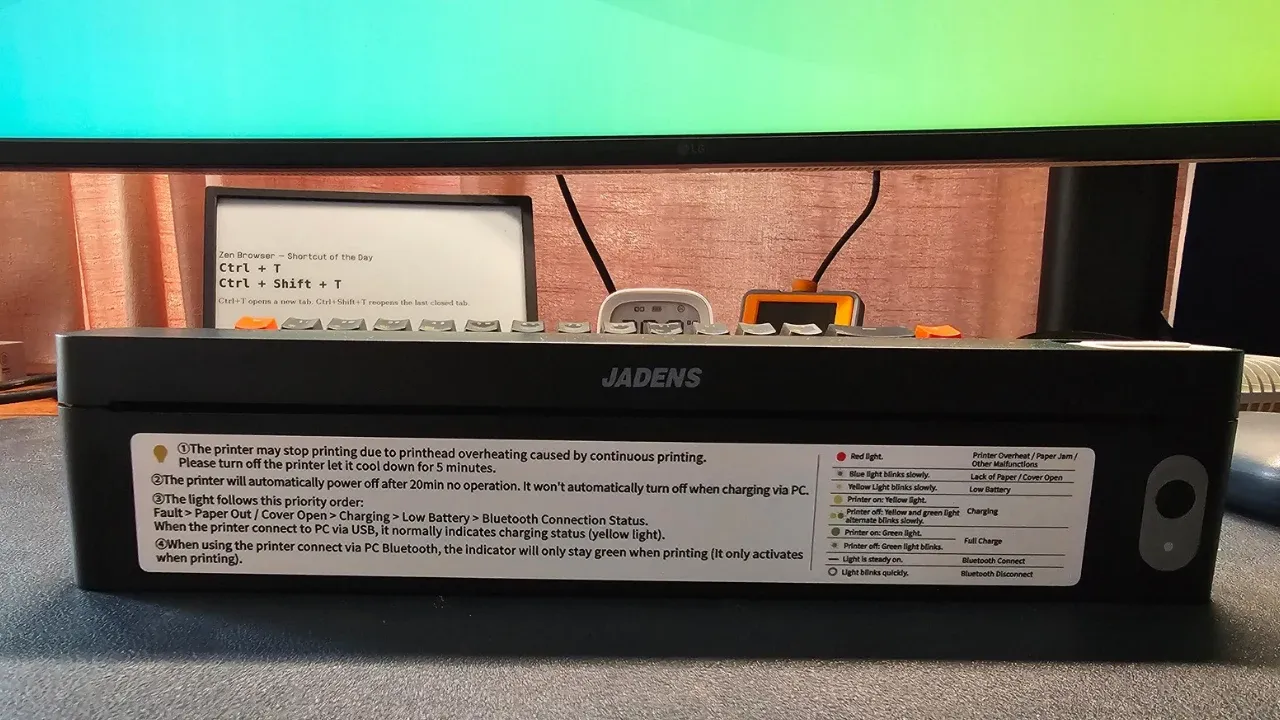
Last week, I got my hands on Jadens JD-166, which is very different from all the printers I have used so far.
It’s a tiny device, almost a foot wide and only an inch tall and yet you can use A4 papers with it. There is no concept of ink here as it is a ‘thermal printer’.
Think of the last time you needed a printed agreement or a form while traveling, and had to hunt for a print shop. This is the problem the JD-166 is trying to solve. The tiny form factor means that you can carry this printer with you easily.
It does that document printing job well enough, but there are trade-offs you should know about before buying one.
✅ Truly portable, prints full A4 pages without ink or toner
✅ Works over USB on Ubuntu once the right driver is installed
❎ Black and white only, no duplex, and needs special thermal paper
❎ Linux driver is only available as a .deb file
The hardware
Here is what I know about the JD-166. I have left placeholders for the details I still need to confirm.
| Spec | Details |
|---|---|
| Type | Thermal printer, no ink or toner |
| Paper size | A4 (also supports Letter-ish sizes in the driver) |
| Resolution | 203 dpi (as listed in the Linux driver) |
| Color | Black and white only |
| Duplex | No |
| Connectivity (computer) | USB |
| Connectivity (phone) | Bluetooth (BLE), through the Jadens app |
| Weight and dimensions | ~445 grams and 250x32x55 mm |
| Supported file formats | Word/Excel/PDF/TXT |
| Power / battery | 1800mAh, charges via USB C port |
Pricing starts at US $60 and the printer comes with 10 sheets of A4 thermal paper. That’s important, and I explain it in the next sections.
What is a thermal printer?
A thermal printer does not use ink or toner. It heats the paper itself, which is coated to darken where the printhead touches it. That is why the JD-166 is small, and also why it prints only in black and white.
Text and simple graphics are fine. Photos get reduced to black and white, so do not expect anything close to a photo printer. You stick to document printing and that’s what the Jadens also indicates in the official file format support.
You do save on ink, but you spend that money on paper instead. Jadens recommends its own special thermal paper, which has a cut at the top and a black mark on the back.
Since the paper is thermal, double-sided printing is out of the question. You get one side per sheet.
From what I see on Amazon, 200 sheets of Jaden A4 thermal printer cost $20. Which comes to 10 cents a paper. So the pricing is pretty much in the same range as a regular inkjet printer.
But the advantage here is the protability.
Portability is the whole point
For regular home use, a regular laser printer is more suitable, as you can print in color, utilize both sides of the paper, and won’t have to hunt for a special kind of paper.
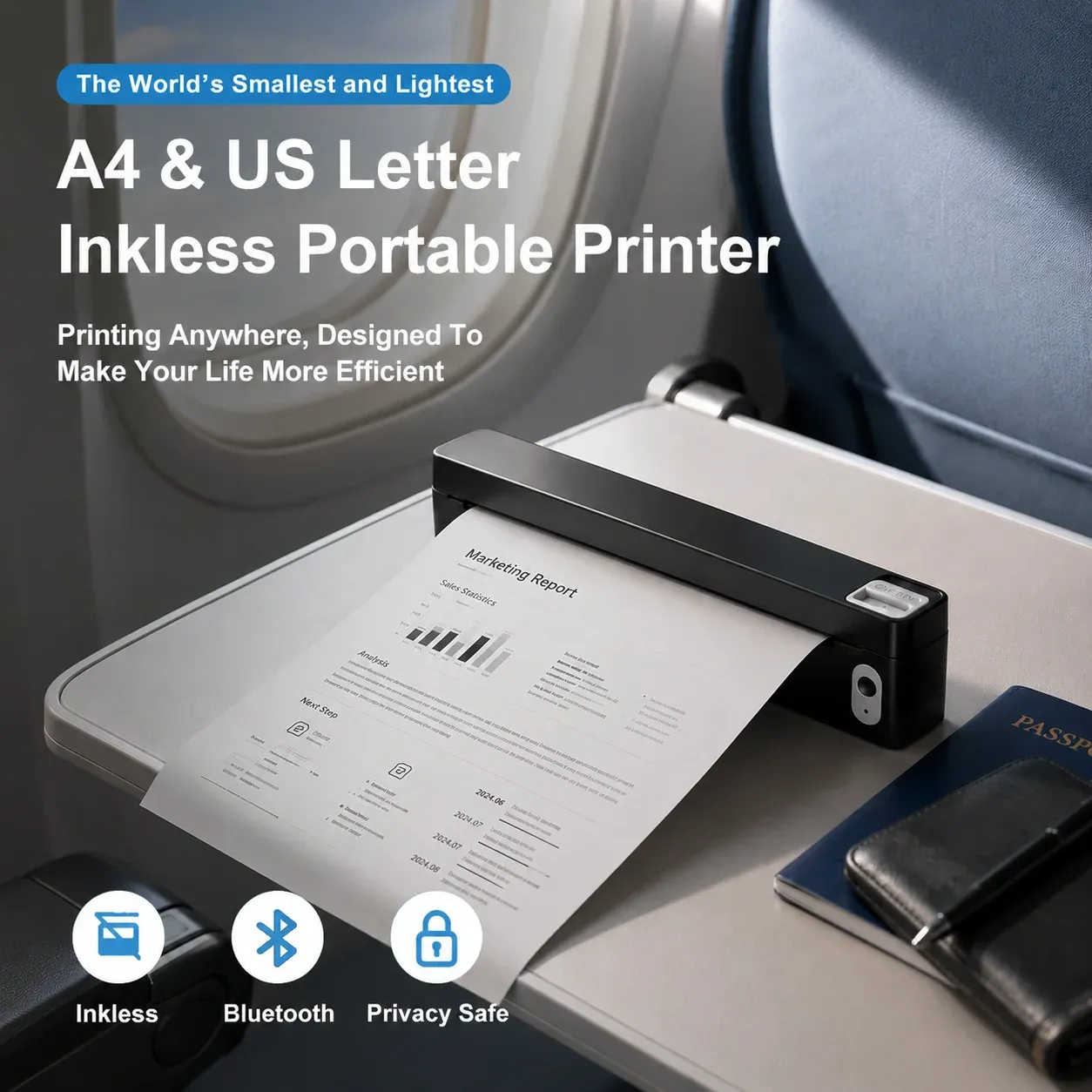
The advantage of JD166 is that it is small and you can take it with you. If you travel often and need to print documents for an agreement, forms or anything else that needs paper, you do not have to look for a printing shop. You plug it into your laptop (or connect your phone) and print.
If you only print a handful of pages a month while traveling, this makes more sense and could actually save you money and time.
Setting it up on Ubuntu
I plugged the printer into Ubuntu 26.04 over USB and turned it on. CUPS recognized it immediately. The printer showed up in the settings right away, which made me think everything was working.
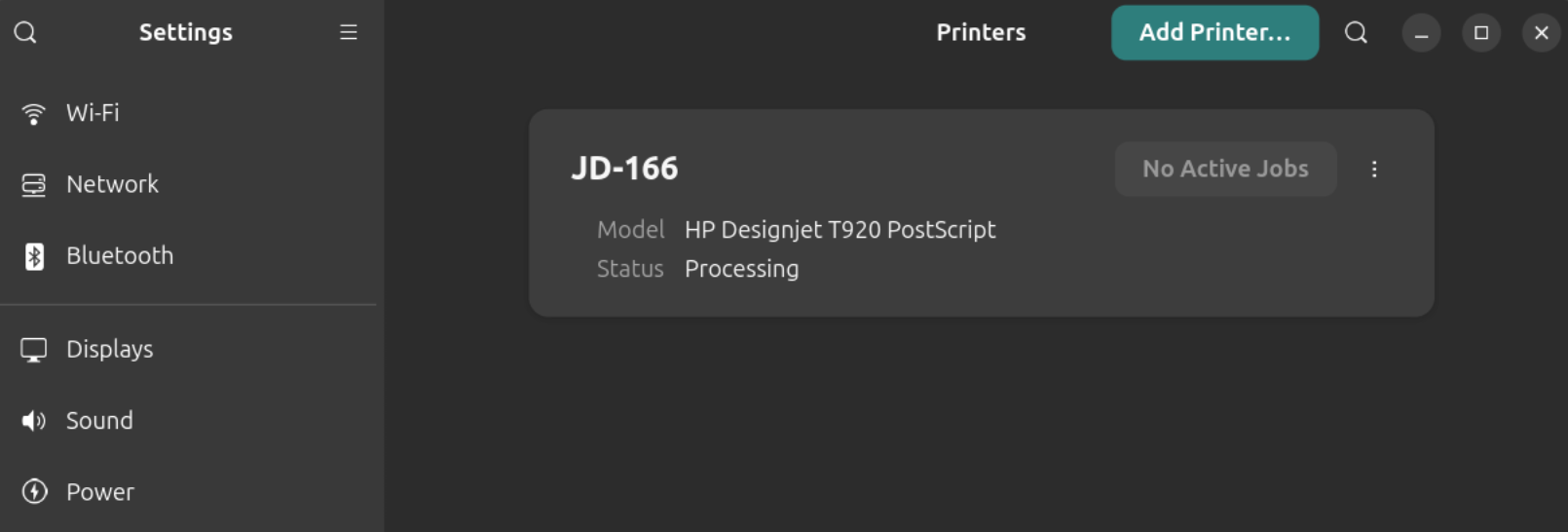
It was not. CUPS had picked the HP Designjet T920 PostScript driver for it, which is a large-format plotter driver. Print jobs went into the queue, showed “Processing”, and never finished. The status stayed stuck on a ppdFilterEmitJCL message in the CUPS logs.
To rule out the driver, I switched the queue to a raw queue and sent a few test files in different printer languages like ESC/POS, TSPL and ZPL etc. The jobs “completed” in CUPS, but nothing came out of the printer. CUPS marking a job as completed only means the data reached the printer. It does not mean the printer understood it.
Well, that was the indication that the generic CUPS is not going to work. Thankfully, Jadens provides drivers for Linux, or should I say Debian? Because there is only .deb file to download.
I installed it, unplugged the printer, and plugged it back in. The Jadens printer was recognized properly. After that, the printer worked and printed pages correctly. No issues at all.
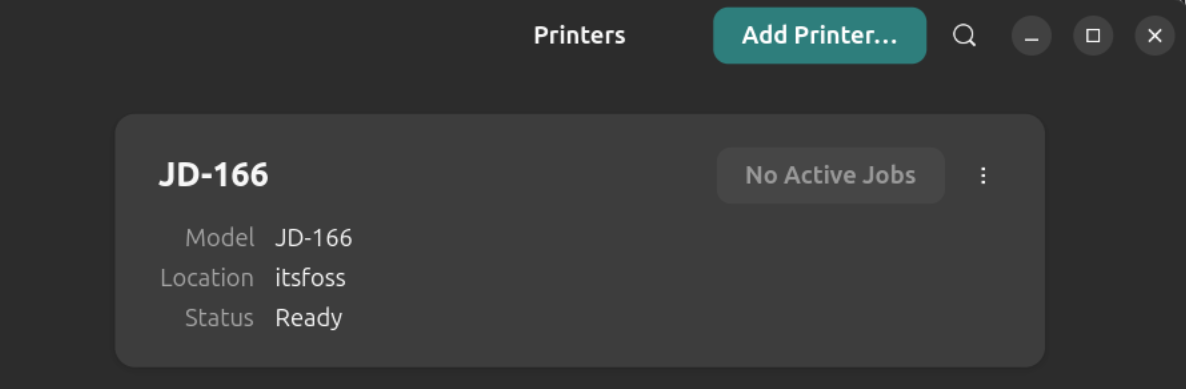
Print settings available in Ubuntu
The driver exposes a decent set of options through CUPS. You can check them with:
lpoptions -p JD-166 -l | grep -E '^(PageSize|Resolution|Darkness|ColorModel)'
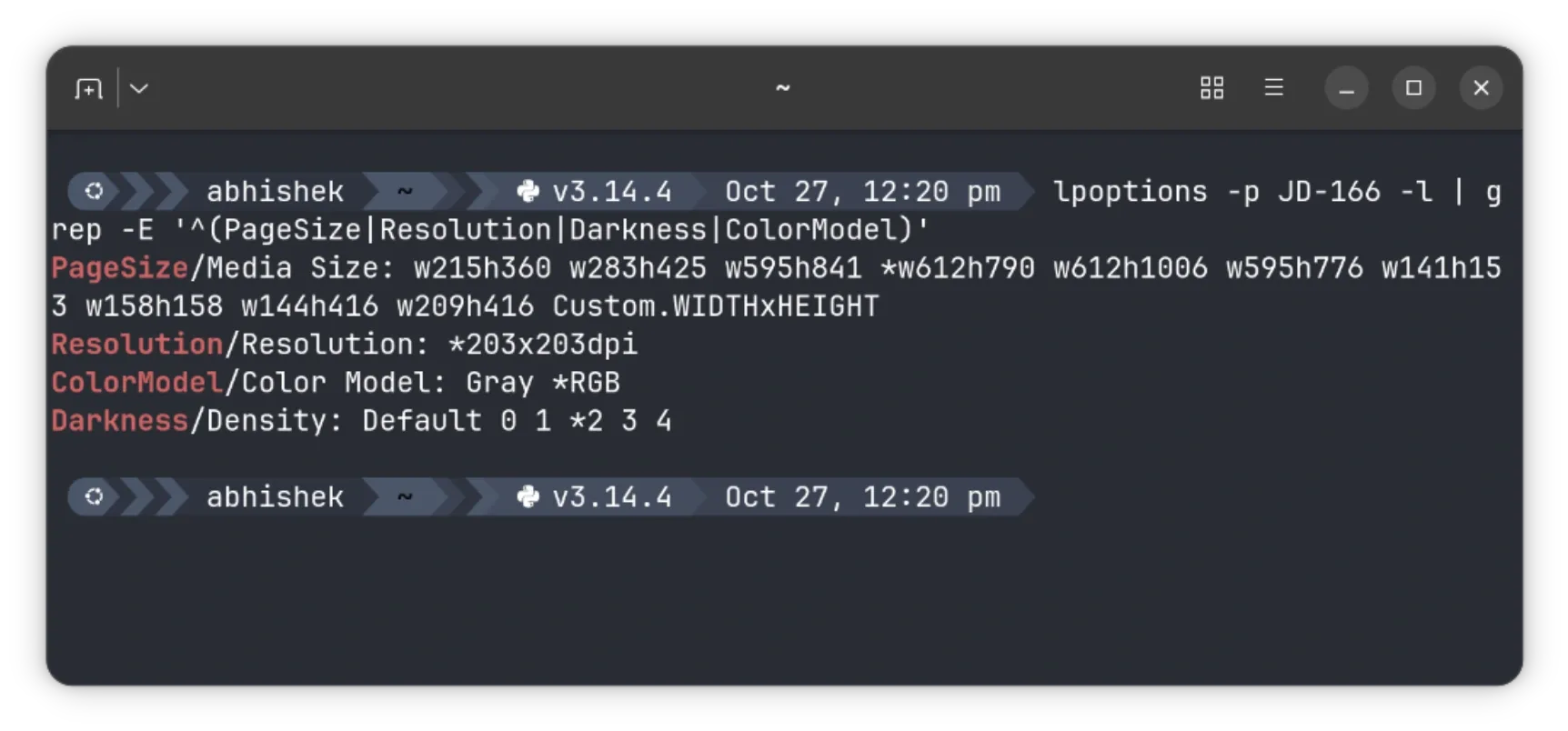
The ones that matter most are page size (A4 is w595h841), Darkness (0 to 4, default 2), Color Model (Gray or RGB), and a few image options like Threshold and Contrast.
You can set defaults like this:
sudo lpadmin -p JD-166 -o PageSize=w595h841 -o Darkness=3
You don’t necessarily need to do this. You can also change the settings when you select something to print. Setting the defaults saves the trouble of changing the settings each time.
The mobile app has more configuration options for things like darkness and quality. I am not sure how many of them map to options in Ubuntu’s printer settings.
Print speed
For some reasons, LibreOffice kept on printing the document in landscape mode, no matter how many settings tweaks I did. ONLYOFFICE was better as it printed in portrait mode.
Here’s a demo of a single sheet print and you can see the printing speed for yourself and judge if it’s good enough for a handy, portable printer or not.
Is it worth getting the Jadens JD-166?
If you want color, double-sided printing or fast, cheap pages for everyday use, this is not the printer for you. If you travel often and need to print the odd document without hunting for a print shop, the JD-166 could be worth considering for emergency printing. This could also be a good gift idea.
It is small, it prints full A4 pages, and once the driver is installed, it works well on Ubuntu and probably other Debian-based distributions. Since the printer has battery, no need to attach the USB cable all the time.
Jadens JD166 is available on Amazon US and other countries. Pricing starts around US $60. You can also order it from their official website, although a regular e-commerce store like Amazon would be more convenient.
