
Signal Will Let You Sign Up Without a Phone Number — For $3
Signal is an end-to-end encrypted messenger that doesn’t really need an introduction in this age of authoritarian overreach. Since the beginning, it has required a phone number at signup, even after it gained username support.
It’s been quite weird to see, given that other privacy-focused messengers like Session and Matrix have never required a phone number to get started.
The beta release of Signal 8.28 for Android changes that with Signal Login, an optional registration path that skips the phone number requirement entirely. The existing flow remains in place for anyone who wants to stick with the standard registration method.
How numberless logins work
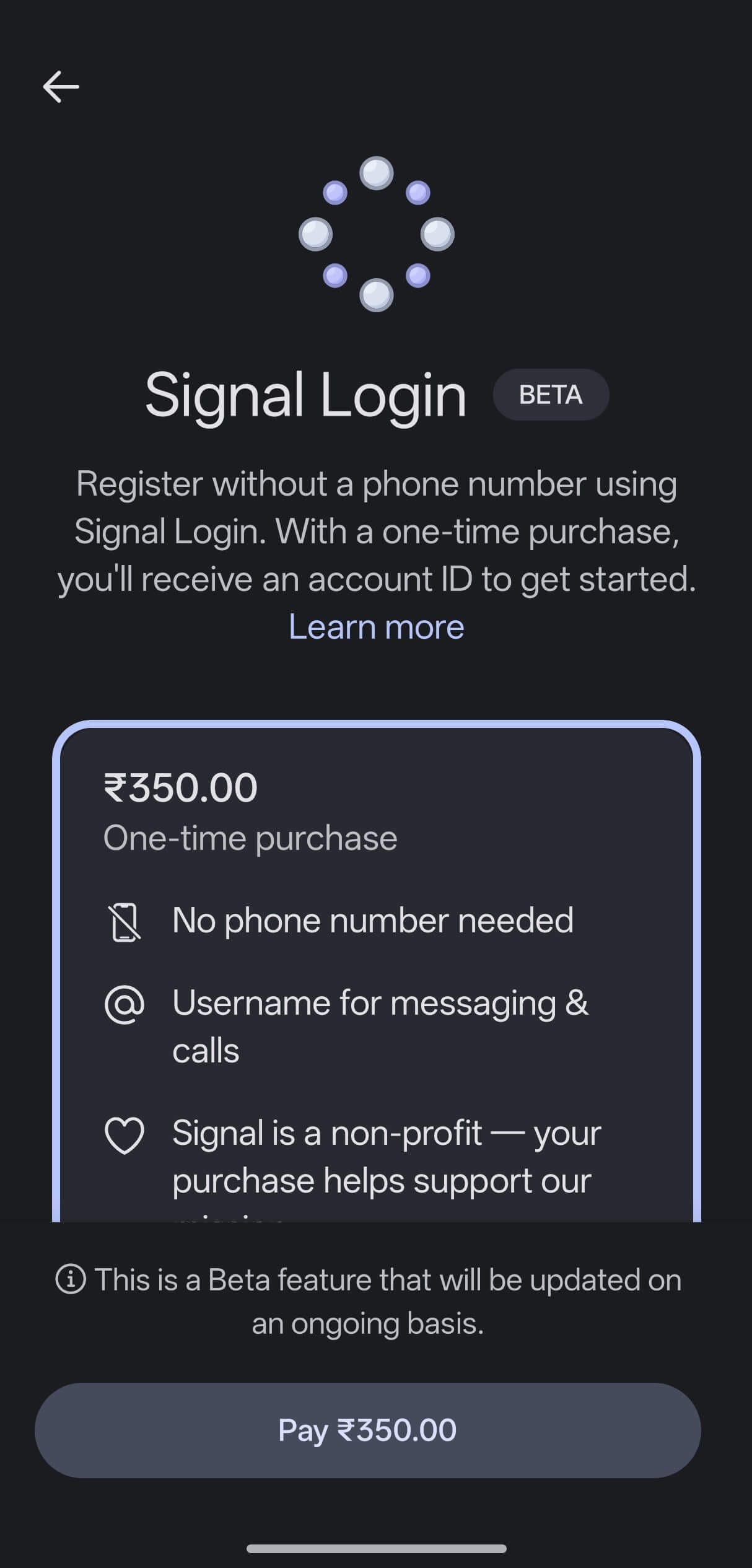
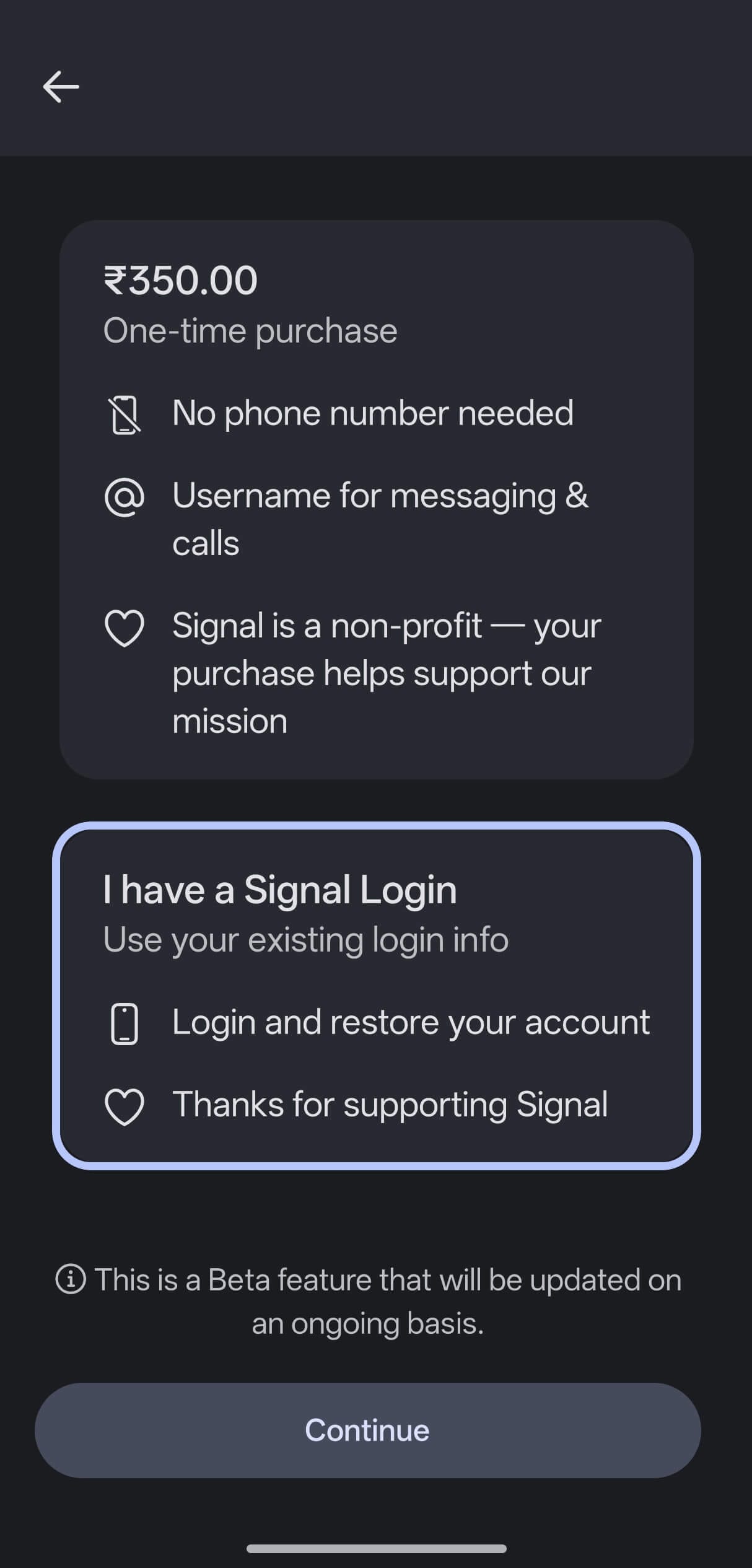
The pricing shown changes according to your device’s region.
Instead of asking for your mobile number, Signal will ask you to pay a one-time $2.99 fee via Google Pay, and the exact pricing depends on your device’s region.
I say that because even with an active VPN connection that was pointing to the United States, Signal still showed me pricing in INR instead of USD.
And if you are worried about Google’s involvement in this, Greyson Parrelli of the Signal team points out that the payment runs through the same zero-knowledge proof setup it uses for donations.
This way, no link is created between the purchase and the new account.
Once payment completes, Signal generates two keys. A 32-character Account ID and a 64-character Recovery Key replace the phone number as the account’s identity. Keep in mind that Signal doesn’t have a recovery mechanism for these if either is lost.
Two-factor authentication via TOTP can be added after registration as extra protection, and passkey support, including hardware keys, has been confirmed.
If you were looking for the details on iOS support, then know that Signal Login won’t be arriving on that platform anytime soon.
The Play Services caveat
The feature currently requires Google Play Services, as payments run through the Play Store, making it such that devices without Play Services cannot access it. If you are running a de-Googled smartphone, then you will have to wait as more payment methods are planned.
While the support documentation for this feature lists Apple Pay alongside Google Pay as a payment option, this contradicts what I saw in the beta app, as well as what Greyson has written in the Signal forum.
You can test it now
The latest packages in the 8.28.x beta series can be downloaded from Signal’s GitHub releases page. To sideload it on your Android device, follow these instructions:
- Find the latest version in the 8.28.x series and download the
universal-releaseAPK file from the “Assets” dropdown. - Install it on your Android device; you might need to allow installs from unknown sources to get this done.
- Open Signal, tap “Continue“, then select “Register Without Phone Number.”
- Complete the $2.99 purchase via Google Pay.
- Save your Account ID and Recovery Key on a notepad or a password manager before proceeding.
